Approve what Engage prepared
Open the cards an agent prepared in Ask Adapt, read what each will do, and approve or cancel it within 30 minutes.
You will have an agent's card either approved and carried out, or cancelled. Nothing is sent by this.
Make Engage prepare something
- Open Agents and click Engage.
- Type "campaign" and the campaign's name, for example "campaign Sheffield accountants". Add the word "queue" or "add" to also prepare adding people.
- Click the run button. Engage prepares cards: Emails written for a campaign and People added to a campaign. With no name it only reads your campaign list.
Engage needs Adapt Outreach to be open for your sign-in. See The Engage agent.
Approve
- After a run you see "Prepared 2 cards for you to approve. Nothing was sent."
- Click Agents, then To review, or Review what is waiting on the run summary.
- Click Open them in Ask Adapt. Each card shows what it will do, in label and value lines, with warnings.
- Press Approve to carry it out, or Cancel.
- The card shows Done with "Approved by you", or Cancelled, or Not done if it did not go through (nothing changed).
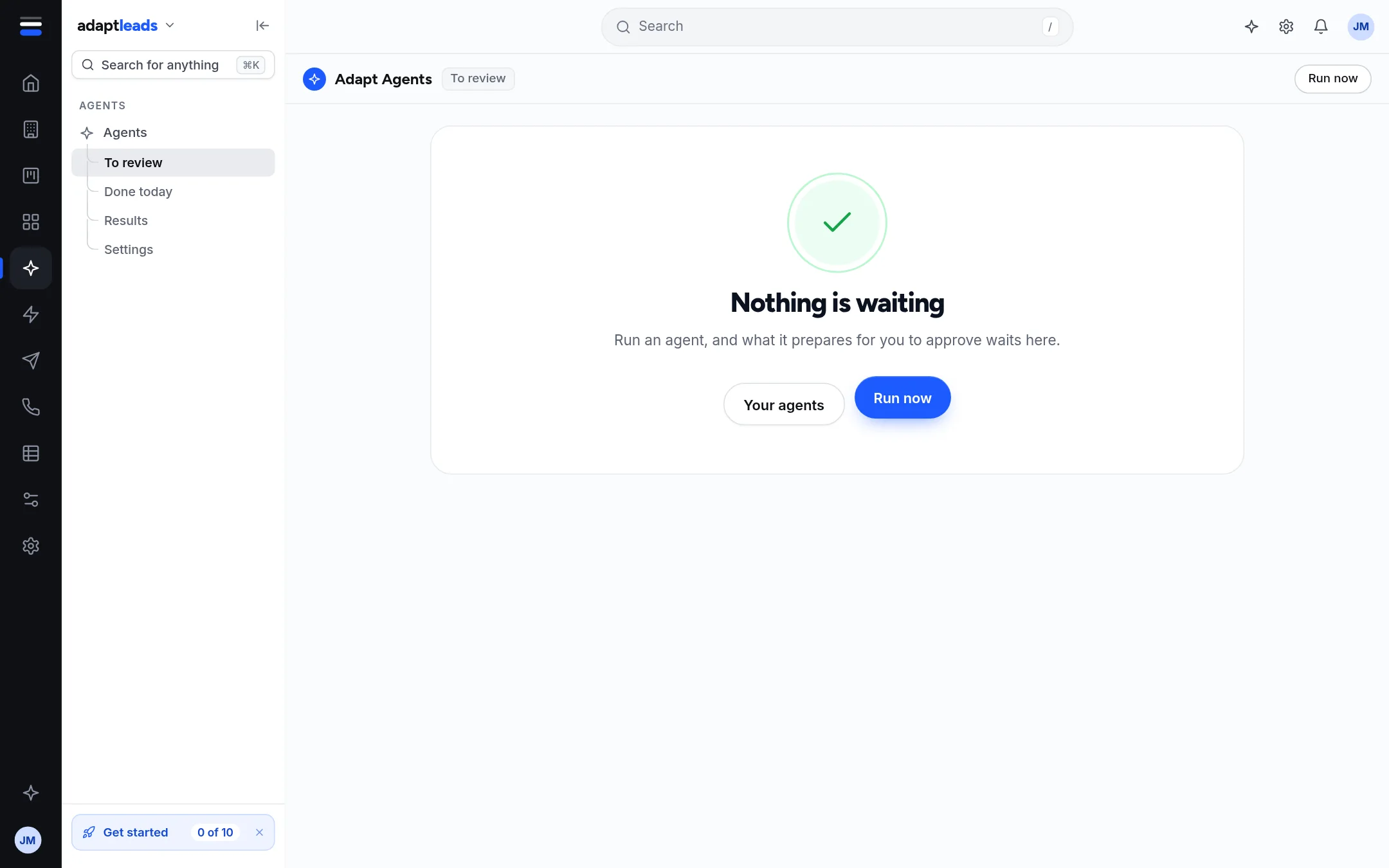
What the To review page shows
"Up to N cards are waiting for you". It says "up to" because the count includes expired cards nobody cancelled. A Cancel there stops a card from ever running. It does not say what a card will do; open it in Ask Adapt.
Timing
A card lasts 30 minutes. After that you see "That card has expired, so nothing changed." Run the agent again. A card works once, for your account only.
What happens after Engage's cards
Approving writes the emails as drafts or adds people to the campaign. It does not start the campaign or send. Launching has its own approval step: see Approve and launch a campaign.
What nothing can do
No agent approves its own card. Nothing is sent, no campaign starts and no credit is spent until you approve. See Approvals and cards: why Adapt asks first.
If something goes wrong
If Ask Adapt shows no cards, ask "Show my approvals". See Approval cards: what Adapt proposes and what you approve and Agents and Workflows problems, by message.