Set up your feed
Answer five questions in the Adapt Insights wizard so Feed, Analytics, Movers and Sectors show only your market.
You will end with a saved feed that is the same on any browser. It takes about a minute.
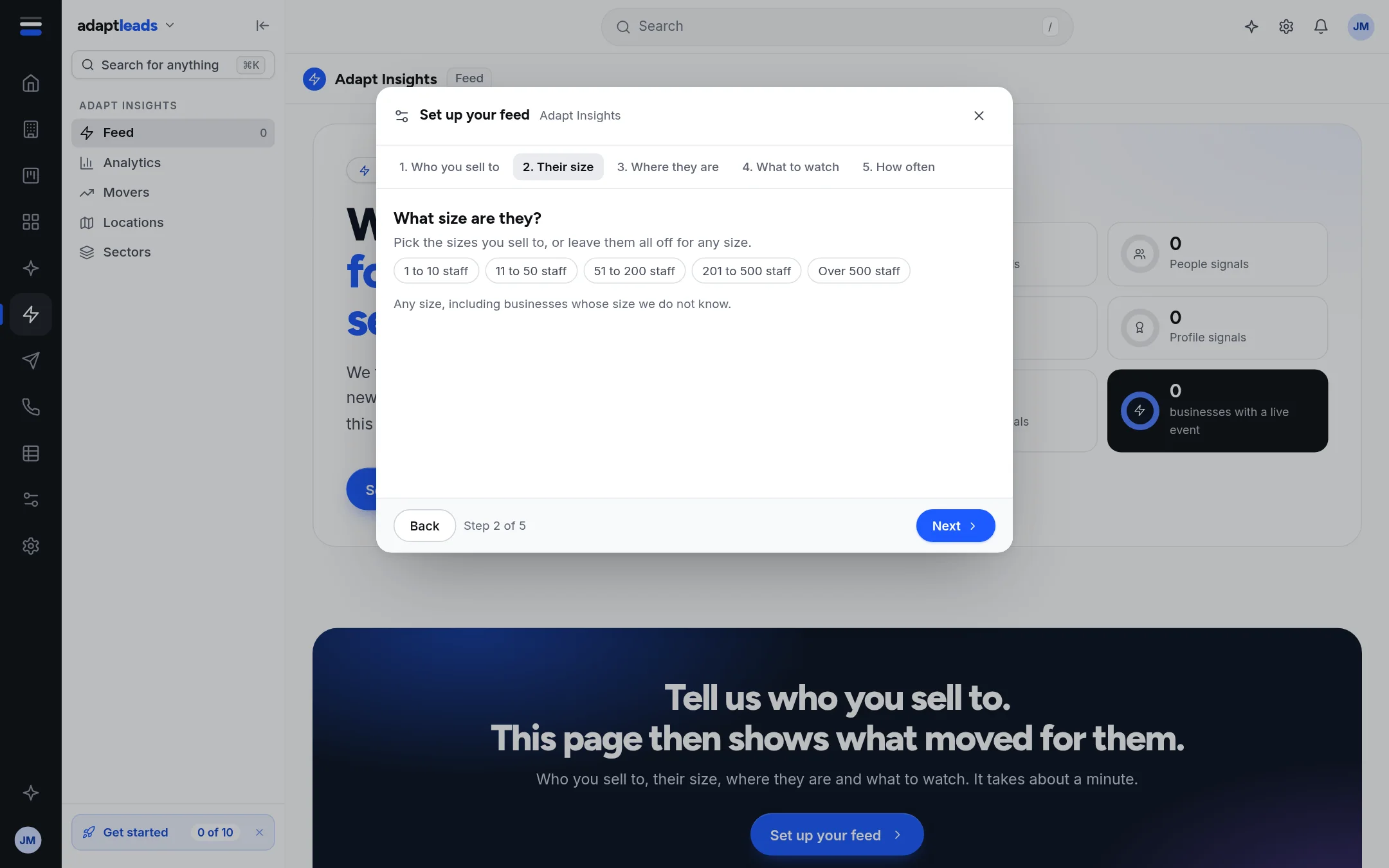
Steps
- Open Adapt Insights, then Feed, and click Set up your feed. If you have saved one, the button says Edit my feed. A new account is also asked once per browser session.
- 1. Who you sell to. Search for sectors and click each one. You can pick up to 30. With none picked it says Every sector.
- 2. Their size. Pick from 1 to 10, 11 to 50, 51 to 200, 201 to 500, or over 500 staff. Leave all off for any size. Keep Include the ones whose size we do not know on, or you will miss most businesses: staff numbers are known for only a small share.
- 3. Where they are. Search a town or a postcode area, such as Leeds or LS. With none picked it says All of the UK.
- 4. What to watch. Choose kinds of news, grouped as Growth, People, Profile, Changes, Relationships and Risk. Pick at least one. A switch adds Industry news for your sectors.
- 5. How often. Choose Only in the app, Daily email or Weekly email.
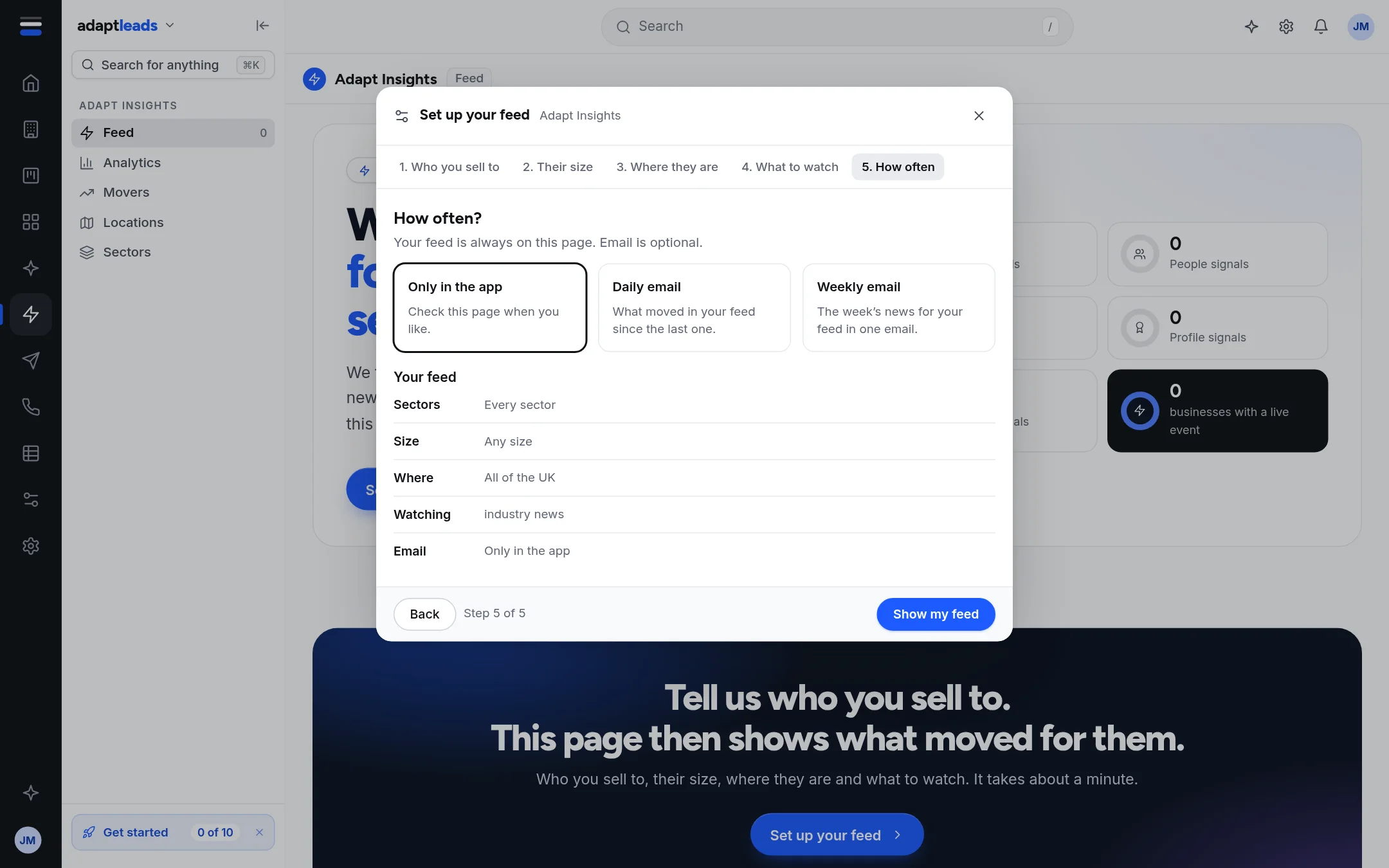
- Click Show my feed, or Save and email me daily or weekly.
What happens next
Your feed is saved to your account. The pages reload with your market. If you chose an email, the first one comes with the next send, to your account email, and only when something moved. Every email has a link to turn it off. See Get your signals by email, daily or weekly.
Change it later
Click Edit my feed, or the chip that shows your sectors and places. Choose Only in the app to stop the emails.
Who else reads it
Feed, Analytics, Movers, Locations and Sectors use it. The Search agent reads it to prepare reasons to call: see Turn on the Search agent. The Set up page's Who you sell to card opens this same wizard: Set up Adapt Leads in ten minutes.
Limits
- Up to 30 sectors, and at least one kind of news.
- If the sector list does not load, the step says so; try again in a moment.
- The Feed window is fixed at the last 120 days.
If something goes wrong
If the Feed is empty after you save, your setup may be too narrow. Widen it, or use The whole UK market. See Filter and search the Feed and Insights, Analytics and Home gaps, by message.