Launch an email campaign (the approval step)
Send a test, pass the spam check, approve the exact content and launch. Nothing sends until a person does.
You will have a campaign that is Active and sending. Nothing goes out until a person presses Approve and then Launch.
Before you start
The campaign needs leads, a written step 1, a connected sending mailbox and a schedule with at least one day: Build your first email campaign. You are responsible for who you email: The rules for cold email, PECR and UK GDPR.
Steps
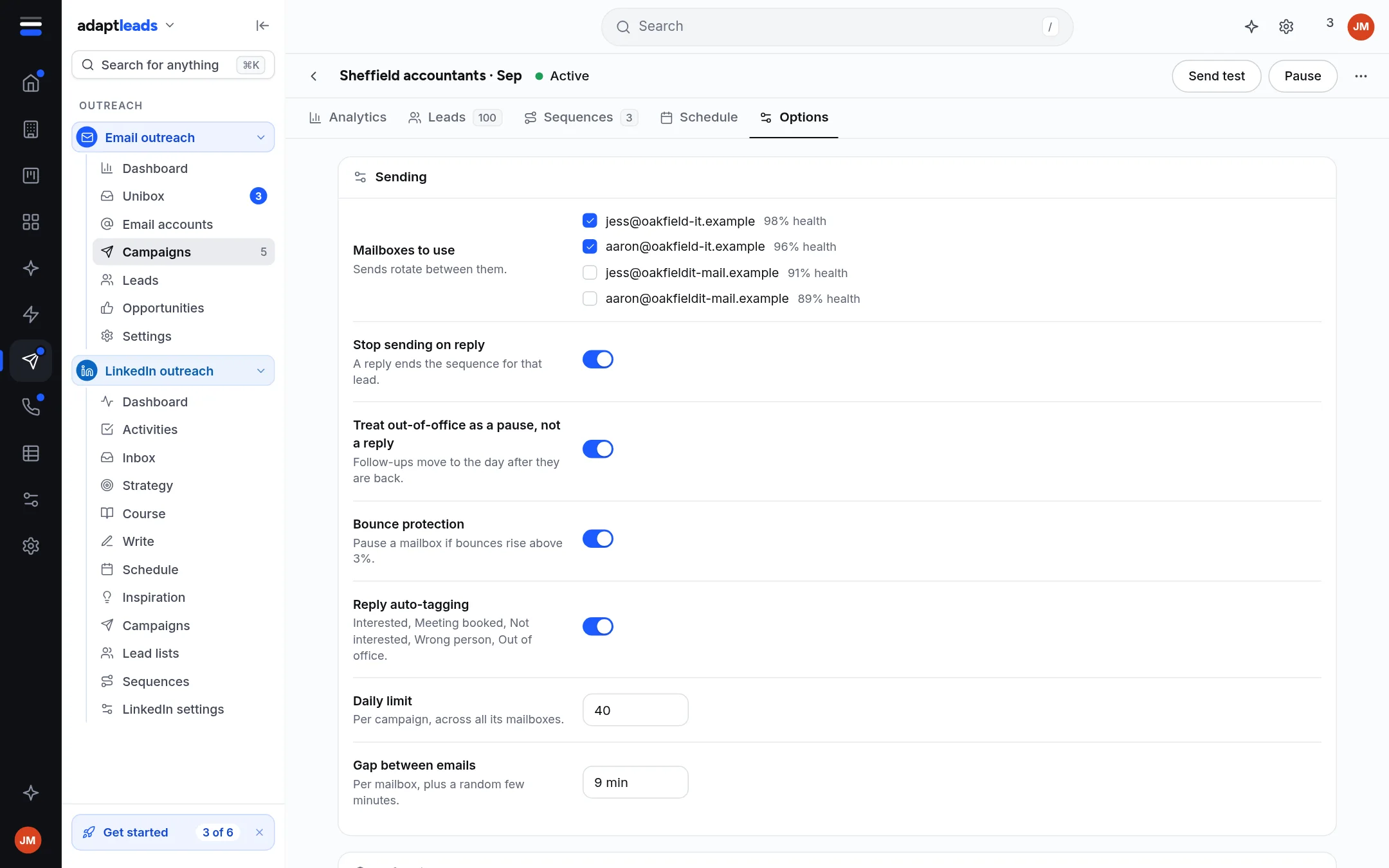
- Open the campaign, then Options, and scroll to Before it can launch.
- Click Send test (optional). Type your own address and read it in your inbox. A test goes to that address only, never to a lead.
- Click Run spam check. Unsaved changes are saved first. If it says Found things to fix, fix the items marked Must fix, save, and run it again.
- Click Approve. Approval covers the exact emails, mailboxes, lead list, schedule and limits.
- Click Launch. Read the summary: who gets step 1 and how many, which mailboxes, the days, window and time zone, the daily limit, the gap and the follow-up days. Anyone on your do-not-email list is skipped.
- Click Launch and start sending.
What happens next
The campaign becomes Active. The first one or two emails go out straight away, even outside your window. The rest follow inside it. Follow-ups go on their own days. Replies arrive in the The Unibox: read and sort replies.
This sends real email
Check the summary before you press the last button. You can stop it at any time: Pause an email campaign.
If Launch is greyed out
Hover over it. It says what is missing, for example "run the spam check and pass it". If you change anything after approving (an email, a lead, the schedule), the spam check and approval go stale and you must run them and approve again. The server checks this on every email, so an old approval cannot let changed content out.
More detail: Approve and launch a campaign. If nothing goes out, see My email is not sending.