Stop emailing someone
Add an address to the do-not-email list so no campaign emails it again, and what Adapt does not do for you.
You will have added the person to your do-not-email list, so no campaign emails them again. Do it the same day they ask.
Steps
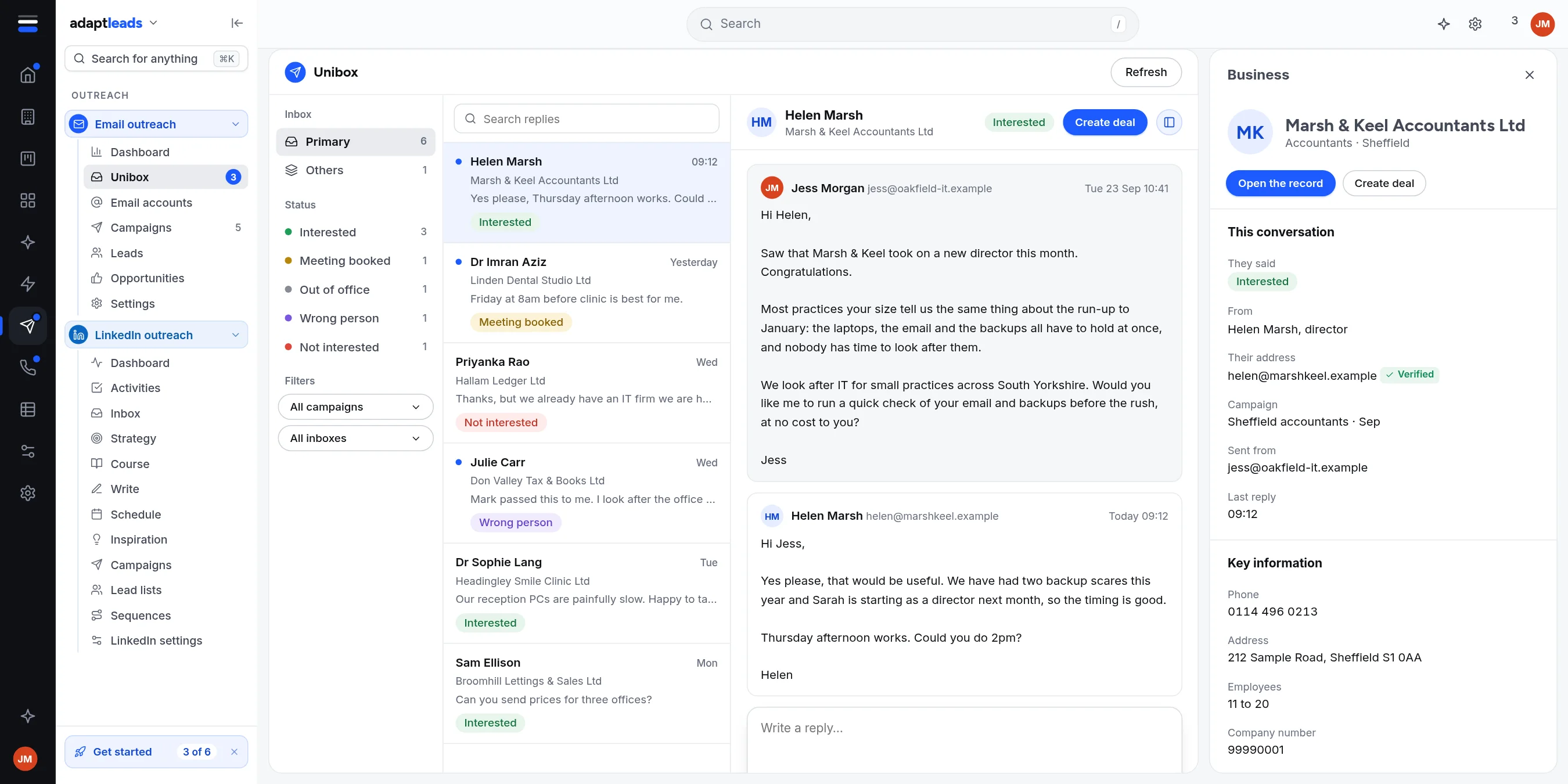
- Open Email outreach, then Unibox, and click their reply.
- Click ....
- Click Add to do-not-email list.
- Confirm.
What happens
- No campaign emails that address again. It is marked Do not contact wherever it appears in your Email leads, with a red pill.
- Anyone on the list is skipped when a campaign launches or resumes, and an import tells you how many it blocked.
- The reply stays in the Unibox.
If they asked by another route
Keep stop requests from every route, including replies you read in your own mail app, and add each one the same day. The do-not-email list is filled from the Unibox. The separate suppression list in Settings holds addresses and domains you never want to contact anywhere in Adapt Leads: see The suppression list. It is a different list, so add the person where you need them blocked.
What Adapt does not do
- It adds no unsubscribe link or footer. Put a plain opt-out line in every email, for example "If you would rather not hear from me, reply stop and I will not email you again." Put your name and your business's name and address in the email too.
- It adds no unsubscribe header. Unsubscribe header is listed as Not available yet.
- It does not remove someone automatically when they reply "unsubscribe". The reply is tagged Unsubscribe and that is all.
Pausing a campaign or removing a lead is not the same as the list. Use the list for anyone who objects.
Read The rules for cold email, PECR and UK GDPR and Unsubscribes and the do-not-email list. This is guidance, not legal advice.