Mark a business as do not contact
Add the email address or website domain to your suppression list in Settings. Matching rows are labelled or hidden.
You will have an address or a whole domain on your own do-not-contact list, so matching rows are labelled or hidden where you search and work with lists.
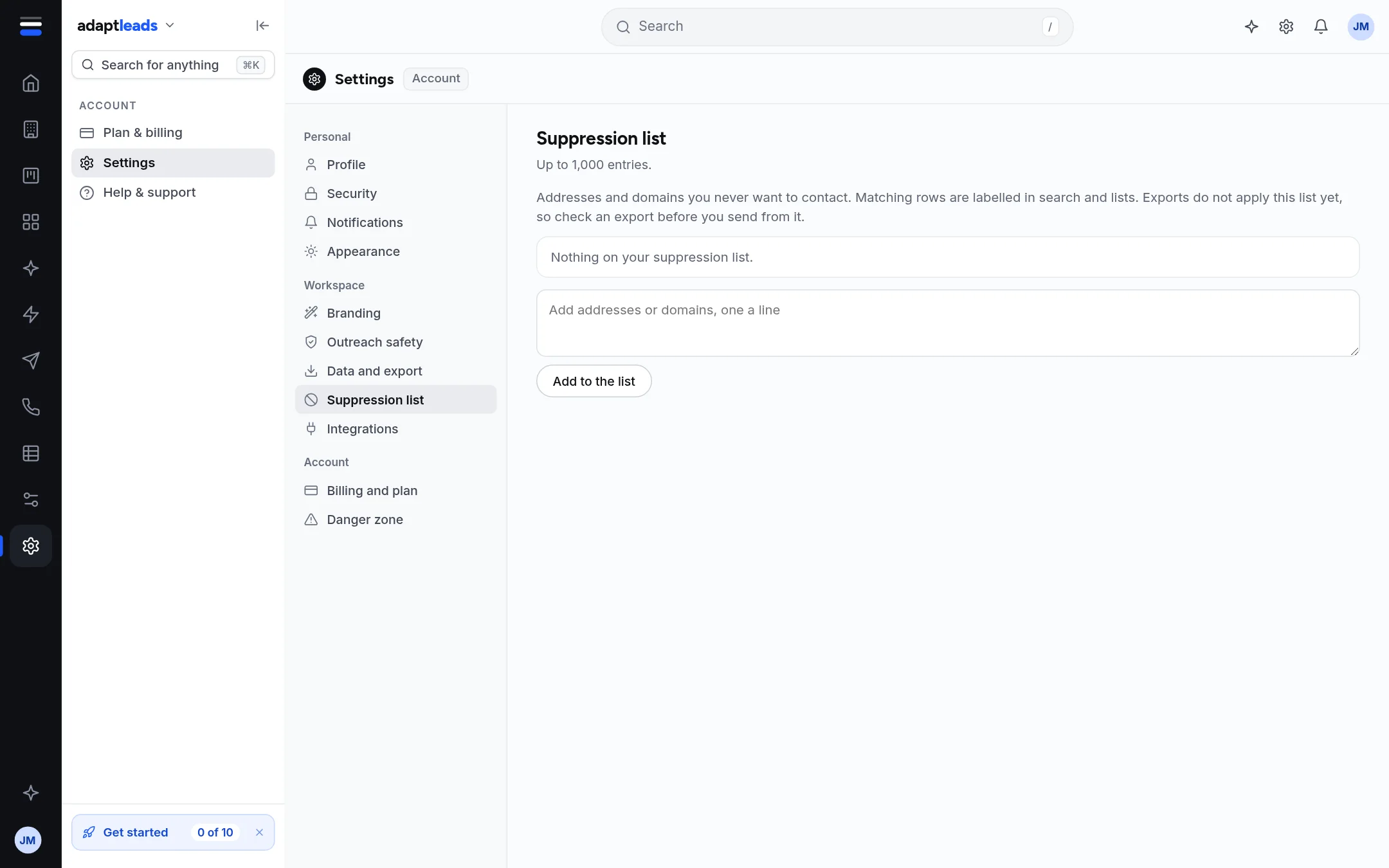
Steps
- Open Settings, then Suppression list.
- In the box, type the addresses or domains, one a line. Commas and semicolons also separate them. Spaces inside an entry are not allowed. A domain such as
example.comcovers every address at it. - Press Add to the list. It saves at once: "Suppression list saved".
Entries are saved in lower case, a duplicate is ignored, and the list stops at 1,000 entries. Press Remove beside an entry to take it off.
What you will see
On Businesses, Directors, a list's page, All revealed and Revealed people, a bar says either "N rows on this page are hidden by your suppression list." with Show them, or "N rows ... are on your suppression list, labelled below." with Hide them. Shown rows carry a red On your suppression list pill. Hidden is the default.
Let Ask Adapt do it
Say "Do not contact info@marshkeel.example". It prepares an approval card and, once you approve, adds the entry. It also adds it to Adapt Outreach's blocklist so campaigns never email it. See Approval cards: what Adapt proposes and what you approve.
Exports do not apply the list
The Settings page says "Exports do not apply this list yet, so check an export before you send from it." Look through a file against your list before you send from it.
What it does not do
- It does not match by name. Add the address or domain.
- It does not stop you opening or revealing a record.
- It is separate from Adapt Outreach's own do-not-email rules and yours alone. See Unsubscribes and the do-not-email list.
If someone asks to be removed
See Handle a request to be removed. Whether you may contact someone is guidance for you to take seriously, not legal advice: PECR and UK GDPR apply. See PECR and UK GDPR in plain words for a B2B seller.
If something goes wrong
If a row still shows, check the exact address or the domain you typed. If the page says "That did not save", nothing changed; try again.