Export everything you hold in Adapt Leads
Export every contact you have revealed from Settings, Danger zone, or from Lists. There is no single export of the whole workspace.
You will have a CSV of every contact you have revealed, and know where to get the rest.
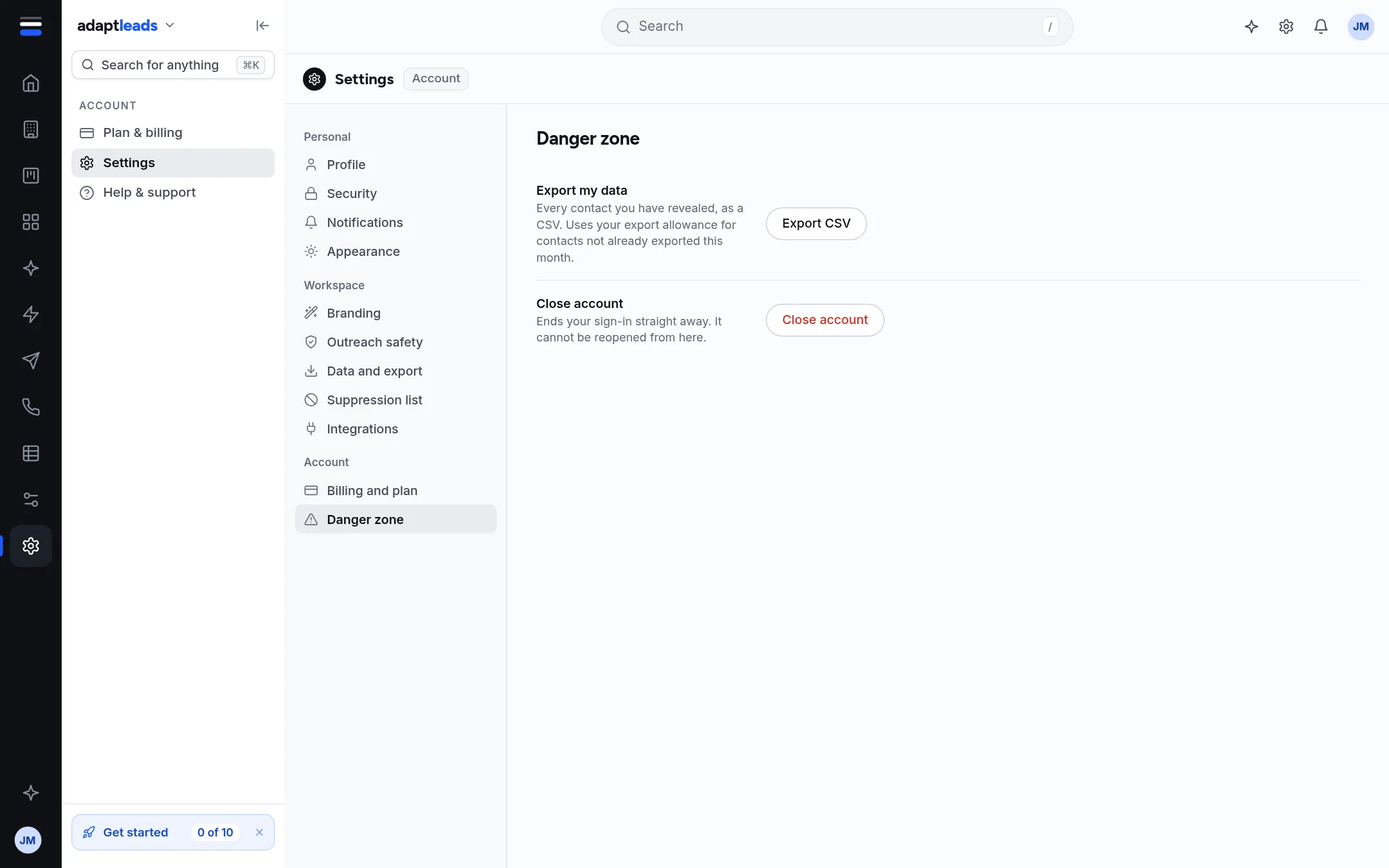
Export your revealed contacts
- Open Settings, then Danger zone.
- Beside Export my data press Export CSV. It exports every contact you have revealed.
Contacts not already exported this month use your monthly allowance. Exporting the same contact again in the same month is free. If the allowance is used you see "Monthly export allowance reached" and nothing is exported. See Exports and your monthly allowance.
The same thing from Lists
- Open Lists, then All revealed.
- Click Export, choose Everything you have revealed and the column groups, and press Download N rows. See Export a list to CSV.
One file holds up to 25,000 records, so a larger set goes out in parts.
The rest of your work
| What | Where to get it |
|---|---|
| A saved list | Open the list and press Export. |
| Saved searches | Not exportable. Note the filters. |
| Uploaded files | You still have your own originals. Download your file with the matches returns yours with the match columns. See Enrich a whole list. |
| Your suppression list | Copy it from Settings, Suppression list. |
| Ask Adapt chats | Copy what you need. See Find an old chat. |
| CRM, campaigns, call logs | Use the export in their own areas, or email hello@adaptleads.co.uk. |
What is in the file
The columns you choose from Business, Contact, Company and Socials, the date you revealed each record and an export reference that traces the copy to your account.
What happens next
If you are leaving, see Close your account. If you want a copy of the personal data Adapt holds about you, see Ask for your data.
If something goes wrong
If nothing downloads, check you have revealed contacts and have allowance left. See My export was refused.