Approve what an agent prepared
Agents prepare cards. You approve them in Ask Adapt. A card expires after 30 minutes. Nothing is sent until you approve.
You will end with an agent's card either approved and carried out, or cancelled.
Steps
- After a run, a message such as "Prepared 2 cards for you to approve. Nothing was sent." appears.
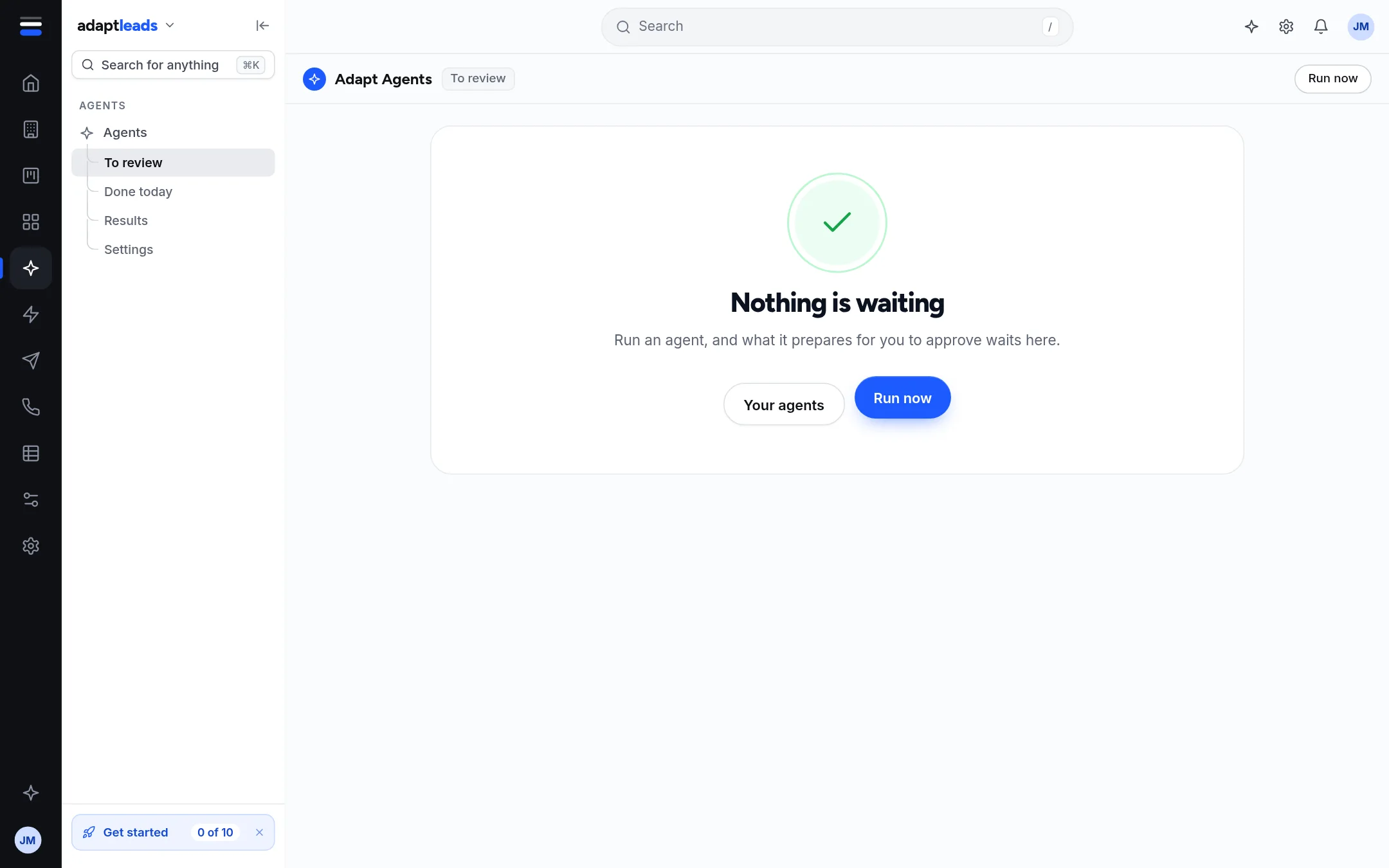
- Click Agents then To review, or Review what is waiting on the run summary.
- Click Open them in Ask Adapt. Each card there shows what it will do before you press Approve.
- Press Approve to carry it out, or cancel it.
What the To review page shows
- "Up to N cards are waiting for you". It is "up to" because the count includes expired cards that nobody cancelled.
- Cards prepared in the last 30 minutes, with who prepared them and how long they have left.
- A Cancel on a card stops it from ever running.
It does not list what a card will do, because the server returns only a card's number. Use Ask Adapt for that.
Expiry
A card expires 30 minutes after it is prepared. Run the agent again to get a fresh one.
What nothing can do
No agent approves its own card. Nothing is sent, no campaign starts and no credit is spent until you approve. See Approvals and cards: why Adapt asks first.