Download your invoices
Invoices and receipts come from Stripe by email. The app has no invoice list.
You cannot download an invoice from inside Adapt Leads yet. This page shows where to find a receipt, and how to ask for an invoice.
Find a receipt
- Search your inbox for an email from Stripe. It is sent to your account email after each payment.
- Open it. The receipt page is on Stripe's site, and you can print or save it from there.
- If you cannot find it, check your spam folder and any other address you may have used to pay.
See that a payment happened
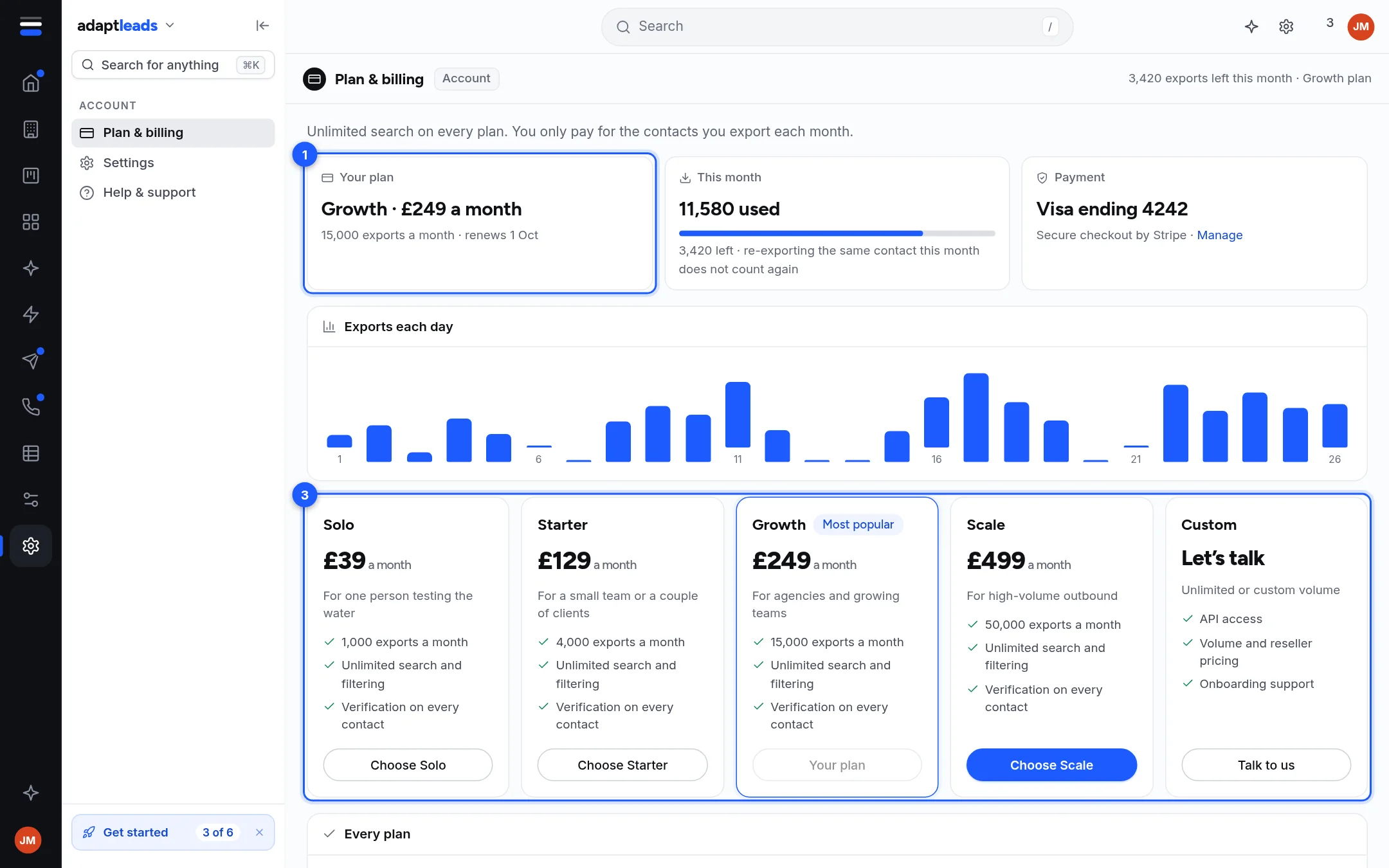
- Open Plan and billing.
- Look at Account activity. It lists events such as "Plan payment", "Account opened", "Contact revealed" and "Refund" with dates. It shows no amounts and no PDFs.
Ask for an invoice or a VAT receipt
Email hello@adaptleads.co.uk with:
- the email address on your account,
- the month you need,
- your company name and VAT number if you want them on it.
Card details
Card details are held by Stripe. There is no Manage card button in the live page. To change your card, email us.
What happens next
When you Change your plan, Stripe sends a new receipt. If you cancel or close your account, ask for any final invoice first. See Close your account.
If something goes wrong
If you were charged and the plan did not change, see Export and credit problems, by message. More on the page itself is in Invoices and receipts.