Get started
What you can build on today, what is private to the app, and what is not built yet.
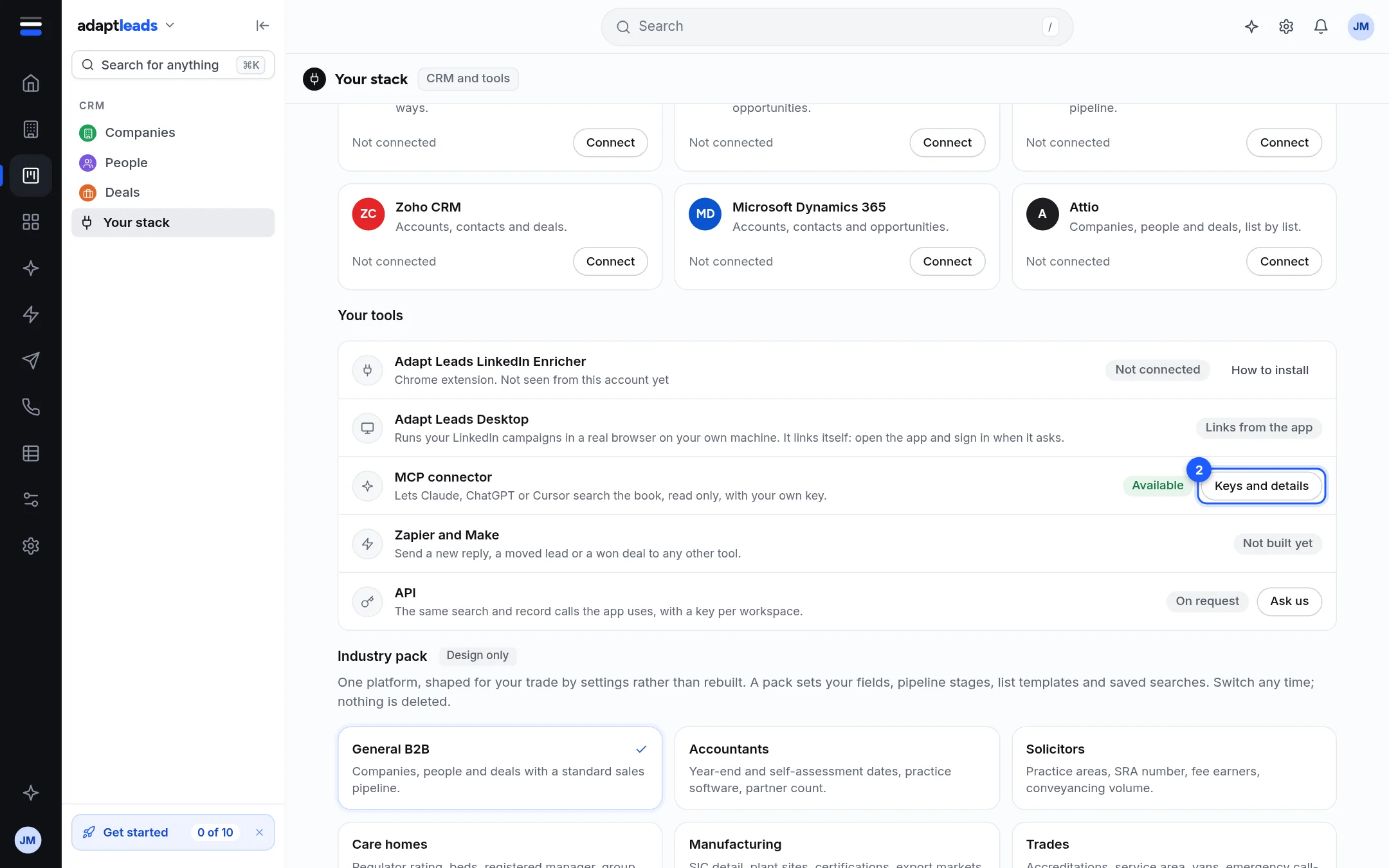
There is one supported way to build on Adapt Leads today: the MCP connector, which lets an AI assistant search the book and work with your lists and campaigns. Everything else is either private to the app or not built.
What exists
| Surface | Status | Who it is for | Start here |
|---|---|---|---|
MCP connector at https://mcp.adaptleads.co.uk |
Live | Claude, ChatGPT, Cursor or any MCP client | What the MCP connector is for |
Keys (adl_...) and connector sign-in (OAuth) |
Live | Anyone using the connector | Keys, sign-in and permissions |
The app's own routes under https://app.adaptleads.co.uk/api/market |
Live, private, can change | The app and the Chrome extension | How the app's API is organised |
Skills (POST /market/skills/run) |
Live, sign-in token only, shipped by Adapt | The app | What a skill is |
| Webhooks | Not built | ||
| Zapier and Make | Not built | ||
| Self-serve REST API with a key | Not built. Access is on request through hello@adaptleads.co.uk | How the app's API is organised |
The shape of the platform
- The book is the searchable set of UK businesses and people. Search and viewing do not use your export allowance. Contact details are masked until you reveal a record. A new reveal costs one credit.
- Your workspace holds your lists, saved searches, campaigns and CRM. Each belongs to an organisation, and the organisation comes from your sign-in. No request can pick a different one.
- Approvals. Anything that sends, spends, or starts something waits for a person to approve it in the app. The connector can prepare a card. It cannot approve it. See Approvals and cards: why Adapt asks first.
What the connector will never do
It cannot send an email or a LinkedIn message, start a campaign, approve a card, delete anything, or reveal how a record was judged. See What the connector will not do.
Where to go next
- Keys, sign-in and permissions to get a key or sign in.
- Make your first call to make a call and read the answer.
- Rate limits, credits and allowances before you plan a large job.
- MCP connector tools for every tool.
- Keys, sign-in and permissionsHow to authenticate to the connector with a key or with OAuth, which permissions exist, and how long each credential lasts.
- Make your first callCreate a key, list the tools, then run a search against the connector with curl.
- Rate limits, credits and allowancesThe ceilings on connector calls and rows, what uses a credit or an export, and what to do when you hit one.
- Errors and what they meanThe error shapes the connector and the app's routes return, with the codes and what to do about each.
- Where API and connector changes are listedHow changes to the connector's tools and permissions are announced, and what is not versioned.