Reset your password
Ask for a reset link by email, set a new password, or change it from Settings when signed in.
You will have a new password and be able to sign in again.
If you cannot sign in
- On the sign-in page press Forgot password?.
- Type your account email and send it. The page always says a link has been sent, whether or not an account exists, so nobody can use it to find out who has one.
- Open the email "Reset your AdaptLeads password" and press Set a new password.
- Type a new password of 8 or more characters and save.
- Sign in with it.
The link works once and for one hour. After that you see "This reset link is invalid or has expired". Ask for a new one. Check your spam folder if the email does not arrive.
If you are signed in
Change it in Settings instead:
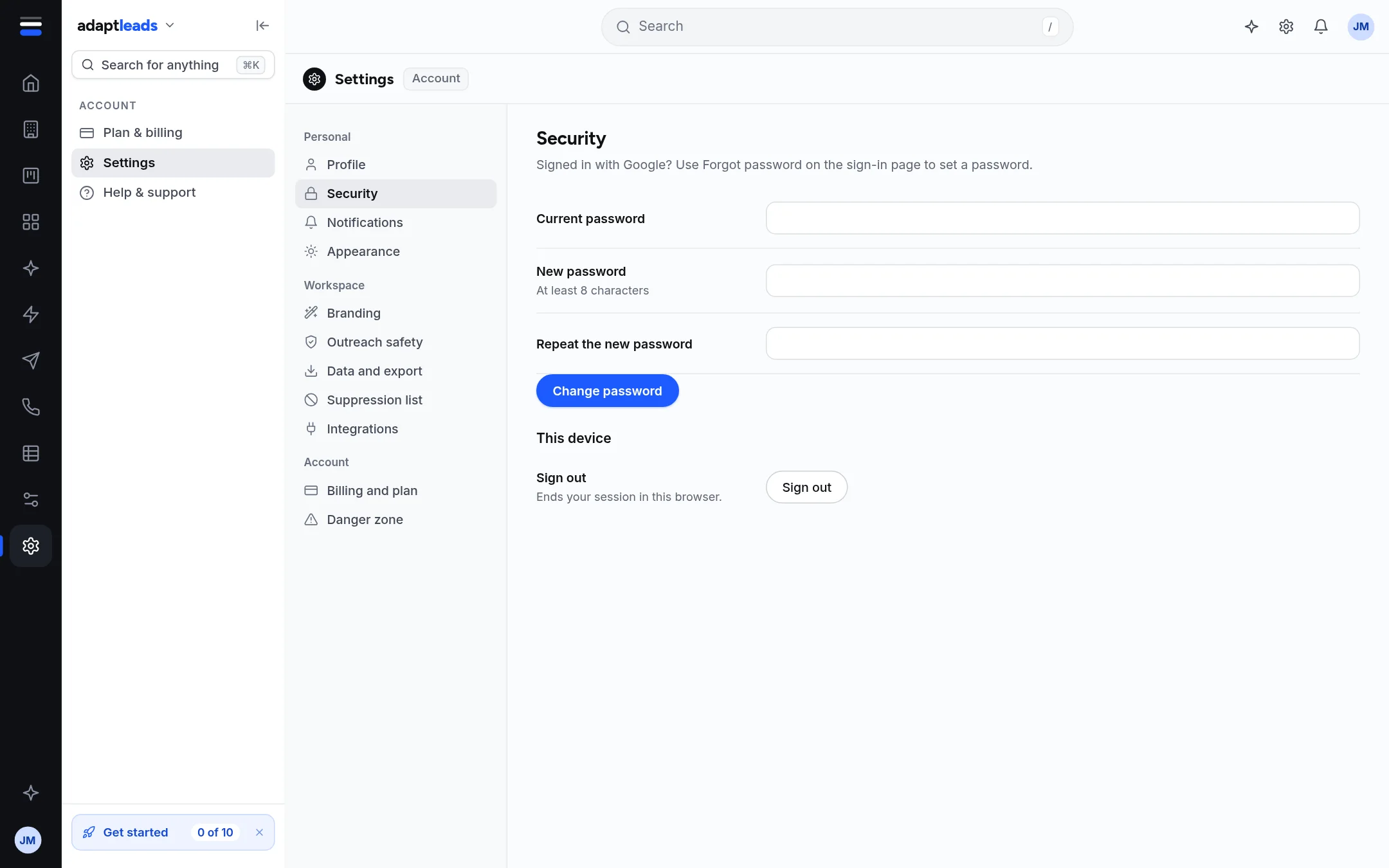
- Open Settings, then Security.
- Type your Current password.
- Type a New password (at least 8 characters) and Repeat the new password.
- Press Change password.
You see "Password changed". The errors you may meet are "The new password needs at least 8 characters", "The two new passwords do not match" and "Current password is incorrect". Nothing changes when one of them appears.
If you signed up with Google
You have no password yet. Use the Forgot password? steps above to set one. You can keep signing in with Google as well. See Sign in with Google.
What happens next
Other browsers where you are signed in stay signed in until their session expires. Sign out under Security ends only the browser you are using.
If something goes wrong
See I cannot sign in and Sign-in problems, by message. If the reset page will not open or the email never arrives, email hello@adaptleads.co.uk from the address on the account. Adapt Leads cannot read or tell you your password.