Build a LinkedIn campaign
Make a draft campaign from a spreadsheet of profile links, design its steps and run it from the extension.
You will have a draft campaign with its people and steps. A draft sends nothing.
Before you start
For a spreadsheet, a CSV under 2 MB with a column of LinkedIn profile links (linkedin.com/in/...). Adapt reads every profile link in it once, in your browser, and uses the first 2,000. Or choose Nobody yet and add people later: Add people from a LinkedIn search.
Steps
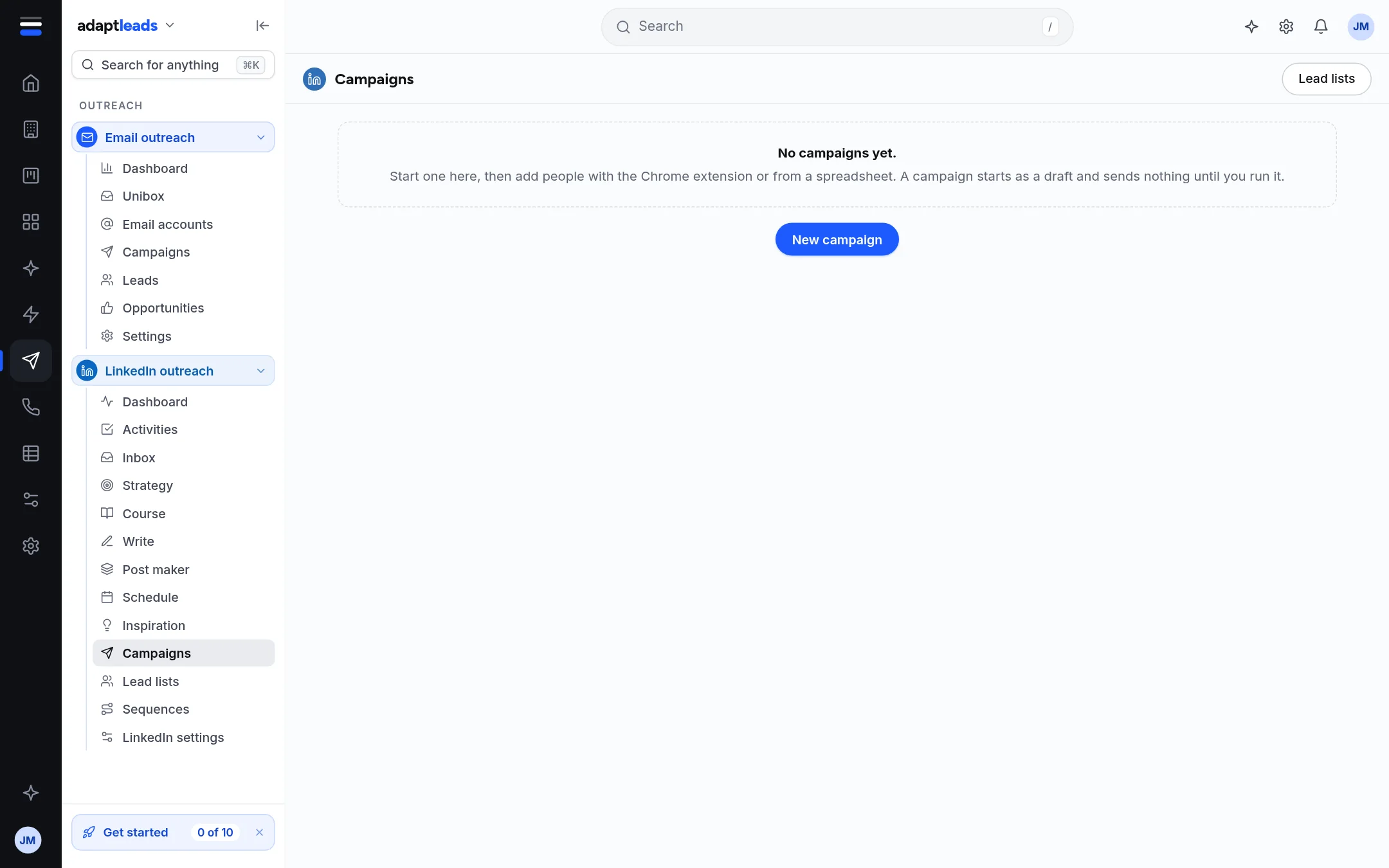
- Open LinkedIn outreach, then Campaigns, and press New campaign.
- Name and kind. Type a name such as "Accountants in Leeds". Choose Outreach (warm them up, connect, then a message), Warm-up (profile visits and likes only) or Network building (invites with no sales message).
- Who it reaches. Choose A spreadsheet and pick the file, or Nobody yet.
- The sequence. Choose a ready-made sequence to start from. You can change every step next.
- Check it. Read the summary, then press Save as a draft or Design the sequence.
The page says Nothing goes out until you design its steps and run it.
Design the steps
On the campaign's Sequence tab, click a step to change it. The steps the extension can run are: view their profile, like a recent post, follow them, send a connection request, send a message, wait, and the branches if they accept or reply. A connection note is at most 300 characters. Press Save to campaign: it asks first. See Sequences and steps.
What does not happen yet
- The extension does not resolve waits and does not check whether someone accepted or replied.
- Follow-up messages are not sent in a run yet.
- There is no per-campaign pace: all your campaigns share the limits.
- Marking a campaign Active marks it only. It starts nothing.
If the file shows No LinkedIn profile links were found, it has no column with linkedin.com/in/ links.
Next: Send connection requests safely. More: Create a LinkedIn campaign. Keep to your own legal basis for people you contact: PECR and UK GDPR in plain words for a B2B seller.