Find 100 accountants in Sheffield
Filter the UK book by sector and town, show 100 rows a page, and put the businesses on a list.
You will have a table of accountants in Sheffield, 100 to a page, ready to put on a list. Searching costs nothing and sends nothing. Sheffield and accountants are an example: use your own sector and town.
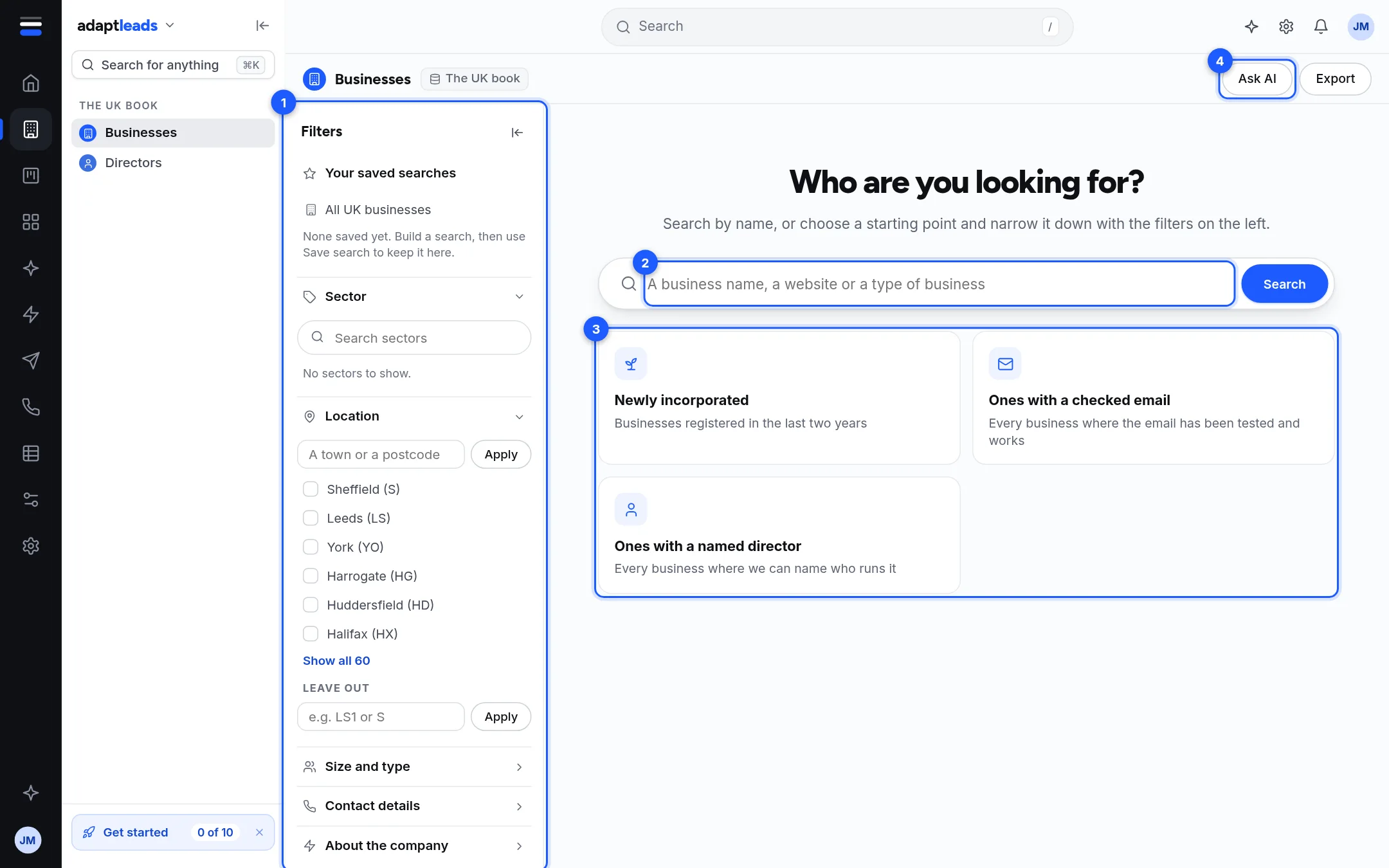
Steps
- Open The UK book in the left rail, then Businesses.
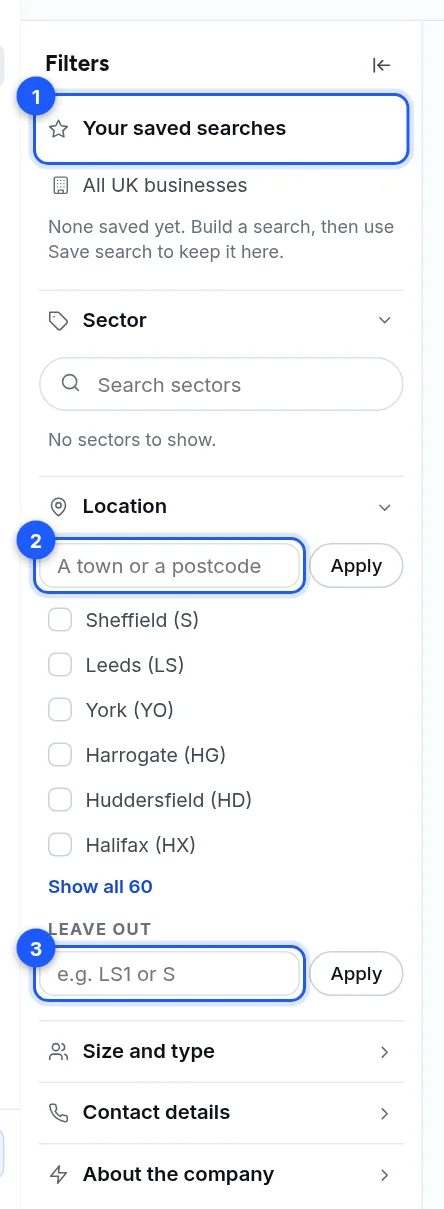
- In the Filters panel, open Sector. In Search sectors type "accountants" and tick the sector. Ticked sectors move to the top.
- Open Location. Type "Sheffield" in the town or postcode box and press Apply. Or tick Sheffield (S) from the postcode area list.
- Each filter appears as a chip above the table. The table now lists matching businesses.
- To keep only those you can write to, open Contact details and tick Verified email. Tick Decision-maker name if you want a named director.
- At the foot of the table choose 100 under Rows per page.
- Tick the box in the header row to tick every row on the page. A bar shows "100 selected".
- Press Add to list and choose New list... to give it a name, such as "Sheffield accountants". See Make a list.
The faster way
Press Ask AI at the top right and type "Accountants in Sheffield with a verified email". It sets the same filters as chips you can check. It replaces the filters you had. See Search by describing who you want (Ask AI).
You can also ask in the Ask box: "Get me 100 leads for Sheffield accountants". Ask Adapt reports how many match, shows the first rows and offers Open all in Find. It can prepare a list of up to 500 for you to approve. See Get 100 leads by asking.
What happens next
The 100 are on your list. They are not revealed and not exported. To see their emails and phone numbers, see Reveal an email address. To take them out as a file, see Export a list to CSV.
Good to know
- Choosing a sector can bring in sub-sectors, shown as chips. Click a chip's cross to leave one out.
- Only the first 10,000 matches can be paged. Narrow the filters to reach the rest.
- Your filters stay while you stay in this browser tab. To keep them for good, see Save a search.
If something goes wrong
If you get few or no rows, remove the narrowest filter first, or press Clear all filters. See Record and search problems, by message.