Pause an email campaign
Stop a campaign sending at once, start it again later, or pause a single mailbox.
You will have stopped a campaign sending. It takes effect straight away and follow-ups stop with it.
Pause a campaign
- Open Campaigns.
- Click the campaign's row, then Pause in the side panel. Or open the campaign and click Pause at the top.
- Confirm.
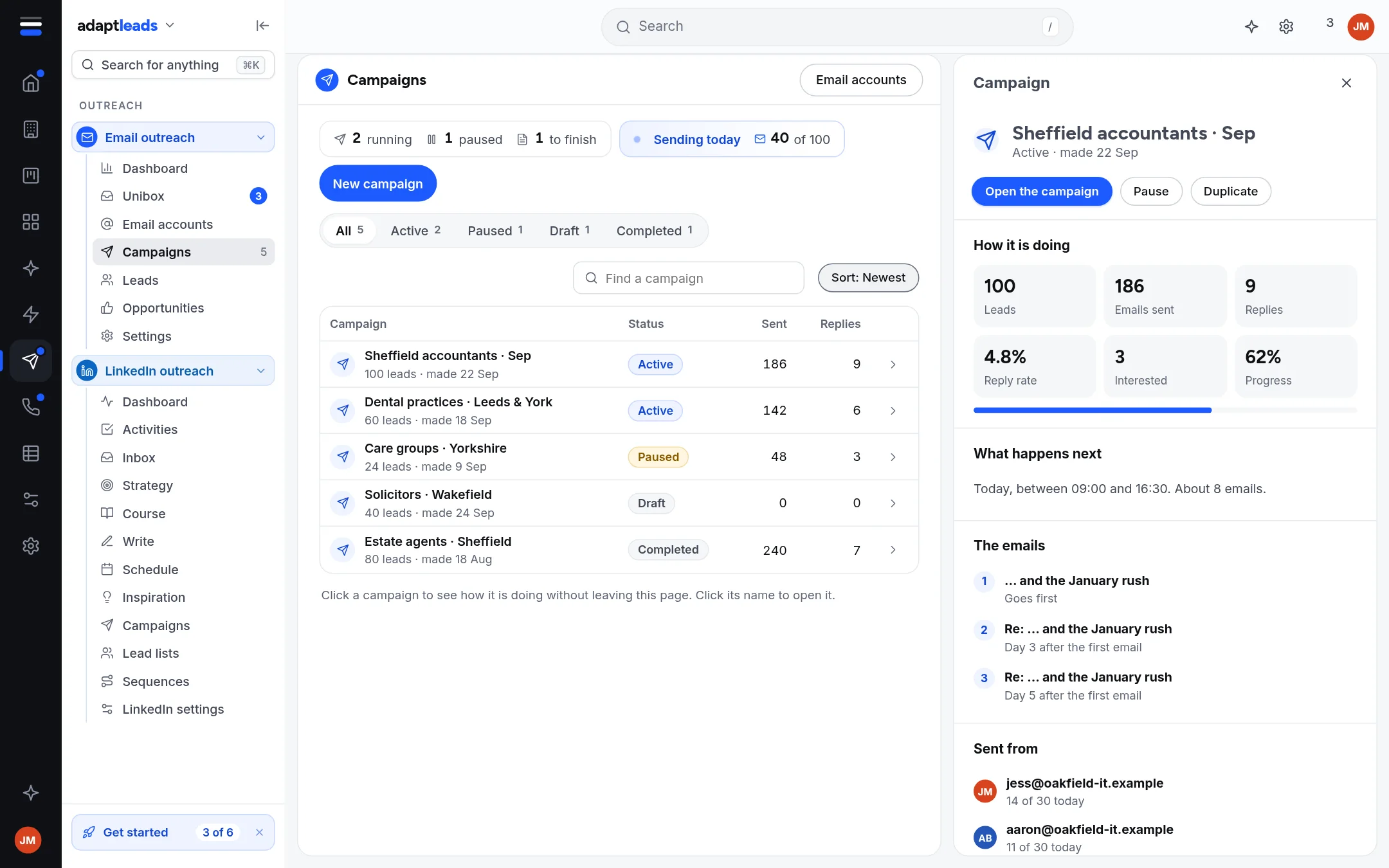
Nothing more goes out. Emails already sent stay sent.
Start it again
- Open the paused campaign and click Resume.
- A paused campaign needs a current spam check and a fresh approval first. Run the check and approve, as in Launch an email campaign (the approval step).
- Read the list of what goes out next, then click Resume sending.
Pause one mailbox instead
On Email accounts, open the row's menu and choose Pause. Active campaigns stop sending from that mailbox and its warm-up stops. Activate reverses it.
Remove one lead, or delete the campaign
- Remove a lead on the campaign's Leads tab. It stays in your Email leads. To stop all emails to someone for good, use the do-not-email list: Stop emailing someone.
- Delete archives the campaign. An active one stops straight away. Its leads and replies are kept.
Stops that happen by themselves
A reply stops follow-ups for that lead. Marking a reply Interested makes an opportunity and stops follow-ups. Leads on the do-not-email list, with a deal, or already handed to your CRM are not emailed.