Make an API key
Create a key on the Stack page for the MCP connector, copy it once, and revoke it when you are done.
You will have a key that starts with adl_, which a script or client can send to the MCP connector as a bearer token.
Steps
- Open the Stack page (
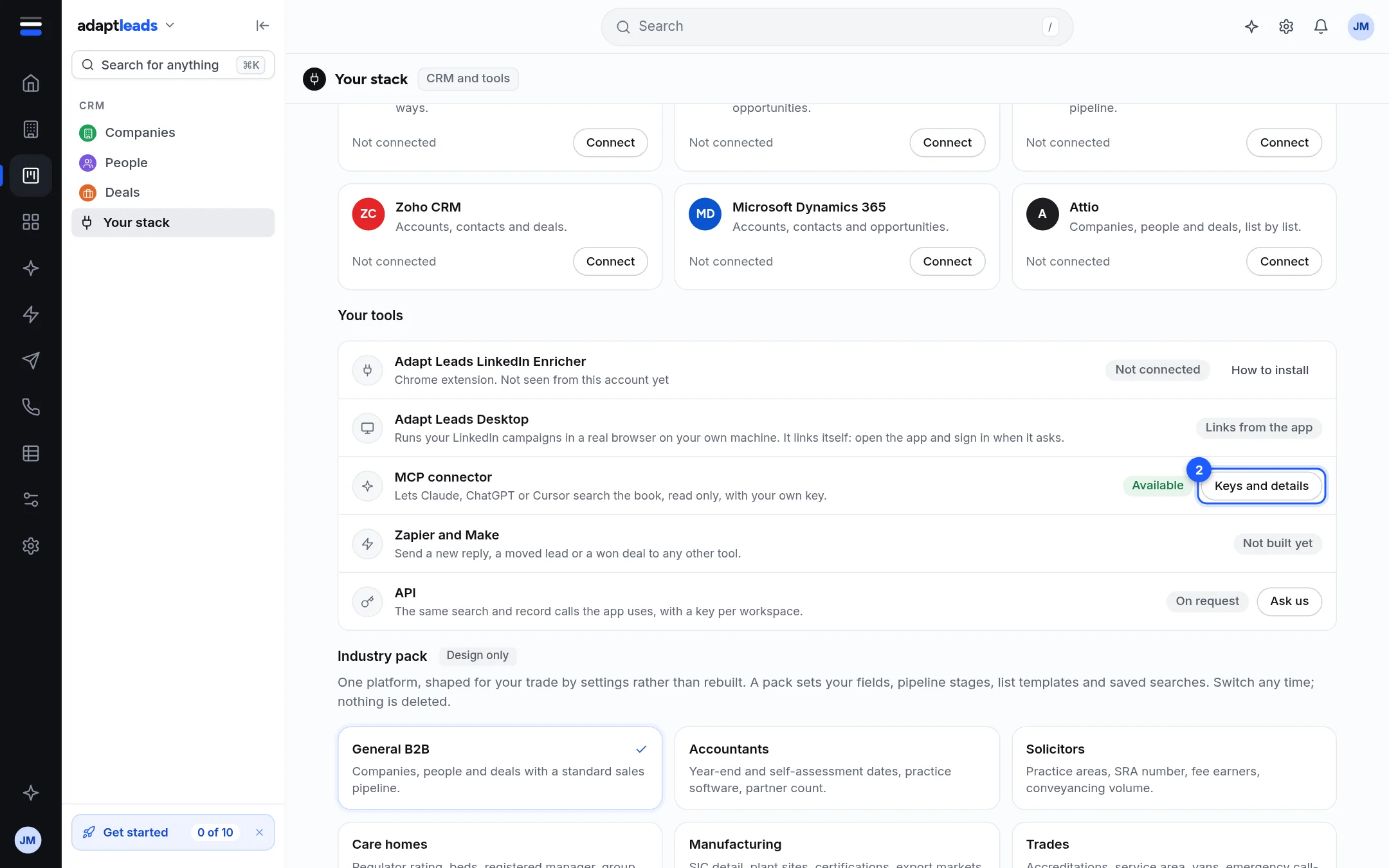
#/stack, called Your stack under CRM in the sidebar). - In Your tools, on the MCP connector line, press Keys and details.
- Type a name in the box at the bottom, for example "Claude on my laptop".
- Press Create a key.
- Copy the key from the box that appears. It is shown once. Only a one-way hash is stored, so it cannot be recovered.
Use it
Send it as Authorization: Bearer adl_your_key to https://mcp.adaptleads.co.uk. Put it in an environment variable, never in a file you commit. A first call is in Make your first call.
Revoke it
Press Revoke on the key's line, then press again when it reads Press again to revoke. It stops working at once and the next call gets a 401.
Limits
- Up to 10 keys can be active on an account.
- A key lasts 365 days by default and 730 at most.
- A key cannot create another key, and it does not work on the app's other routes.
- Connector ceilings are 60 calls a minute and 2,000 a day: see Rate limits, credits and allowances.
Claude and ChatGPT do not need a key: Connect Claude to Adapt Leads. If a call fails, see Errors and what they mean.