The suppression list
Addresses and domains you never want to contact. Up to 1,000 entries.
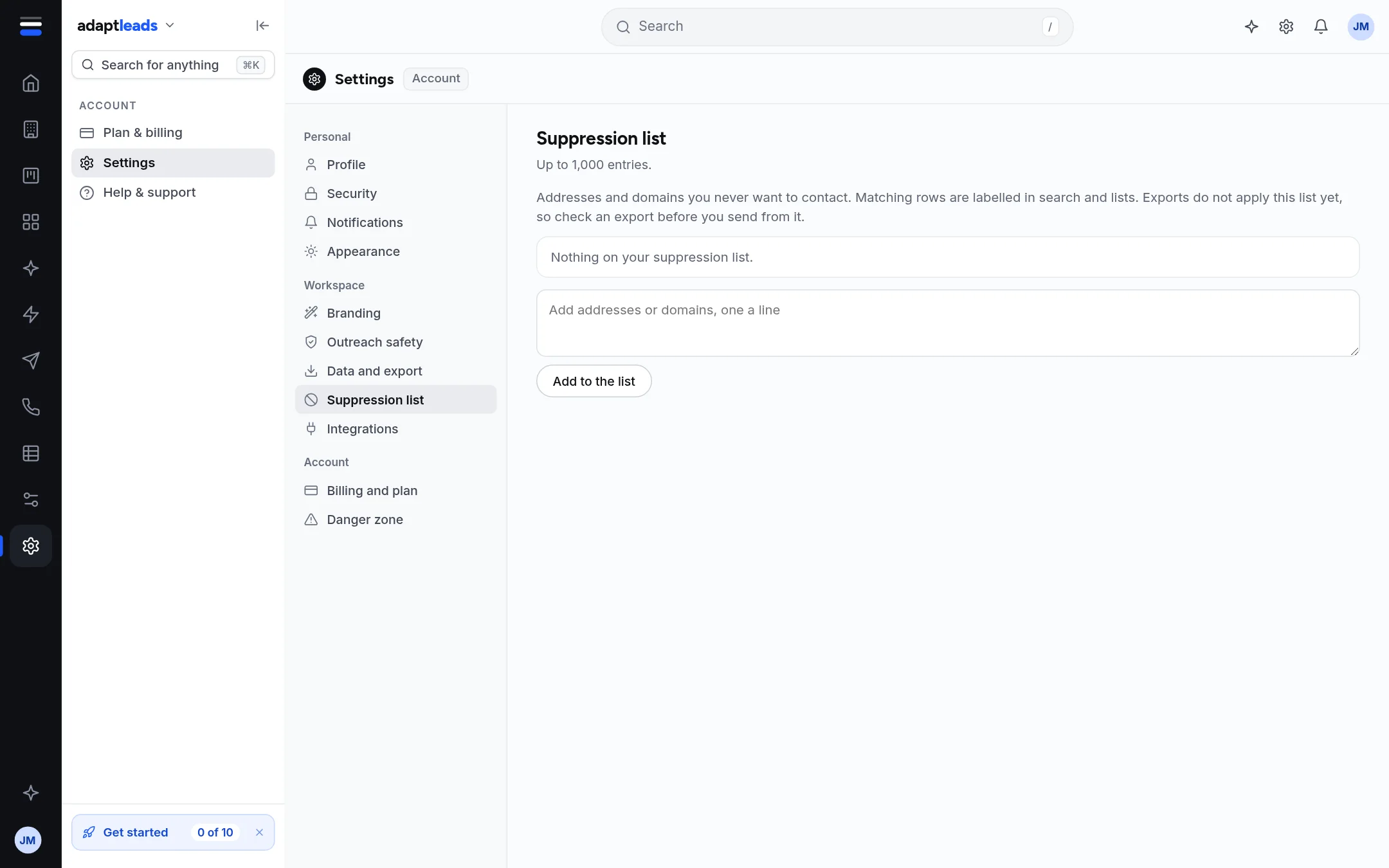
The suppression list holds email addresses and whole domains you never want to contact. Matching rows are labelled in search and lists.
Add entries
- Open Settings then Suppression list.
- In the box, type addresses or domains, one a line. Commas and semicolons also separate them. Spaces inside an entry are not allowed.
- Press Add to the list. It saves at once ("Suppression list saved").
Entries are saved in lower case. A duplicate is ignored. The list stops at 1,000 entries.
Remove an entry
Press Remove beside it. It saves at once.
Honest limits
Exports do not apply this list yet
The page says: "Exports do not apply this list yet, so check an export before you send from it." Exporting a saved list through Ask Adapt does leave these out.
Ask Adapt can add entries for you after you approve a card, and also adds them to Adapt Outreach's blocklist so campaigns never email them.
People can ask for their data to be removed through the Remove my data link on the website. That removal is applied everywhere, including exports you have not made yet.