Data and export
Exports use your monthly allowance and keep every email's label. You choose the columns each time.
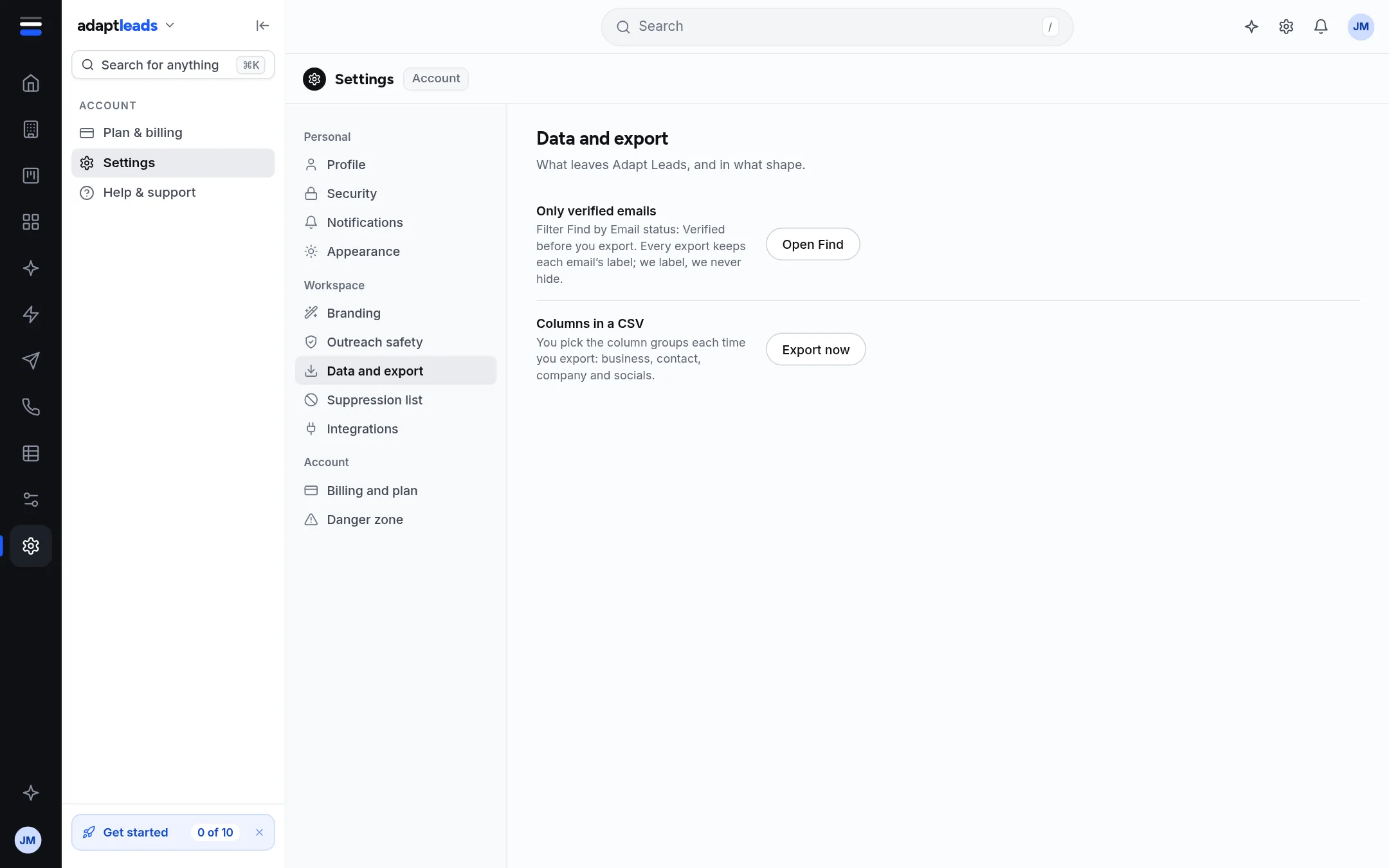
This section explains what leaves Adapt Leads, and in what shape. It has two rows.
| Row | What it does |
|---|---|
| Only verified emails | Open Find, filter Email status: Verified, then export. Every export keeps each email's label. Adapt labels, it never hides. Button: Open Find. |
| Columns in a CSV | You pick the column groups each time you export: business, contact, company and socials. Button: Export now. |
How an export is counted
Only contacts you have added to your records can be exported. Each new contact in an export uses one from your monthly allowance. Exporting the same contact again in the same month is free. If the allowance is used you see "Monthly export allowance reached" and nothing is exported. See Exports and your monthly allowance.
Your do-not-contact list
The suppression list labels matching rows in search and lists. The page itself says exports do not apply it yet, so check an export before you send from it. Exporting a saved list through Ask Adapt does leave suppressed addresses out. See The suppression list.
Export all of your data
The Danger zone has Export my data. See Danger zone: export your data or close your account.