Change your password and sign out
Change your password, or sign out of this browser.
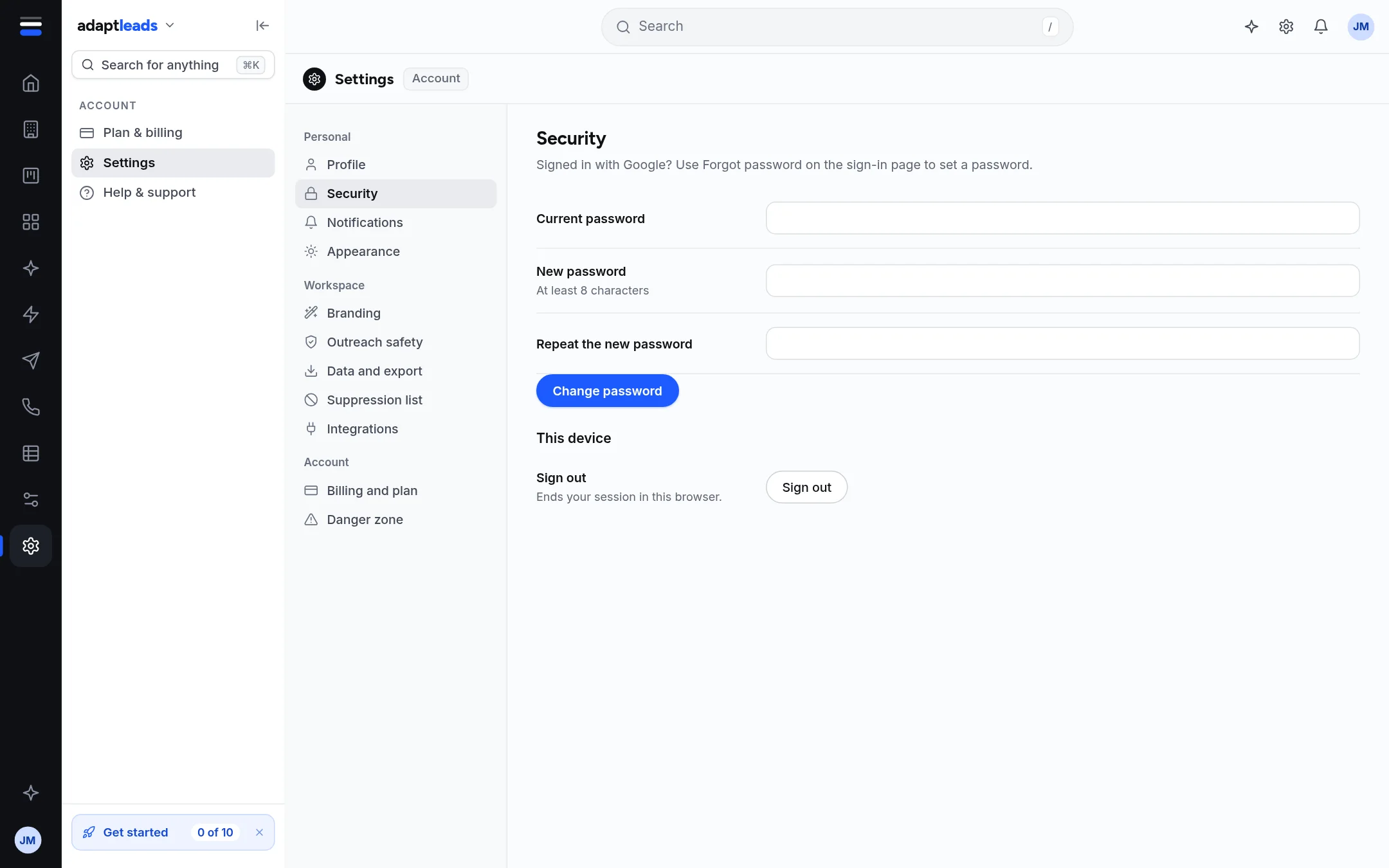
Change your password
- Open Settings then Security.
- Type your Current password, then the New password (at least 8 characters) and Repeat the new password.
- Press Change password. You see "Password changed".
Errors you may see: "The new password needs at least 8 characters", "The two new passwords do not match", "Current password is incorrect".
Signed in with Google? You have no current password. Use Forgot password on the sign-in page to set one. See Reset a forgotten password.
Sign out
Sign out in the same section ends your session in this browser only. Other browsers stay signed in until their session expires (30 days).
Not here
There are no two-step sign-in or session-list controls in Settings today. API keys for the AI connector are on Your stack: Integrations and Your stack.