Sequences and steps
The steps a campaign follows, the ones the extension can run, and the ones it cannot.
A sequence is the list of steps a campaign takes with each person. A campaign keeps its own copy of the steps it started from.
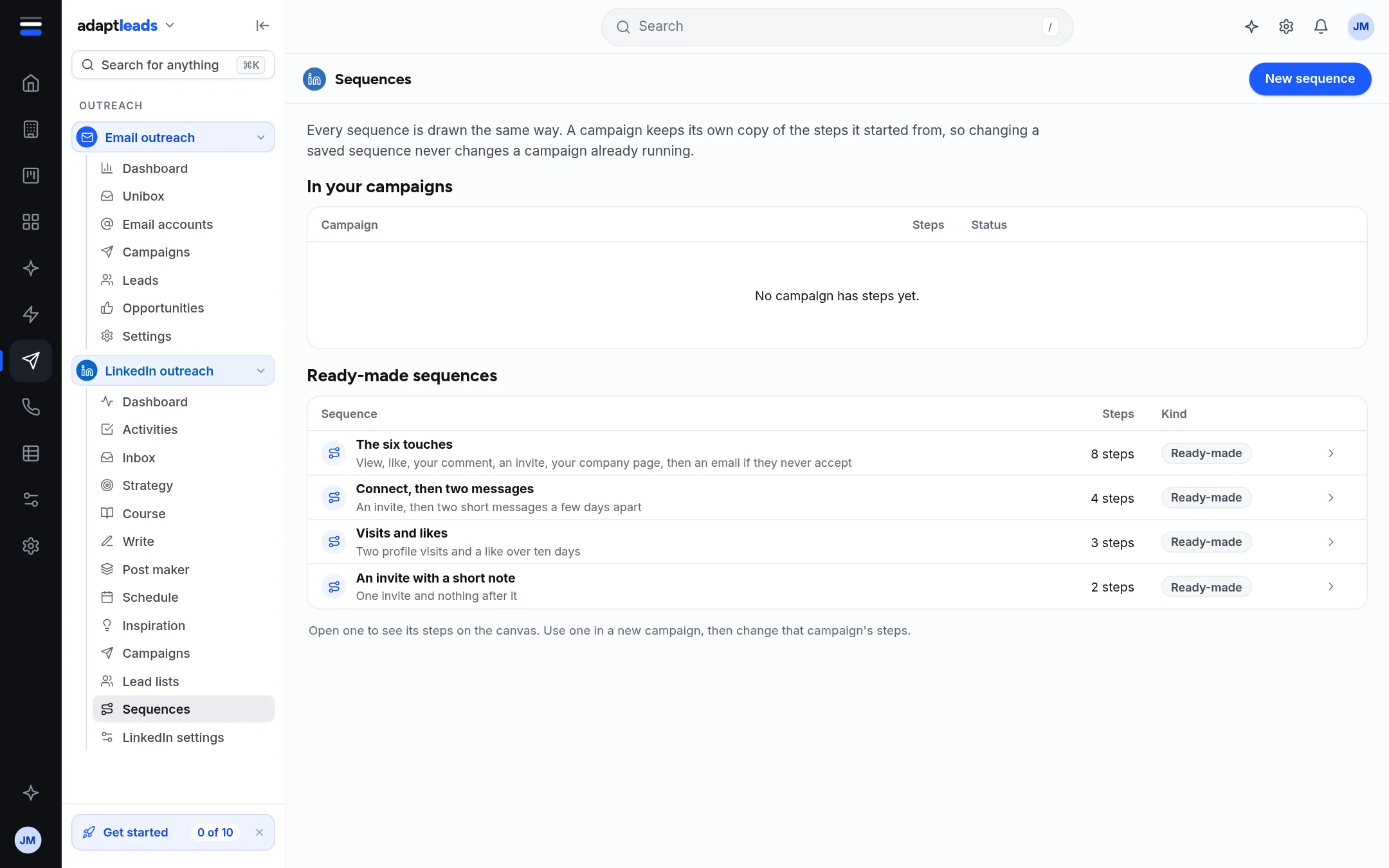
The Sequences page
The page lists In your campaigns (each with its steps and status) and Ready-made sequences, which you open to see the steps on a canvas. A ready-made one is copied into a campaign when you use it, so changing a saved sequence never changes a campaign already running.
The ready-made ones are: The six touches (view, like, your comment, an invite, your company page, then an email if they never accept), Connect, then two messages, Visits and likes, and An invite with a short note. Some of the steps in The six touches (your own comment, your company page, the email) are not run by the extension yet, and the page says so beside the template.
Steps the extension can run
| Step | What it does |
|---|---|
| View their profile | Opens their profile. |
| Like a recent post | Likes one. |
| Follow them | Follows without a connection request. |
| Send a connection request | Sends it, with an approved note if there is one. |
| Send a message | Sends text exactly as written. |
| Wait | A pause of a number of days or hours. |
| If they accept | A branch: if accepted, or not accepted yet. |
| If they reply | A branch: if they replied, or no reply yet. |
Steps shown but not run
InMail, Find a verified email, Hand over to Adapt Outreach, and If their profile is open cannot be run by the extension yet. They are not offered, but a stored step that uses one is shown and kept, never silently dropped. A template that depends on them, such as LinkedIn plus email, says it cannot be saved to a campaign yet.
Editing and saving
- Open a campaign's Sequence tab, or choose a ready-made one.
- Click a step to change it. A connection note is at most 300 characters in the editor, and 200 for a note Adapt drafts.
- Save to campaign asks first. Saving to an active campaign changes what a run will do next time it starts.
Typing here never saves. Save as a sequence and New sequence say saved sequences are not kept yet: start a campaign from a ready-made one and change its steps there.