Email outreach settings
The workspace name, reply tagging, notifications and language on the Email Settings page, and what is not there.
The Settings page under Email outreach keeps a small set of preferences. Change them and click Save settings.
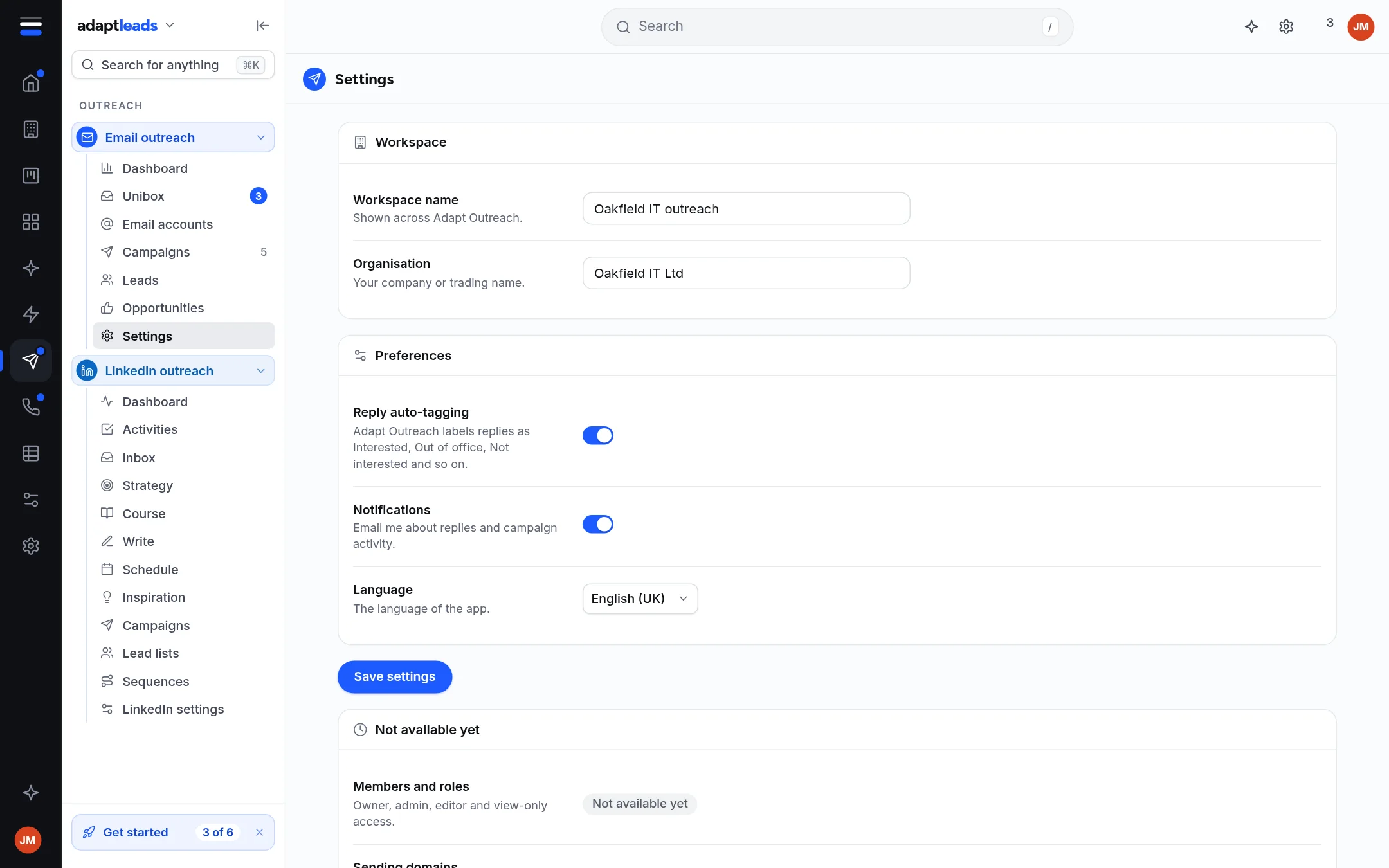
| Setting | What it does |
|---|---|
| Workspace name | Shown across Email outreach |
| Organisation | Your company or trading name |
| Reply auto-tagging | Labels replies as Interested, Out of office, Not interested and so on. On by default. |
| Notifications | Email me about replies and campaign activity. On by default. |
| Language | English (UK), English (US), Francais, Espanol or Deutsch |
Not available yet
- Members and roles (owner, admin, editor, view-only).
- Sending domains: a custom tracking domain and domain checks. The spam check already looks at SPF, DMARC and MX: Sending domains, SPF, DKIM and DMARC.
The picture is the sample build. Your workspace name starts empty.