LinkedIn settings, reviews, alerts and your data
What waits for your OK, the alerts you can switch, how to export, and what Worth knowing says.
These sections of LinkedIn settings describe what waits for you, what you are told, and what you can take away.
Reviews and replies
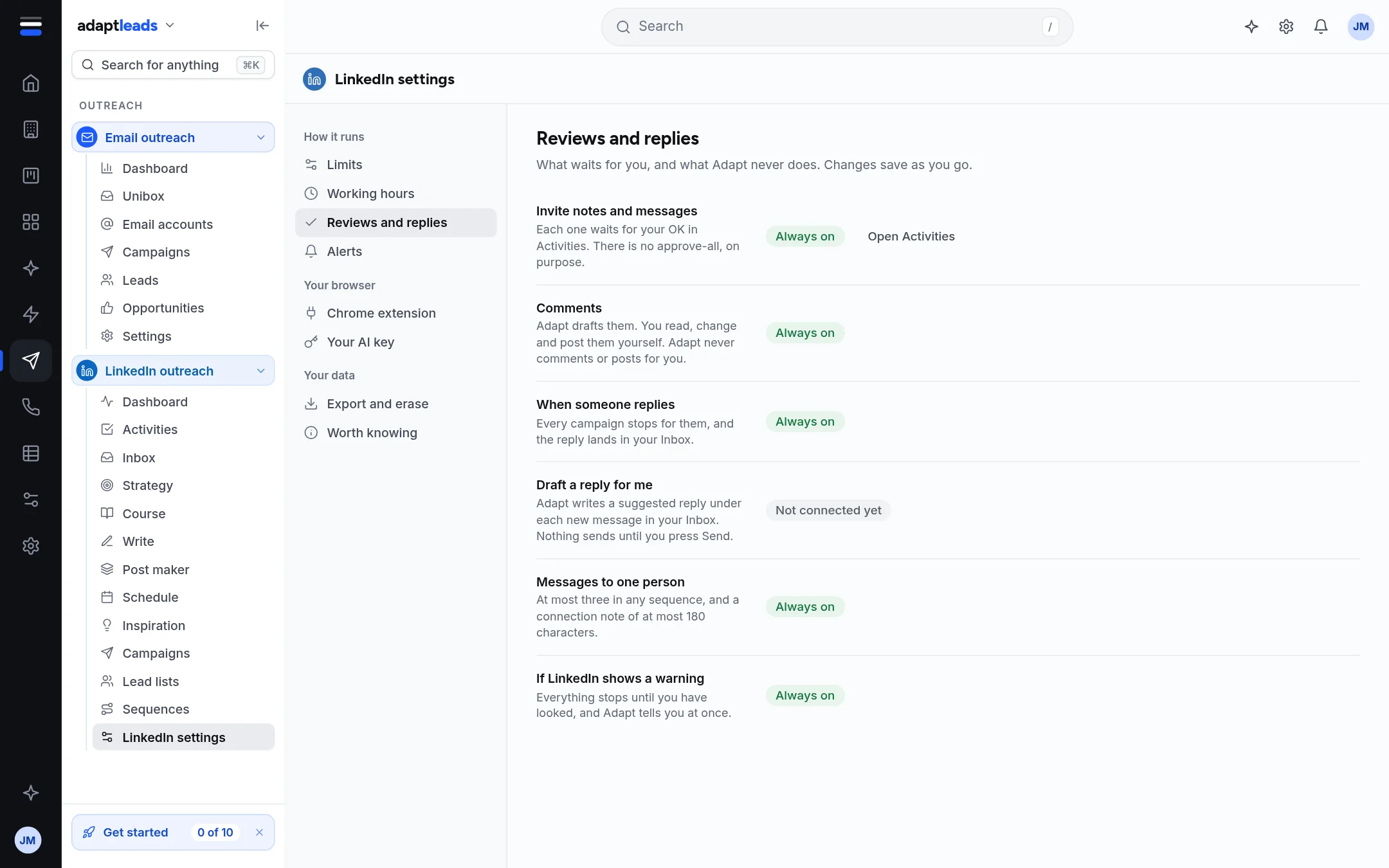
Every row here is fixed. It states how Adapt works and cannot be switched.
| Row | What it says |
|---|---|
| Invite notes and messages | Each one waits for your OK in Activities. There is no approve-all, on purpose. |
| Comments | Adapt drafts them. You read, change and post them yourself. |
| When someone replies | Every campaign stops for them, and the reply lands in your Inbox. |
| Draft a reply for me | Not connected yet. |
| Messages to one person | At most three in any sequence, and a connection note of at most 180 characters. |
| If LinkedIn shows a warning | Everything stops until you have looked, and Adapt tells you at once. |
Alerts
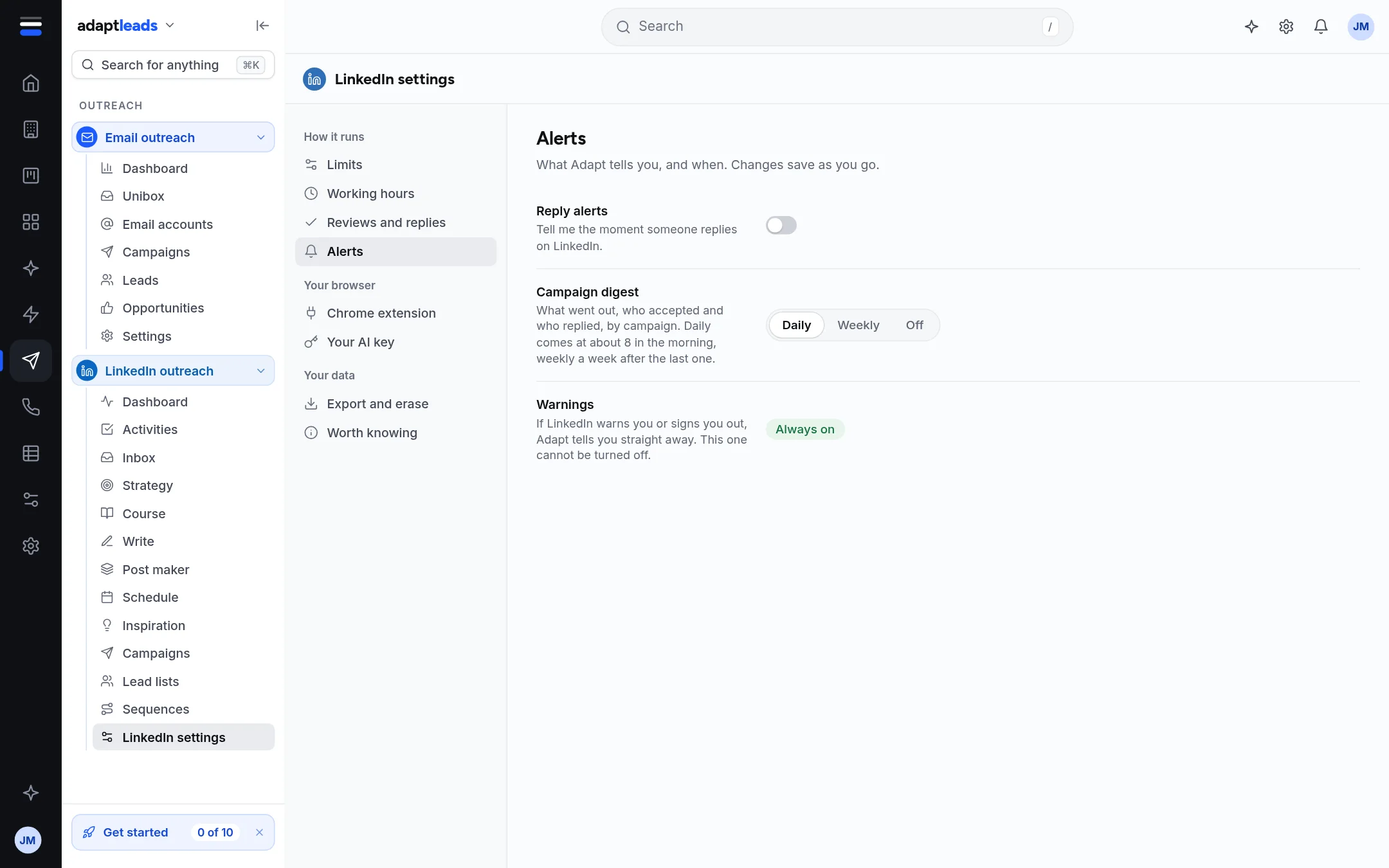
- Reply alerts: a switch that tells you when someone replies. Saved as you go.
- Campaign digest: Daily, Weekly or Off. Daily comes at about 8 in the morning.
- Warnings: if LinkedIn warns you or signs you out, Adapt tells you straight away. This cannot be turned off.
Alerts are your account's own notification choices, not the limits, so they save as you click.
Export and erase
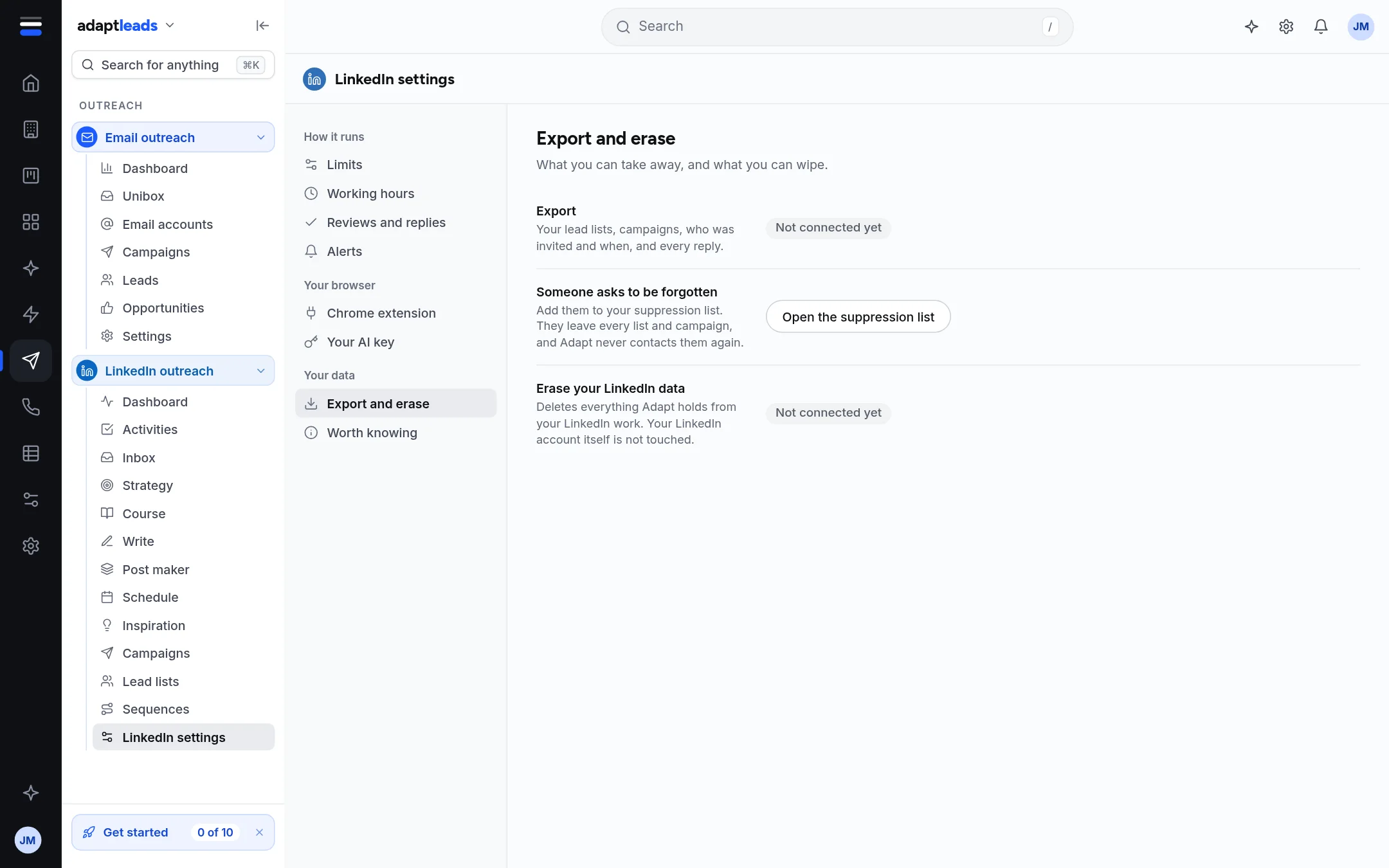
Export and Erase your LinkedIn data say Not connected yet in the live build. Someone asks to be forgotten opens the suppression list in Settings: add them there and they leave every list and campaign and are never contacted again. See Opt-outs and the suppression list.
Worth knowing
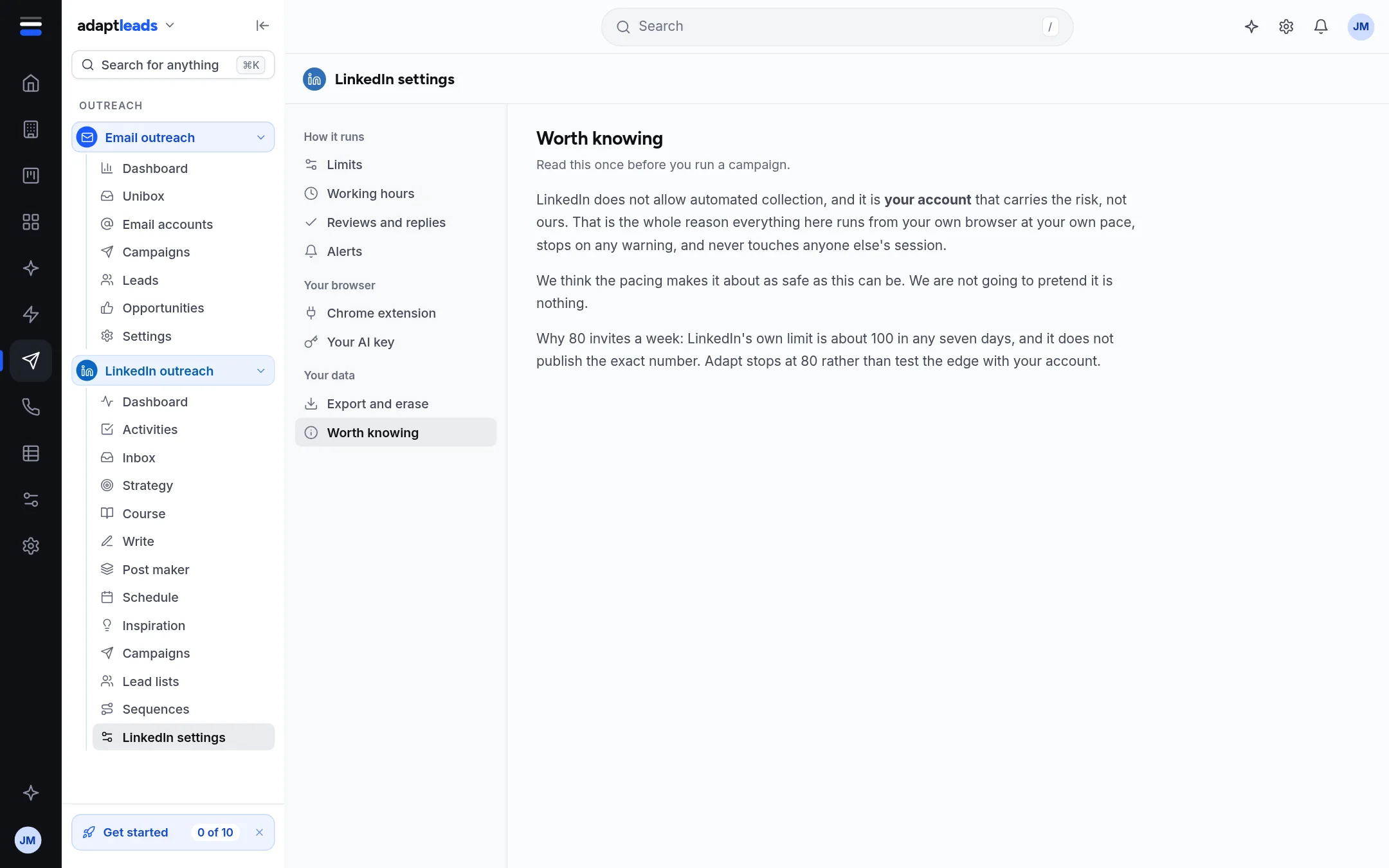
A short page, to read once before you run a campaign. It says plainly that LinkedIn does not allow automated collection, that your account carries the risk, that the pacing makes it about as safe as this can be and not nothing, and why the weekly limit is 80 when LinkedIn's own is about 100.