The LinkedIn Inbox
The latest message of each LinkedIn conversation, copied here by the extension, with who needs a reply.
The Inbox lists your LinkedIn conversations and shows which ones are waiting on you. You answer on LinkedIn.
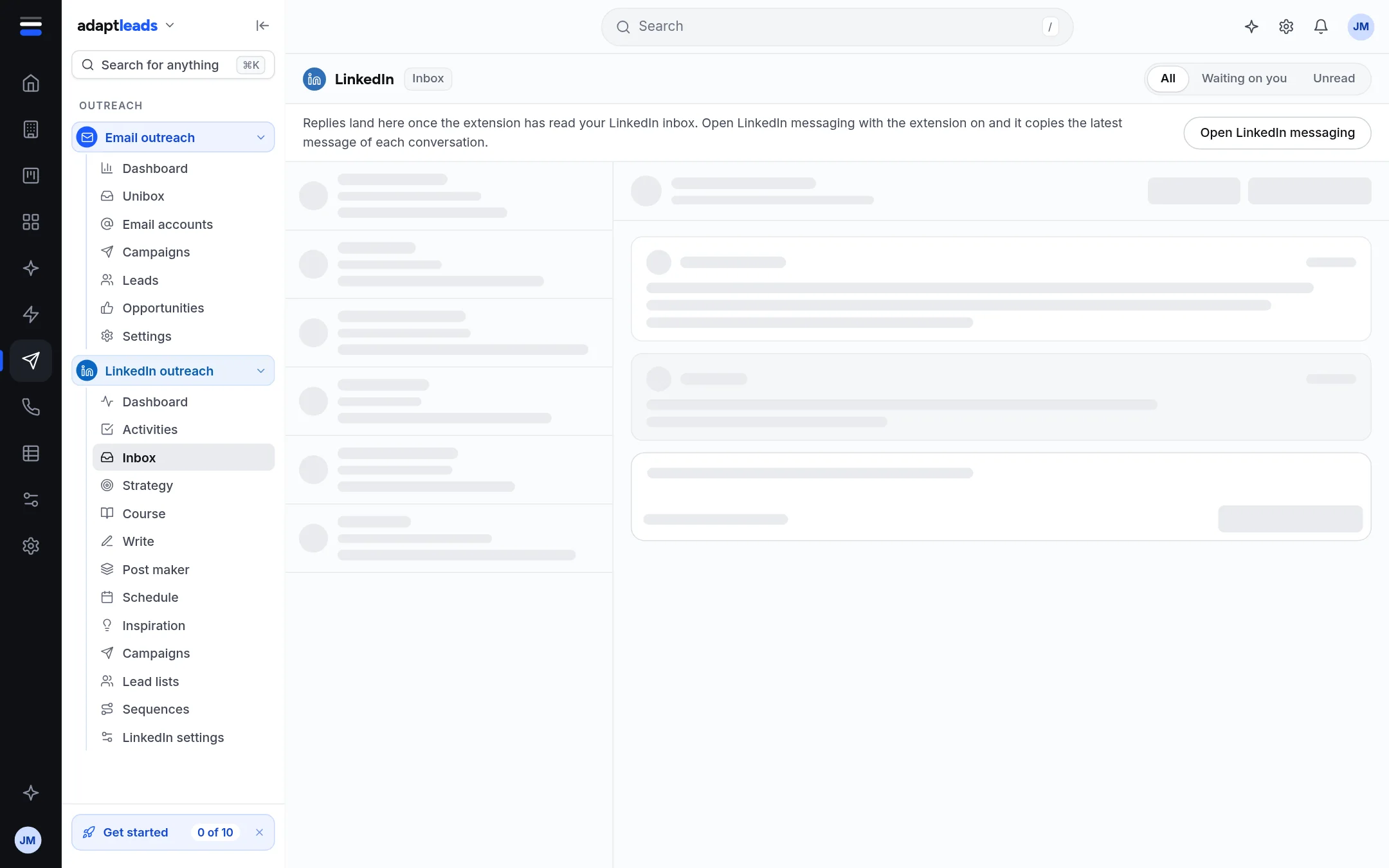
Where the conversations come from
The Chrome extension reads your LinkedIn messaging when you open it with the extension on, and copies the latest message of each conversation to your account. Until then the page is drawn in grey and says so, with a link to Open LinkedIn messaging.
Using it
- Filter with All, Waiting on you (they wrote last, with a count) or Unread.
- Click a conversation. The right side shows the person, their headline and the latest message.
- Find in the book looks the person up in the UK book. A match shows the business and links to its record. No match says Not matched to a business in the book yet. Look-ups are rate limited, and it tells you if you ask too fast.
- Open on LinkedIn opens their profile.
- Write a reply in the box. Copy and open LinkedIn copies it and opens the conversation, and you paste it in.
The page says Nothing is sent from here. Only the latest message of each conversation is copied. The whole conversation stays on LinkedIn.
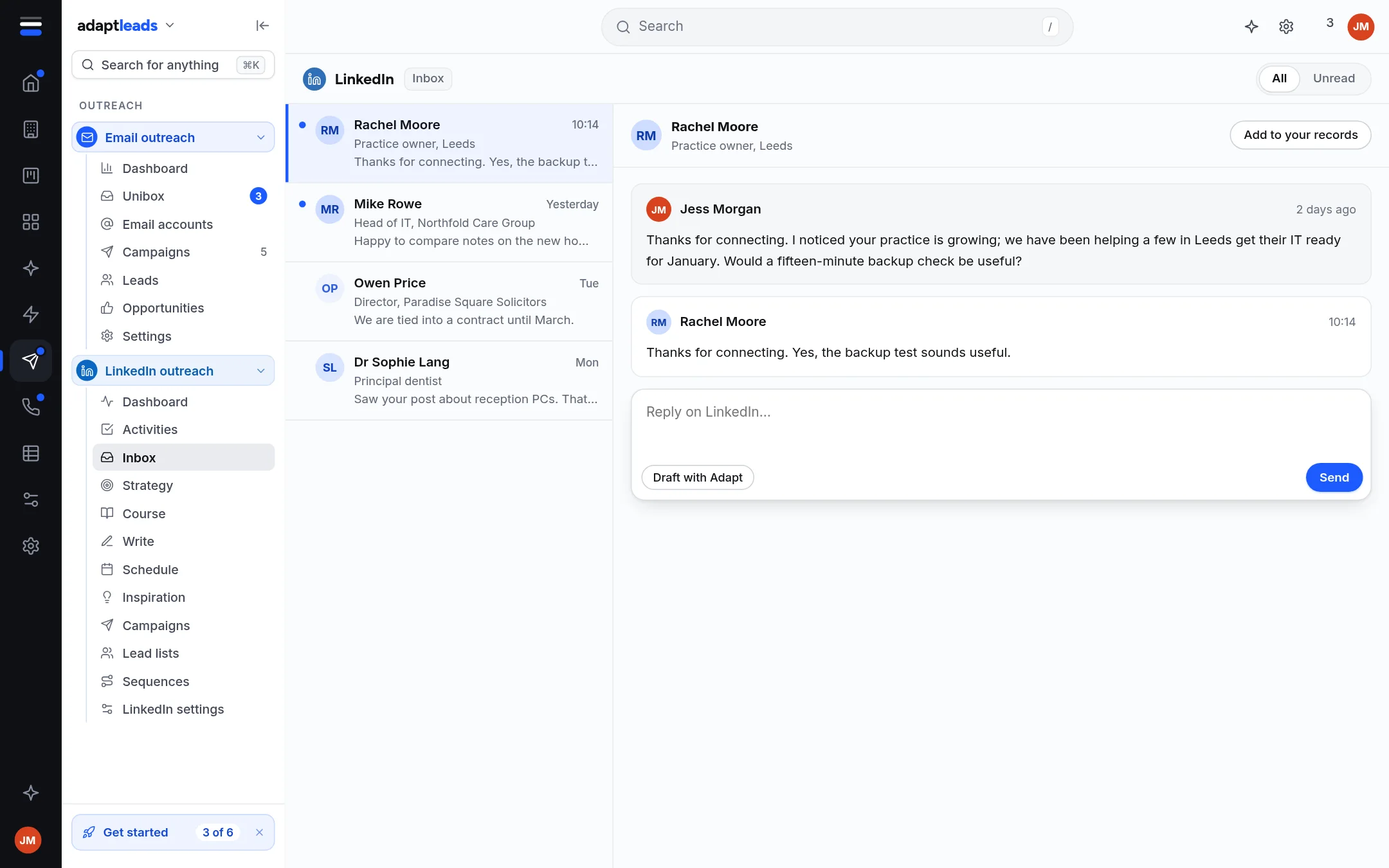
The sample build shows more
The sample account's picture shows Draft with Adapt and Send buttons. The live Inbox does not send. The setting Draft a reply for me says Not connected yet. See LinkedIn settings, reviews, alerts and your data.