Inspiration
The posts you have read and saved, so you can write from their shape and in your own words.
Inspiration is your own library of LinkedIn posts: the ones the extension read while you browsed, and the ones you saved.
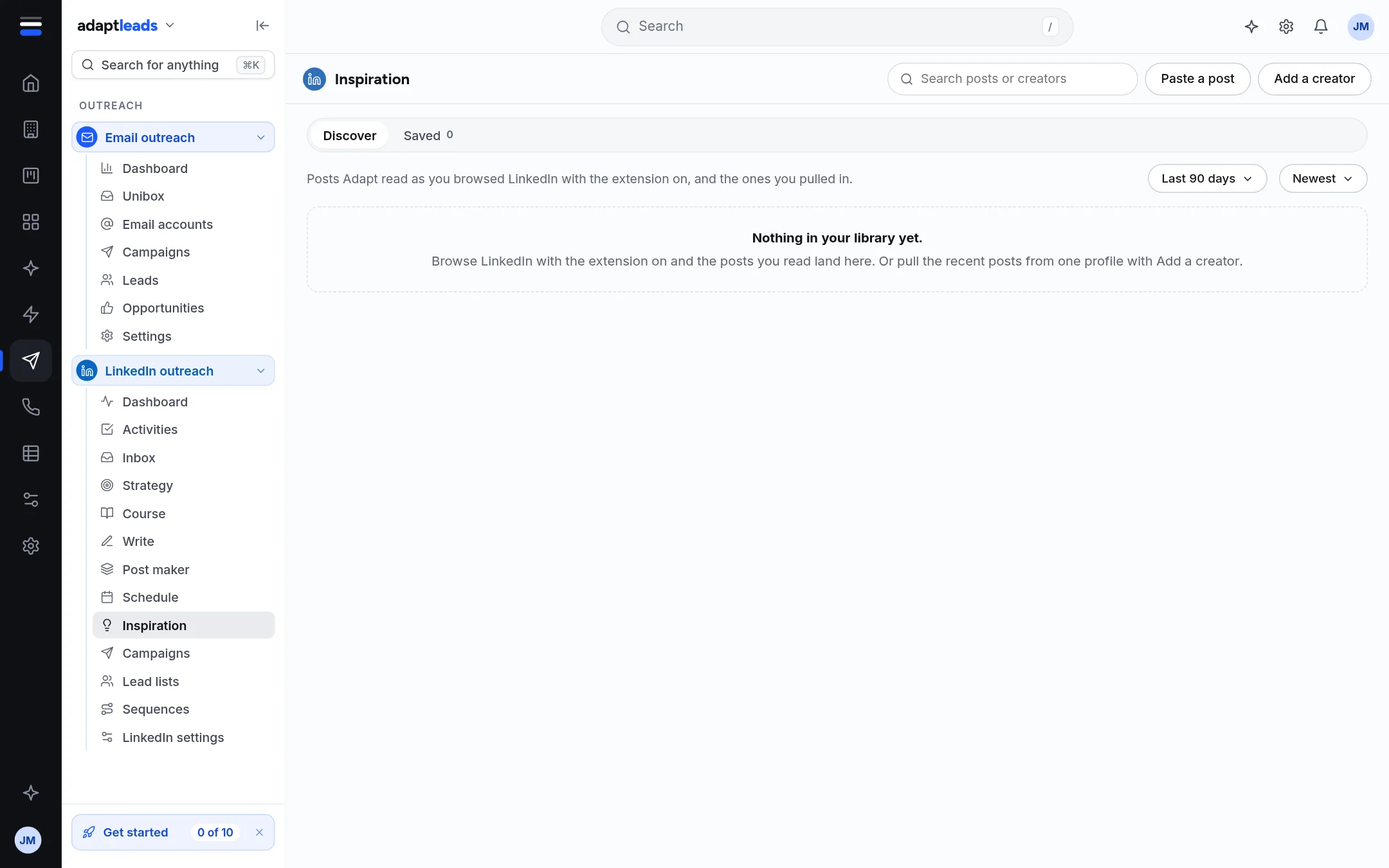
Discover and Saved
- Discover holds posts Adapt read while you browsed LinkedIn with the extension on, and the ones you pulled in.
- Saved is your swipe file, the ones you chose to keep.
You can search posts, filter by period (for example Last 90 days) and sort (for example Newest, most reactions, most discussed). Topics are the ones your own posts carry.
Getting posts in
- Browse LinkedIn with the extension on and the posts you read arrive in Discover.
- Paste a post adds one by hand.
- Add a creator pulls one profile's recent posts in, through the extension or Adapt Desktop. It asks first.
- On a LinkedIn post the extension also adds a Swipe button that saves that one post when you click it. See A post's commenters.
Using a post
Click a post to open its panel. From there:
- Save puts it in Saved. Removing a saved post asks first and removes Adapt's own copy only. It does nothing on LinkedIn.
- Write from this opens Write a LinkedIn post with the post's shape, its hook and build, and your own words to fill in.
An empty library says "Nothing in your library yet" and tells you how to fill it.