LinkedIn lead lists
The people a LinkedIn campaign works through, where they come from, and how to add, move or export them.
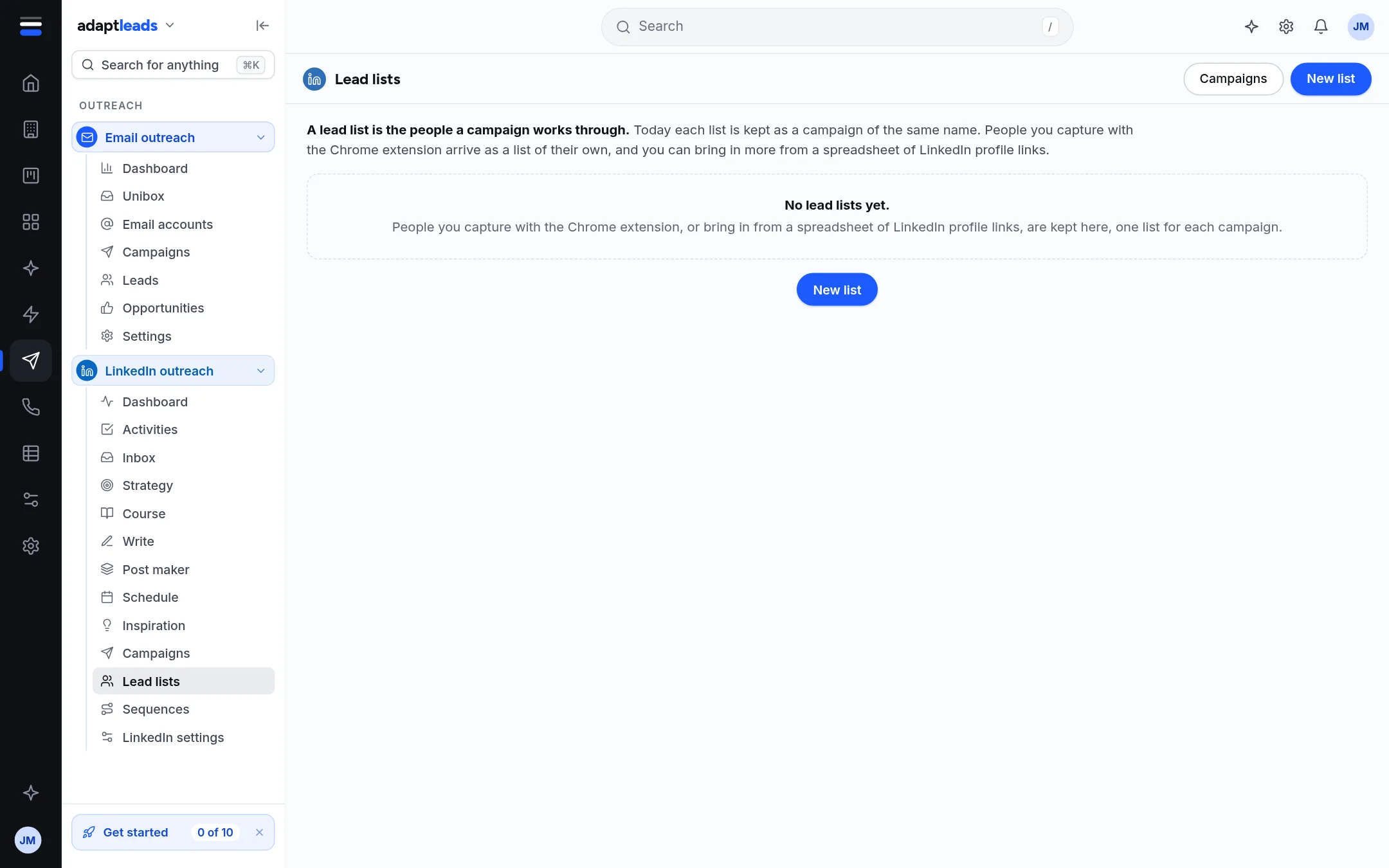
A lead list is the people a campaign works through. Today each list is kept as a campaign of the same name.
Where lists come from
- People you capture with the Chrome extension arrive as a list of their own, in a campaign named after the search and the day.
- New list makes a draft campaign from a spreadsheet of LinkedIn profile links. Nothing is sent from a draft.
- Your own lists of businesses from Find are shown beside them as what they are.
What you can do
- Open a list to read its first 200 people with their state: Waiting, Invited, Accepted, Replied, Skipped or Did not go. Profile opens each on LinkedIn.
- Pick people and add them to another campaign. It asks first, and says what will happen.
- Export makes a CSV in your browser from the people already read. Nothing is sent anywhere.
- Delete a list archives its campaign after you confirm. Its people are kept.
An empty page says No lead lists yet. and says how to fill it.
Limits
Only the first 200 people of a list are read on screen. A spreadsheet is up to 2,000 links and 2 MB.
UK GDPR and PECR
LinkedIn people are personal data. Keep to your own legal basis and your opt-outs. See PECR and UK GDPR in plain words for a B2B seller. This is guidance, not legal advice.