The extension is not detected
Adapt shows the Chrome extension as Not connected. Check these in order.
Adapt shows the extension as Connected when it has reported in within the last 10 minutes. If it says Not connected or Not seen from this account yet:
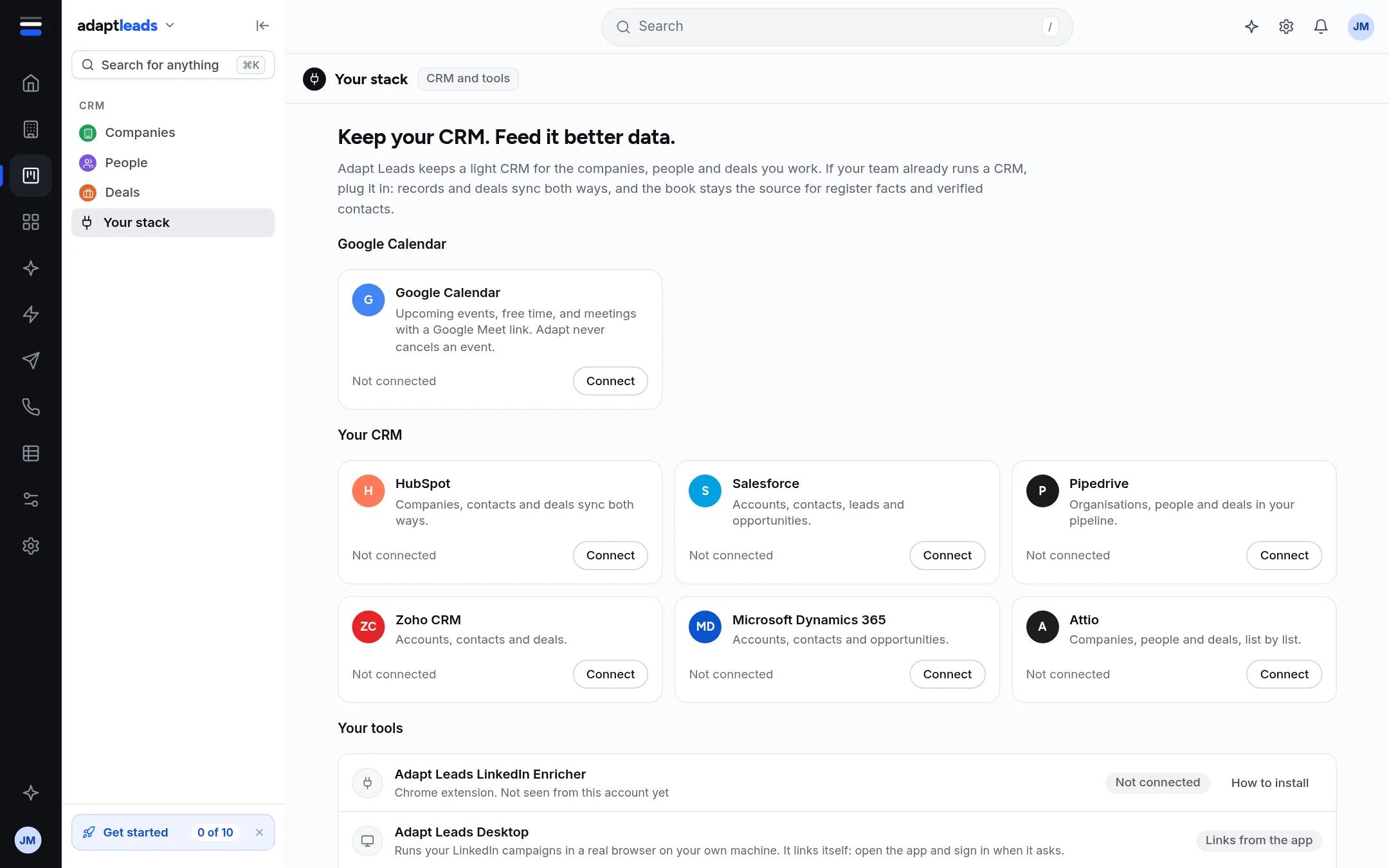
- Is it installed? Open
chrome://extensions. Look for the Adapt Leads LinkedIn Enricher. If it is not there, install it: on Your stack, press the install help, then Download, unzip it into a folder you will keep, switch on Developer mode (top right) and press Load unpacked. - Is it switched on? The toggle on its card must be on.
- Is it the new version? If the page offers Update the extension, download the new one, unzip it over the old folder and press Reload.
- Did you sign in? Open the extension and press Sign in. It connects to your account by itself: no keys to copy.
- Did it report in? Open a LinkedIn page with the extension open. Wait a few minutes, then refresh Your stack. The check runs about every minute.
- Same account? The extension must be signed in as the same Adapt Leads account you are looking at.
Signed in to LinkedIn too
The extension works through your own LinkedIn sign-in. If LinkedIn has signed you out, sign back in to LinkedIn first.
If all six are right and it still says Not connected, contact support with the version number shown on the extension.