Settings: what is where
Settings has eleven sections in three groups: Personal, Workspace and Account.
Open Settings from the cog on the top bar, your initials on the rail, or the Account area of the side menu.
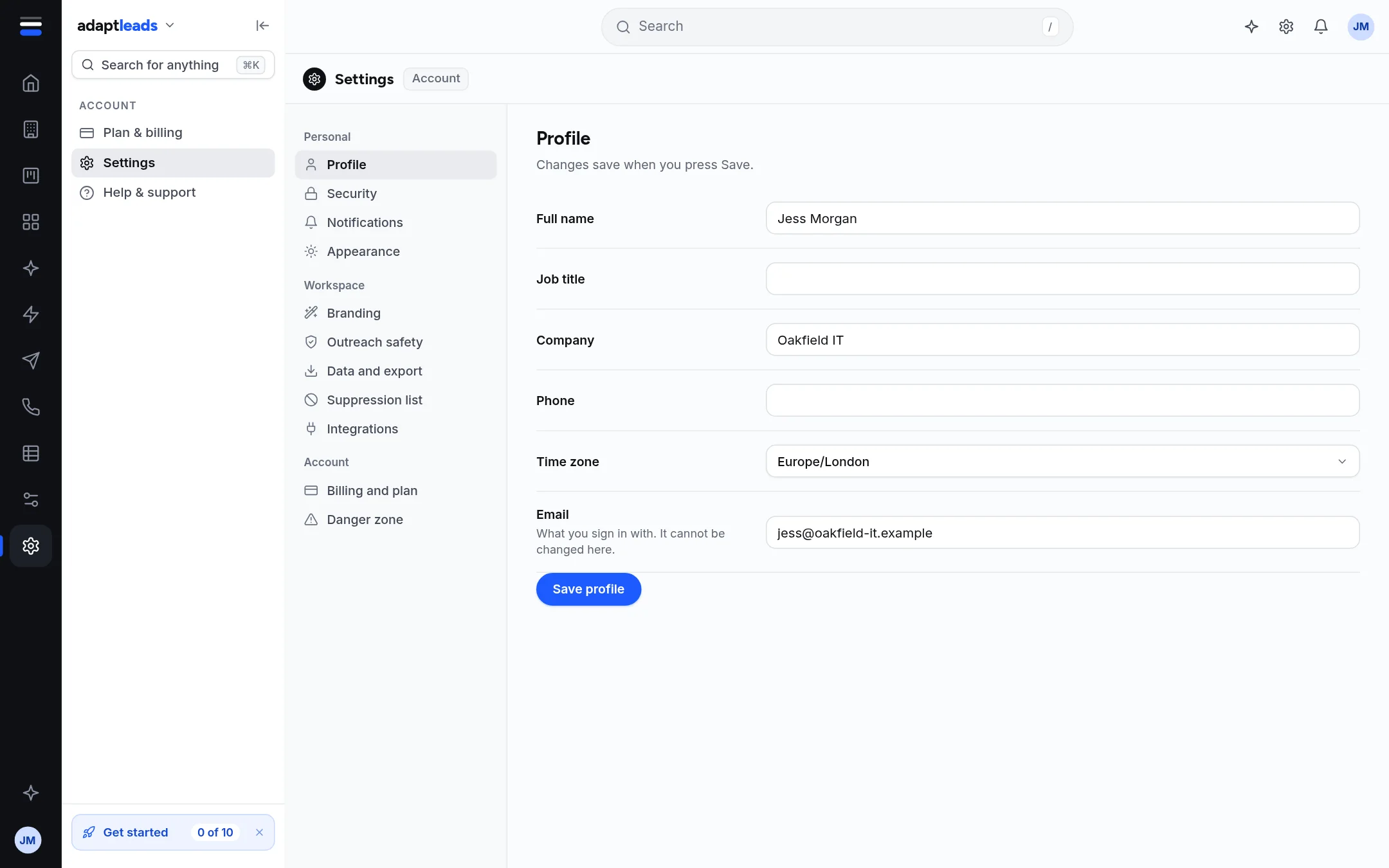
| Group | Section | What it holds | Page |
|---|---|---|---|
| Personal | Profile | Name, job title, company, phone, time zone, email | Edit your profile |
| Personal | Security | Change password, sign out | Change your password and sign out |
| Personal | Notifications | Reply alerts and campaign digest | Set your email alerts |
| Personal | Appearance | Theme, menu, sidebar, density, results per page | Appearance: theme, menu, sidebar and density |
| Workspace | Branding | Logo and colours, this browser only | Branding: your logo and colours |
| Workspace | Outreach safety | The fixed safety rules for LinkedIn outreach | Outreach safety |
| Workspace | Data and export | What leaves Adapt Leads | Data and export |
| Workspace | Suppression list | Addresses and domains never to contact | The suppression list |
| Workspace | Integrations | Points to Your stack | Integrations and Your stack |
| Account | Billing and plan | Exports left and a link to Plan and billing | Plans and prices |
| Account | Danger zone | Export my data, Close account | Danger zone: export your data or close your account |
Not here
Members and roles, and sending domains, are not Settings sections. See Workspace, members and roles and Sending domains. Email outreach also has its own Settings under Outreach.
Saving
Sections with a Save button save when you press it. Notifications, Appearance and the suppression list save as you change them. A toast says what happened. A failed save says "That did not save" and nothing changes.
Ask Adapt can change some of these for you after you approve a card. See What Ask Adapt can and cannot do today.