Appearance: theme, menu, sidebar and density
Choose light, dark or system theme, the menu and sidebar colours, row density and results per page.
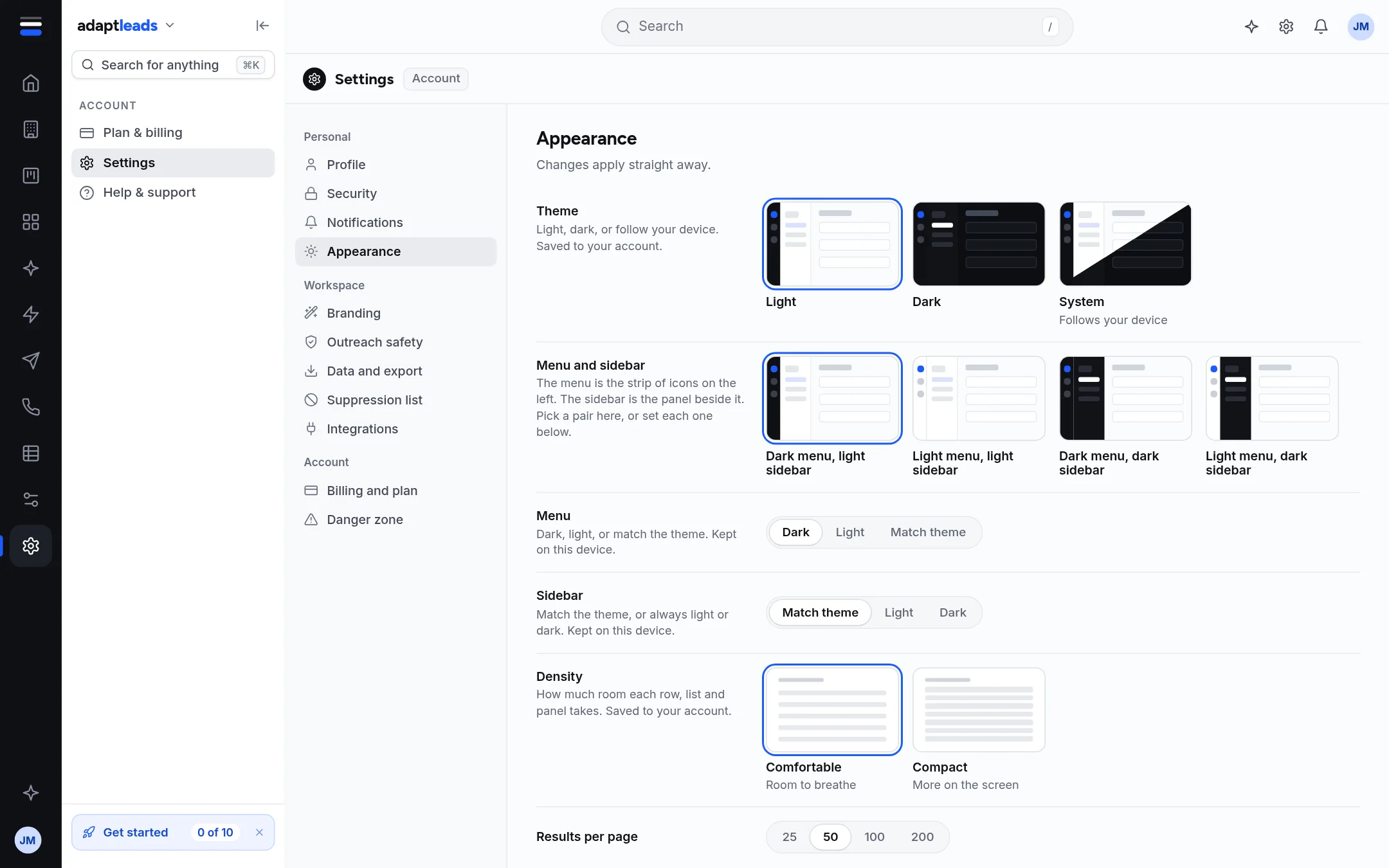
| Setting | Choices | Saved |
|---|---|---|
| Theme | Light, Dark, System (follows your device) | To your account |
| Menu and sidebar | Four pairs, or set each below | On this device (the server does not keep these yet) |
| Menu (the icon strip) | Dark, Light, Match theme | On this device |
| Sidebar (the panel beside it) | Match theme, Light, Dark | On this device |
| Density | Comfortable, Compact | To your account |
| Results per page | 25, 50, 100, 200 (default 50) | To your account |
The page tells you where each choice is kept. If a theme or density change did not reach your account, it says "Not saved to your account yet. It is sent again next time you open Adapt Leads."
Dark mode
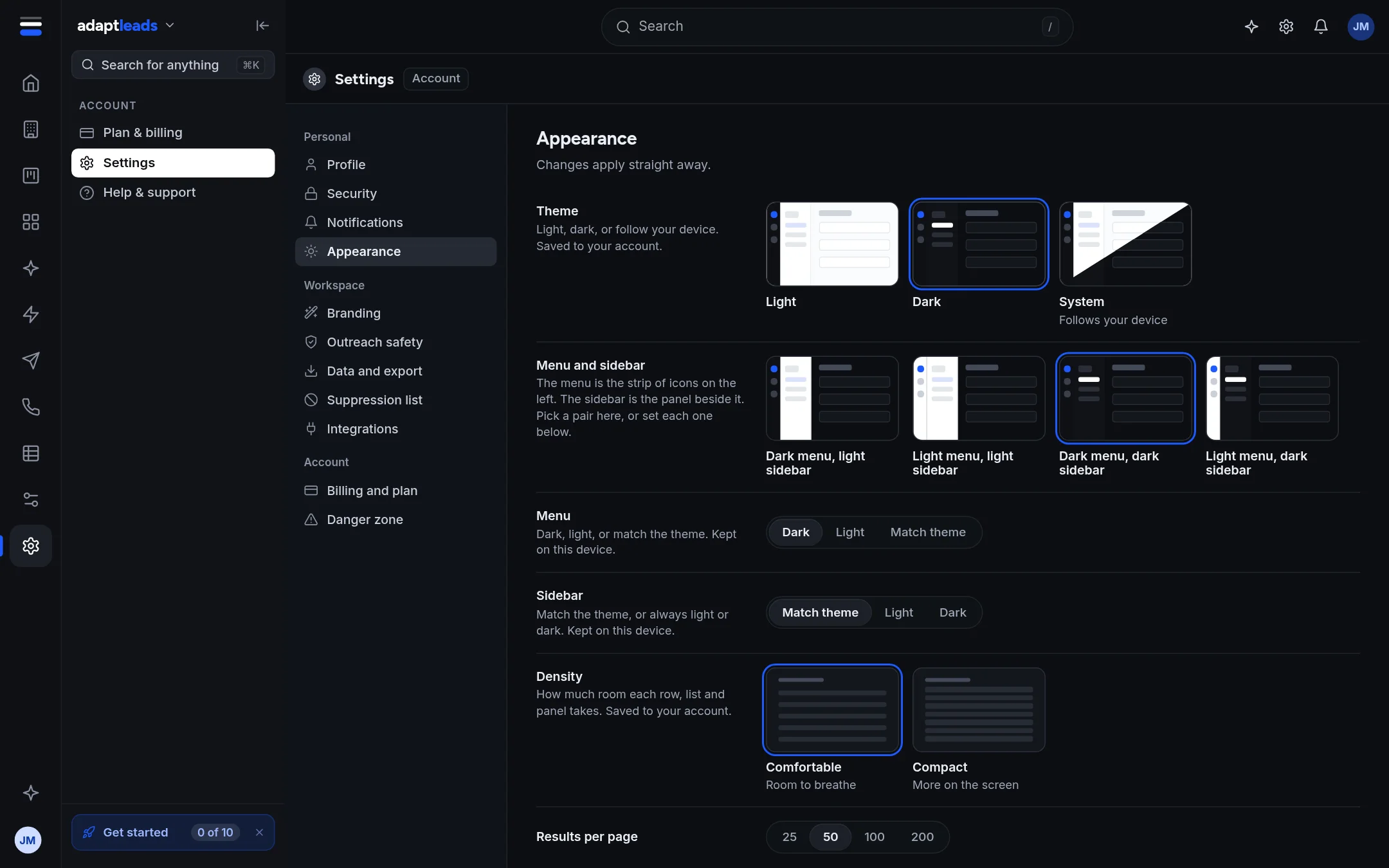
Pick Dark and the whole app, charts included, switches. System follows your device and changes when your device does. The theme-switch is also in the product name menu at the top of the side menu.
Density
Compact reduces the height of every row, list, table, panel and control to show more.
Ask Adapt can switch the theme and density after you approve a card. It cannot set an accent colour: the app has none.