Set your email alerts
Turn reply alerts on or off and choose a daily, weekly or no campaign digest.
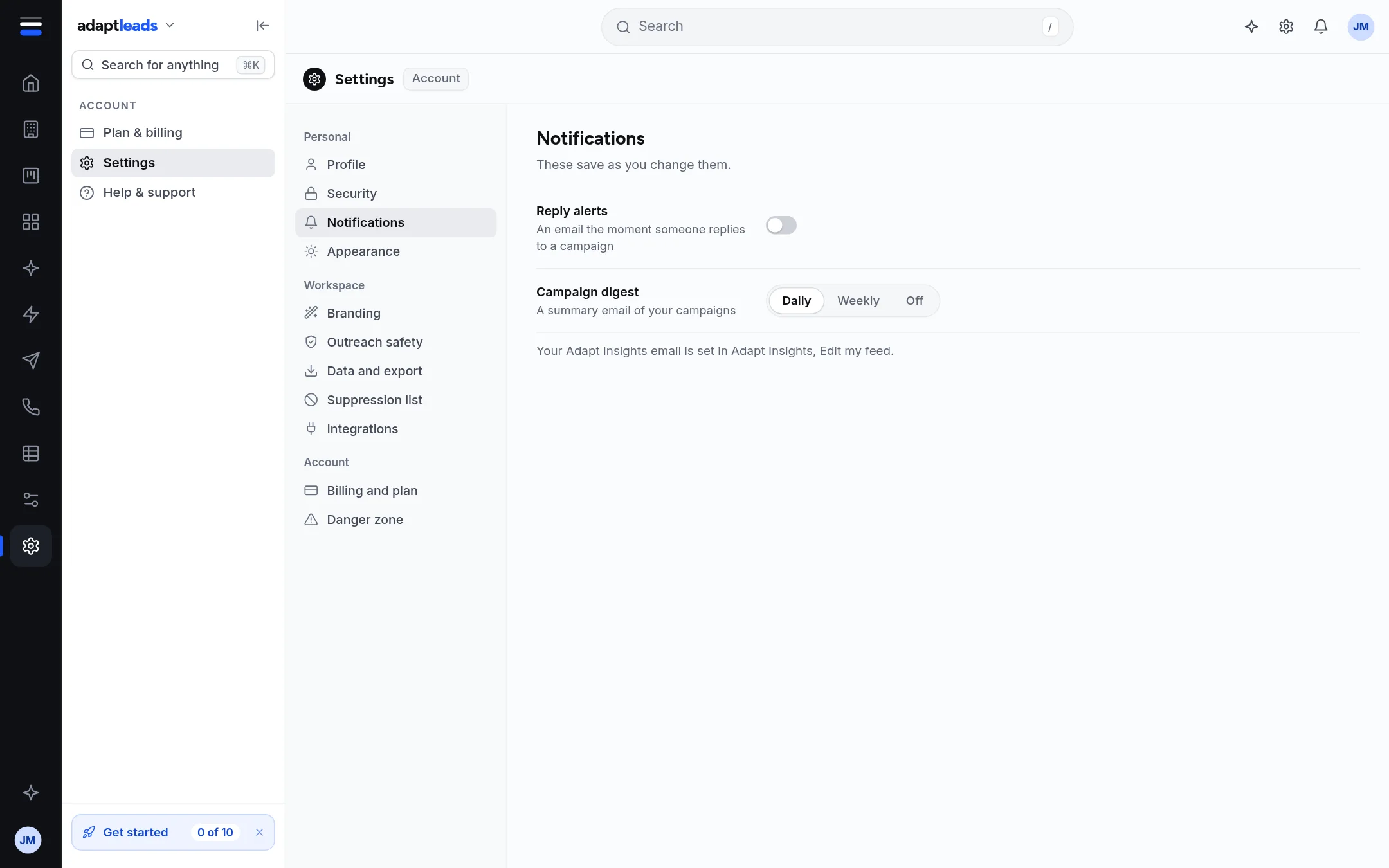
- Open Settings then Notifications.
- Switch Reply alerts on or off. When on, you get an email the moment someone replies to a campaign.
- Choose the Campaign digest: Daily, Weekly or Off. It is a summary email of your campaigns.
Both save as soon as you change them ("Reply alerts on", "Digest weekly").
A new account has reply alerts on and the digest on Daily.
Related
- Your Adapt Insights email is set in Adapt Insights, Edit my feed, not here.
- The same two settings are on the Notifications page (Notifications).
- Every email has a one-click unsubscribe link that switches that email off without signing in.