Outreach safety
The safety rules for LinkedIn outreach are fixed for every account and cannot be changed in Settings.
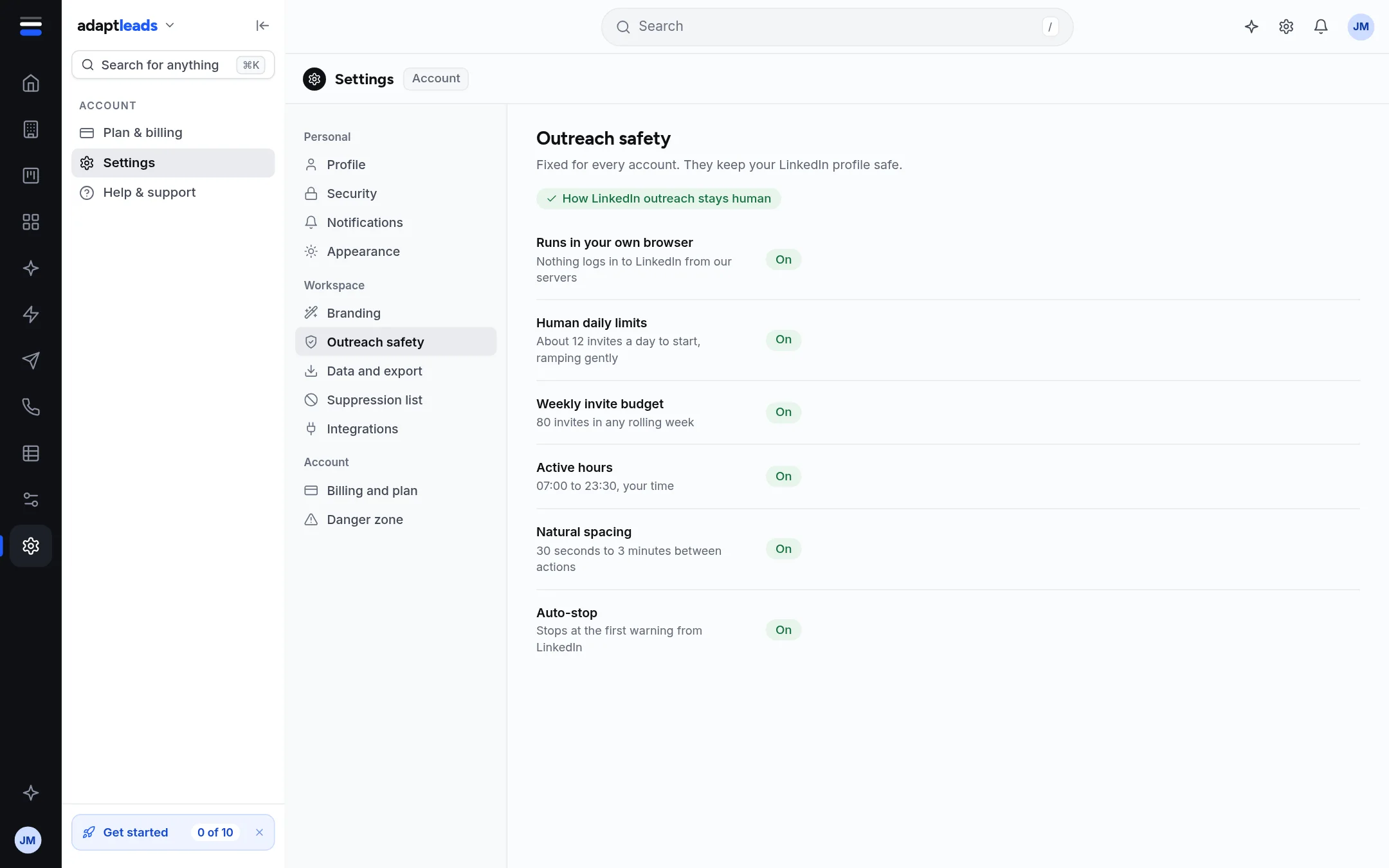
The Outreach safety section lists six rules, each marked On. They are the same for every account. They keep your LinkedIn profile safe.
| Rule | What it means |
|---|---|
| Runs in your own browser | Nothing logs in to LinkedIn from Adapt's servers. |
| Human daily limits | About 12 invites a day to start, ramping gently. |
| Weekly invite budget | 80 invites in any rolling week. |
| Active hours | 07:00 to 23:30, your time. |
| Natural spacing | 30 seconds to 3 minutes between actions. |
| Auto-stop | Stops at the first warning from LinkedIn. |
You cannot switch any of these off here. You can set lower daily limits and narrower hours in LinkedIn Settings. See Set up: LinkedIn limits and hours.
Email sending has its own limits per mailbox and campaign, set where you write the campaign.
Cautions
LinkedIn's own rules apply to your account. These limits reduce risk, they do not remove it.