Edit your profile
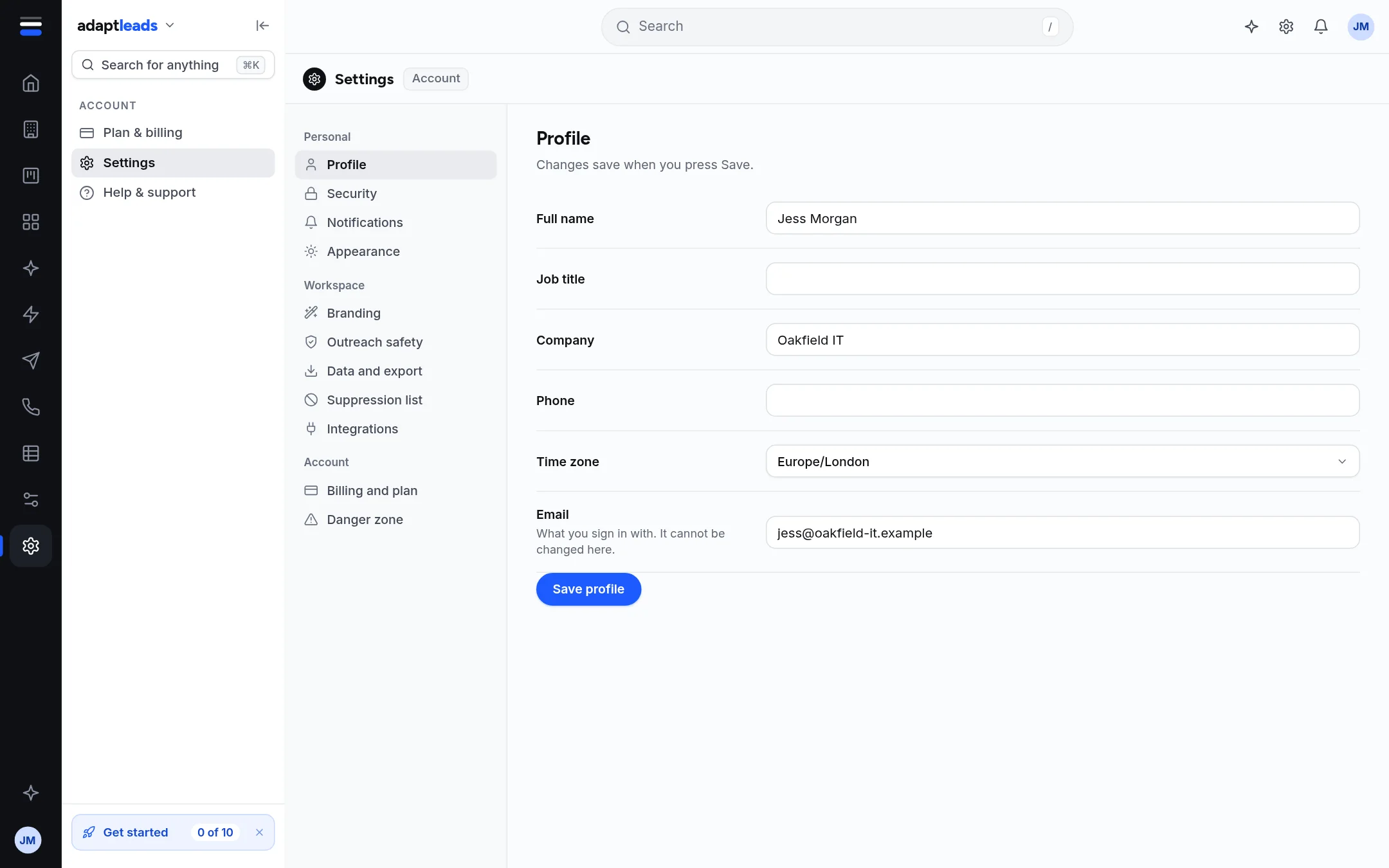
Change your name, job title, company, phone and time zone. Your sign-in email cannot be changed here.
- Open Settings then Profile.
- Edit Full name, Job title, Company, Phone or Time zone (Europe/London is the default; a short list of other zones is offered).
- Press Save profile. A toast says "Profile saved".
Notes
- Email is what you sign in with. It is shown greyed and cannot be changed here.
- Your name is used in the Home greeting and on your replies. The company name is on your account.
- Each field accepts up to 200 characters (title 120, phone 40).
- Ask Adapt can change these after you approve a card. It will not change your sign-in email.