Branding: your logo and colours
Choose a logo and colours for the whole app. They are saved in this browser only.
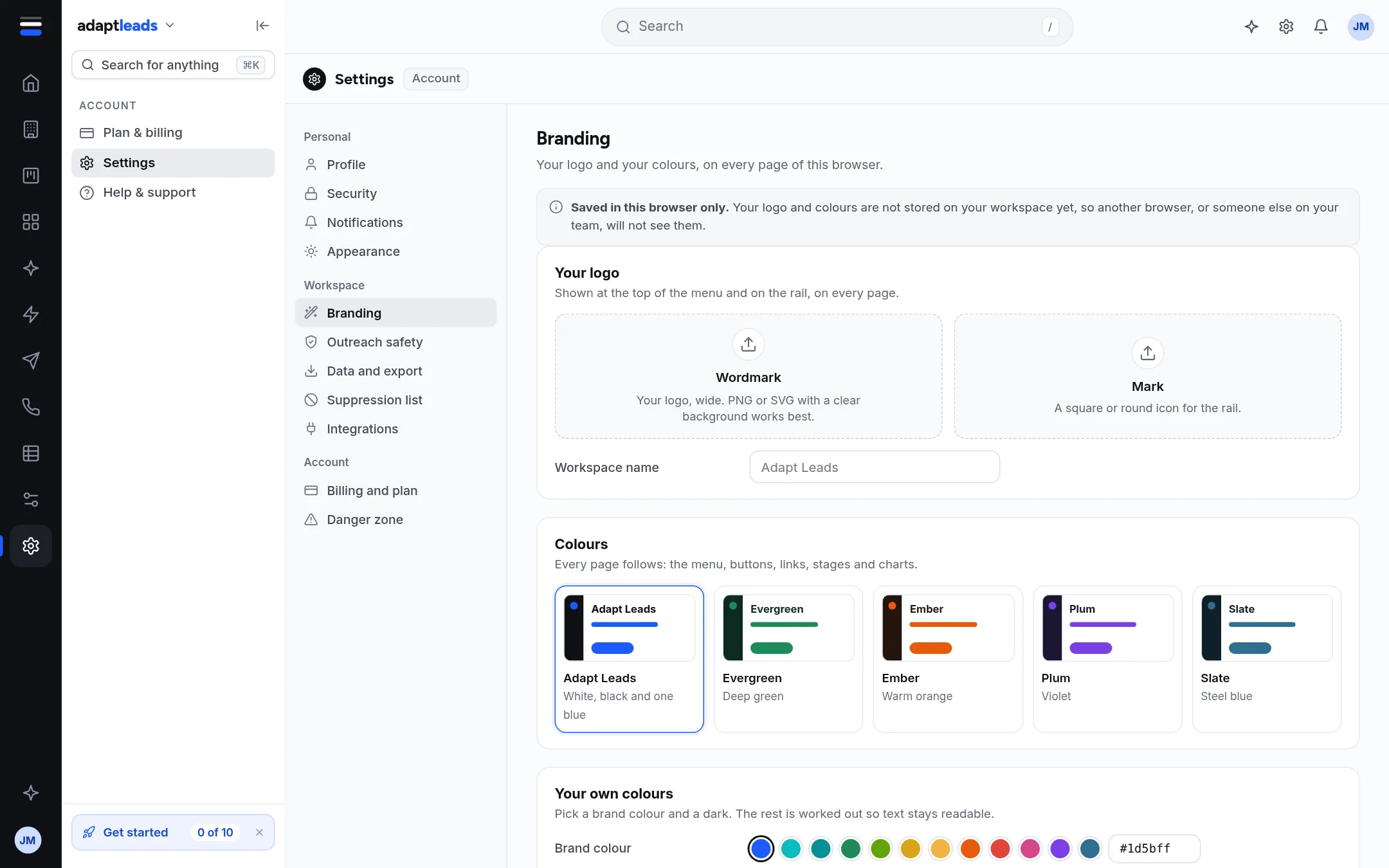
- Open Settings then Branding.
- Pick a preset, or add your own wordmark, logo mark and colours. The change shows straight away across the menu, rail, buttons, links, stages and charts.
- The tab title and icon follow a saved brand.
Branding sits in the Workspace group of Settings. The Set up page card Your logo and colours opens it: Set up: your logo and colours.