Use search and the command palette
Press Ctrl or Cmd and K, or the / key, to jump to any page or start an action.
You will be able to open any page, or start a common job, without using the menu.
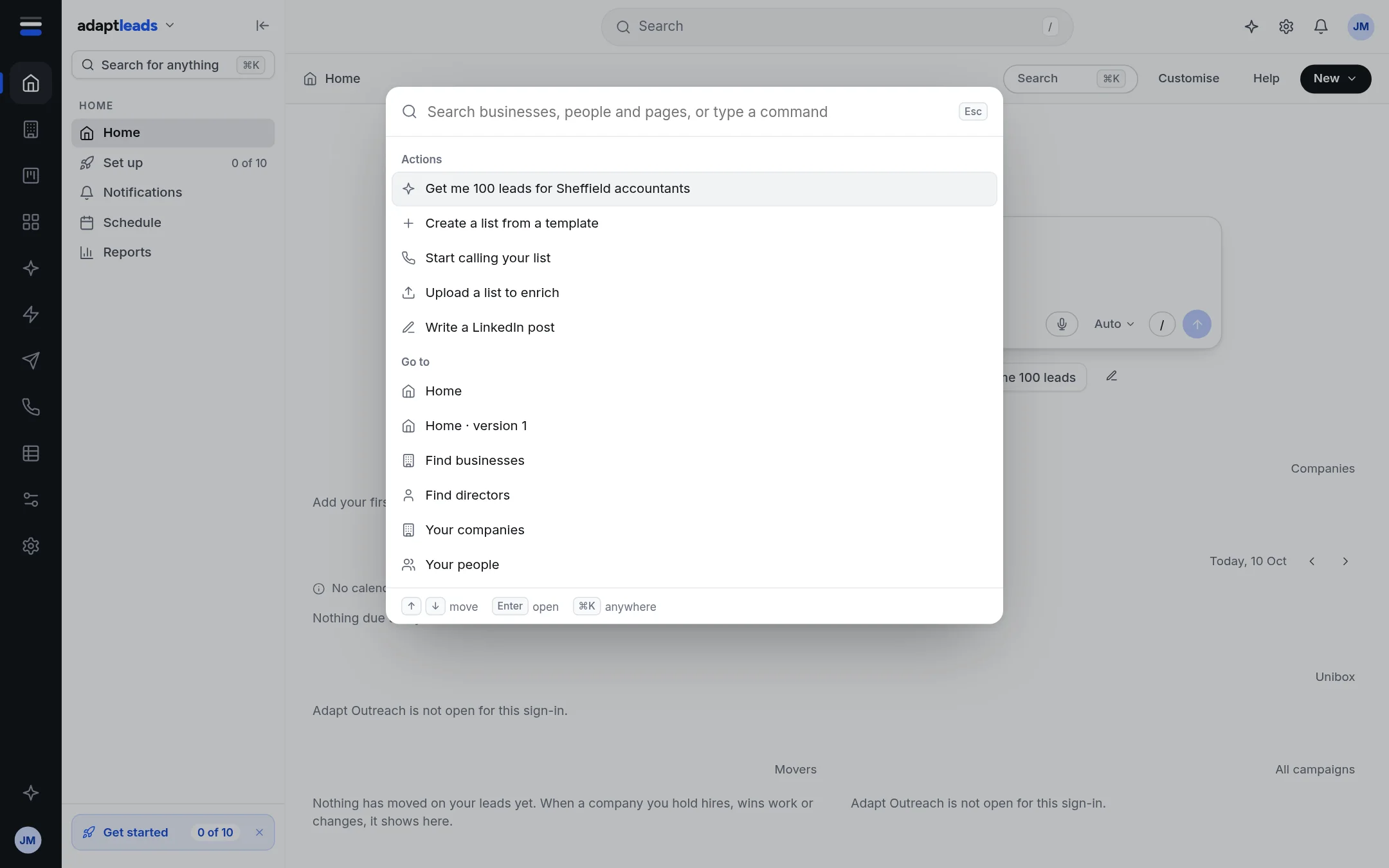
Steps
- Press Ctrl and K (Windows) or Cmd and K (Mac). You can also press / when your cursor is not in a box, or press Search for anything at the top of the side menu, or Search in the top bar.
- Type a few letters. The list narrows as you type.
- Move with the up and down arrow keys and press Enter, or click a row.
- Press Escape to close it without doing anything.
What the list holds
- Actions: ask Adapt for 100 leads, create a list, start calling, upload a list to enrich, write a LinkedIn post.
- Go to: a page of the app by name, such as Settings, Plan and billing, Unibox, Caller Console.
In the live app the palette lists actions and pages only. It does not list your own businesses or people by name; search the UK book on Businesses for that.
A second kind of search on Home
The Ask box on Home also searches pages as you type. After two letters it shows an Ask Adapt row first, then matching pages. Press Enter on the Ask row to ask, or pick a page to go there. See The Ask box and its modes.
If nothing matches
The list says "Nothing matches. Try a town, a sector or a name." Try a shorter word, or use Ask Adapt.