Lists and folders: the Lists area
A tour of the Lists area, with All revealed, folders, your lists and saved searches in the left panel.
The Lists area (the grid icon in the left rail) holds every business you have revealed and every list you have made. A list is a named set of businesses. A folder groups lists.
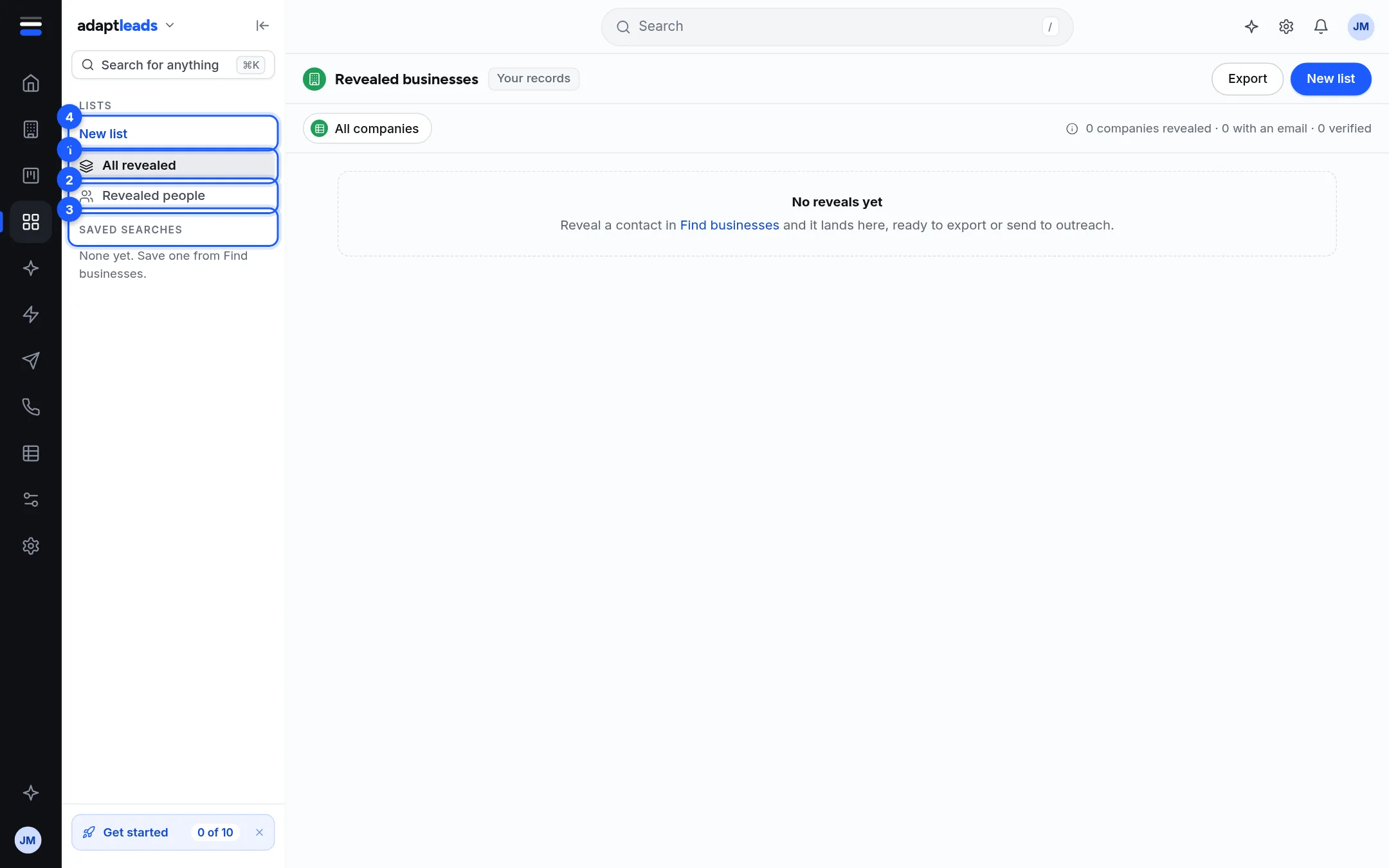
- All revealed. Every business you have revealed, with the count. This is the page you land on.
- Revealed people. The named people at those businesses.
- Saved searches. Your saved Businesses searches. Click one to open Businesses with its filters.
- New list. Makes a list. See Make a list.
Below Revealed people the panel lists your folders. Click a folder to open it and see its lists, each with its count. A new account has none yet.
Folders
A folder is the "campaign folder" you give a list when you make it. Lists with no folder sit under No campaign. A folder shows how many lists it holds. Folders are made only by naming one when you make a list. There is no separate folder to make or rename.
Ticking lists and folders
Each list and folder in the panel has a tick box. Tick some and a bar appears at the bottom of the panel: "N lists · N businesses", with Send to… and Clear. Send to… gathers the businesses from the ticked lists, once each, and opens the box to send them to an email campaign or the caller console. See Tick rows and act on several at once. Only the first 300 of each list come through this way, and the box says when it is short.
The Revealed businesses table
| Column | What it shows |
|---|---|
| Company | Name and sector |
| Director or owner | The named person, or "Not named yet" |
| Email, Director email | With their labels. See Email labels explained: Verified, Catch-all server and the rest. |
| Phone | Number and kind of line |
| Website | Link |
| Company number | With a status pill, or "Not on the register" |
| Revealed | When you revealed it |
The header says how many companies are revealed, how many have an email and how many are verified. The footer counts the rows on the page. Click a row to open its record. Revealed people lists the director and any registered manager at each business, with their email and the business phone.
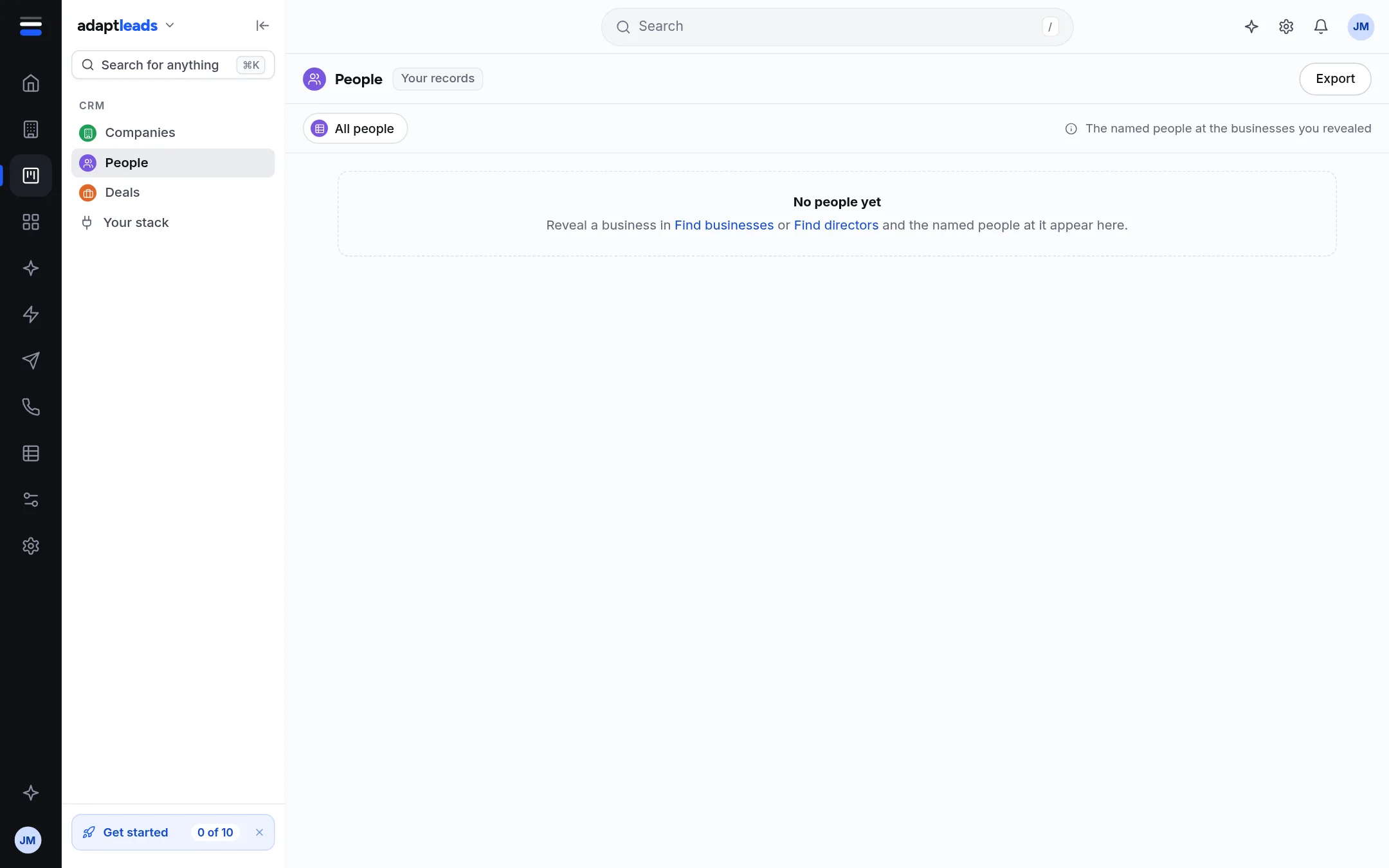
With nothing revealed the page says "No reveals yet" and points to Find businesses.
A single list
Click a list to see it. The header shows its name, its folder and "Made by you" with the date. The table is the same as Businesses, with Checks and a Contact column. Buttons: Export and Send to….
A list page shows its first 300 businesses. Past that it says "Showing the first 300 of N. The rest are still on the list, and an export of the list includes every one you have revealed."
An empty list says "This list is empty" and tells you how to fill it.
What you cannot do here
- Rename a list, or move it to another folder.
- Take a business off a list. A business stays on a list once added.
- Share a list with a teammate. Lists belong to your account.
- Delete a list. A list can be archived, which keeps its businesses and hides it. Ask Adapt can do that for you. See What Ask Adapt can and cannot do today.