The Leads inbox
Enquiries before they are deals, worked down to empty. Convert one into a company, a person and a deal.
The Leads inbox holds enquiries that are not yet deals. The aim is to work it to empty.
What a lead is
A lead is one enquiry: a name, a company, an email, a phone, a status, a source, an owner, the day received and notes. The statuses are New, Contacted, Handled, Converted and Disqualified.
How leads arrive
- You add one by hand.
- You import a file as leads. See Import records from another CRM or a spreadsheet.
- A form or tool sends it in. See Where leads come from, Rules and Connections.
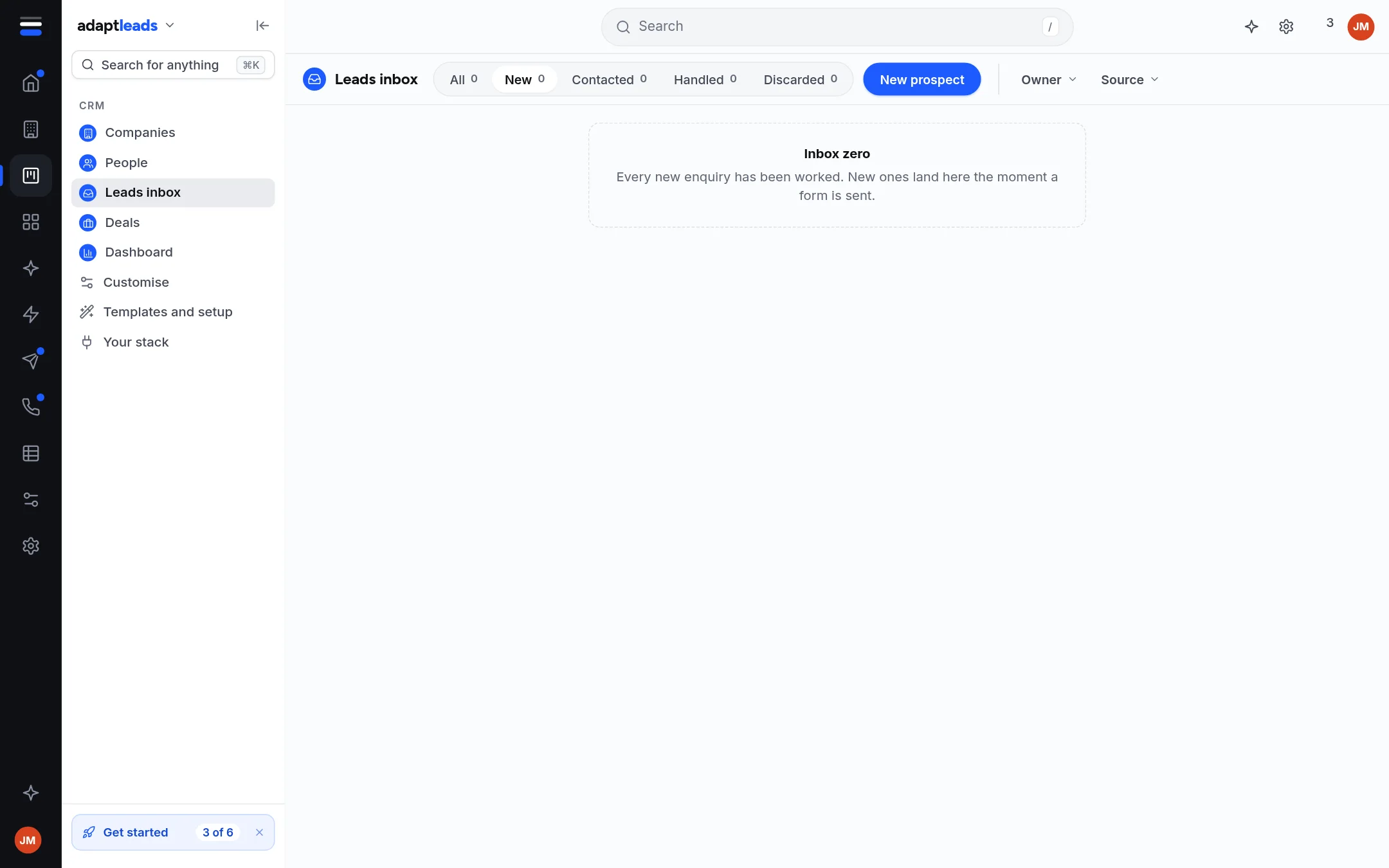
The inbox has tabs (All, New, Contacted, Handled) and filters for owner and source.
Convert a lead
Converting makes the company, the person and the deal and marks the lead converted. If a convert stops halfway, what it made stays out of sight until the lead is linked, and the next list finishes the job or takes back what was made. You never see half-records.
A new CRM's inbox is empty. It never shows sample leads.