Companies and people in the CRM
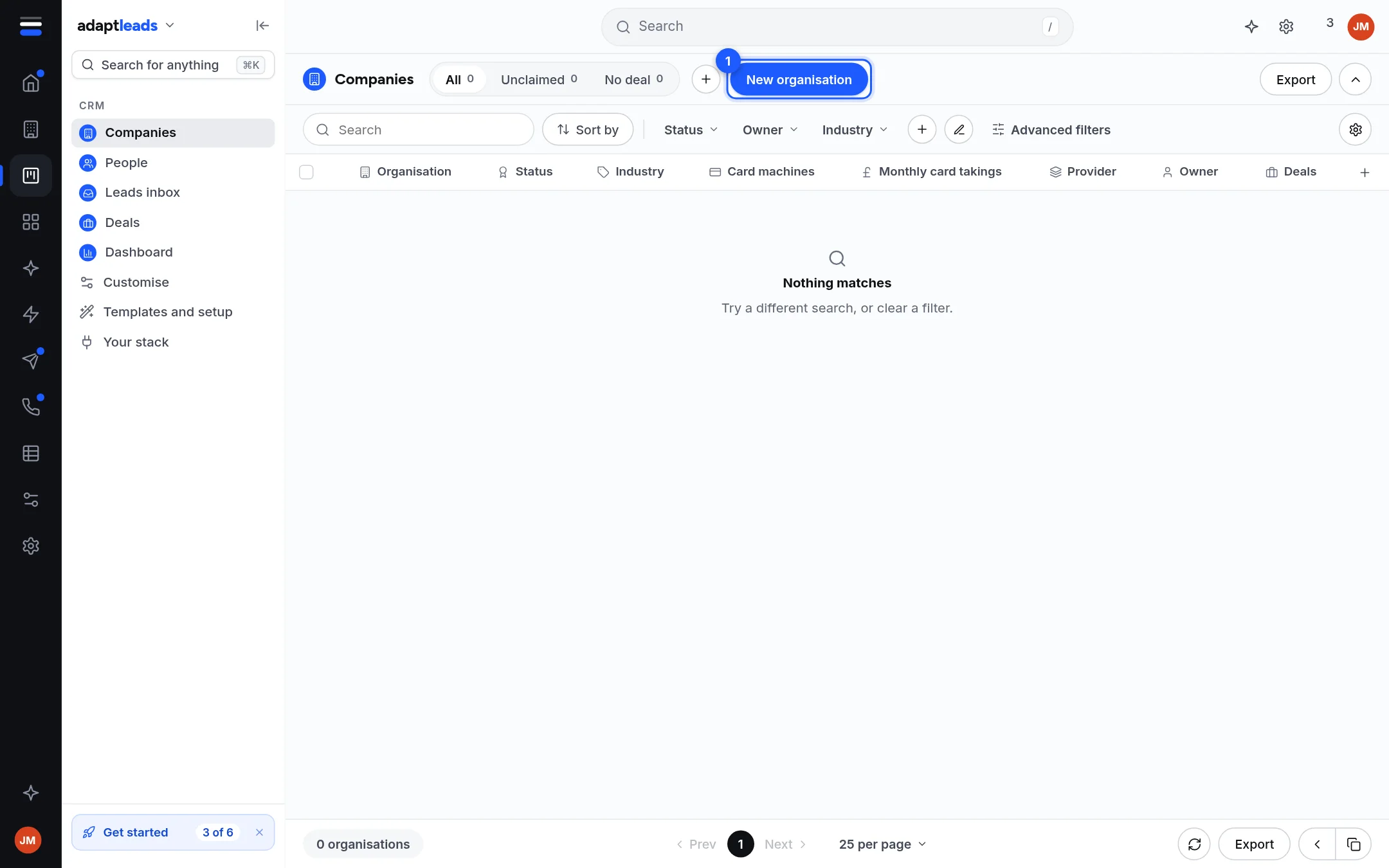
The Companies and People lists. Click a cell to edit it, click a row to preview it, and open a record for the full page.
Companies and People are tables of everything you hold. On the Basic CRM they are the first two items under CRM.
Add one
- New organisation (Companies) or New contact (People) opens a side panel. Nothing is added until you press the create button.
- New prospect on Deals makes a company, a person and a deal together. See Add a deal with New prospect.
- Import a file. See Import records from another CRM or a spreadsheet.
- A new CRM starts empty.
Work in the table
| Control | What it does |
|---|---|
| Tabs | All, plus tabs that appear when they mean something, such as Unclaimed or No deal, with counts. |
| Search, Sort by | Find and order rows. |
| Status, Owner, Industry and so on | Quick filters. The + adds a filter and Advanced filters adds more. |
| Column gear | Show, hide and reset columns. |
| Click a cell | Edit it where it sits. One edit is one save, with a reason kept in the change log. |
| Click a row | Opens a Preview tile beside the page with its notes and tasks. |
| The name | Opens the record's own page. See A company record in the CRM. |
| Export | A CSV of what the filters show. See Export records from the CRM. |
Only columns your CRM has a field for are drawn. 25 rows show per page; the footer lets you change that.
Customer, opportunity, lead
A company or person is labelled from its deals, never typed: a Customer once a deal is won, an Opportunity while one is open, otherwise a Lead.
What does not happen
- Editing a phone number or email here does not change the UK book. It says "The UK book is not changed."
- There are no shared views, copy-link or "restore deleted" on the lists yet. Saved views stay in your browser.