The Agents page
The Agents page lists the four agents, what is waiting, Run now, and four sub-pages: To review, Done today, Results and Settings.
The Agents page is where you run the agents and see what they last did.
Open Agents in the left rail.
The first time
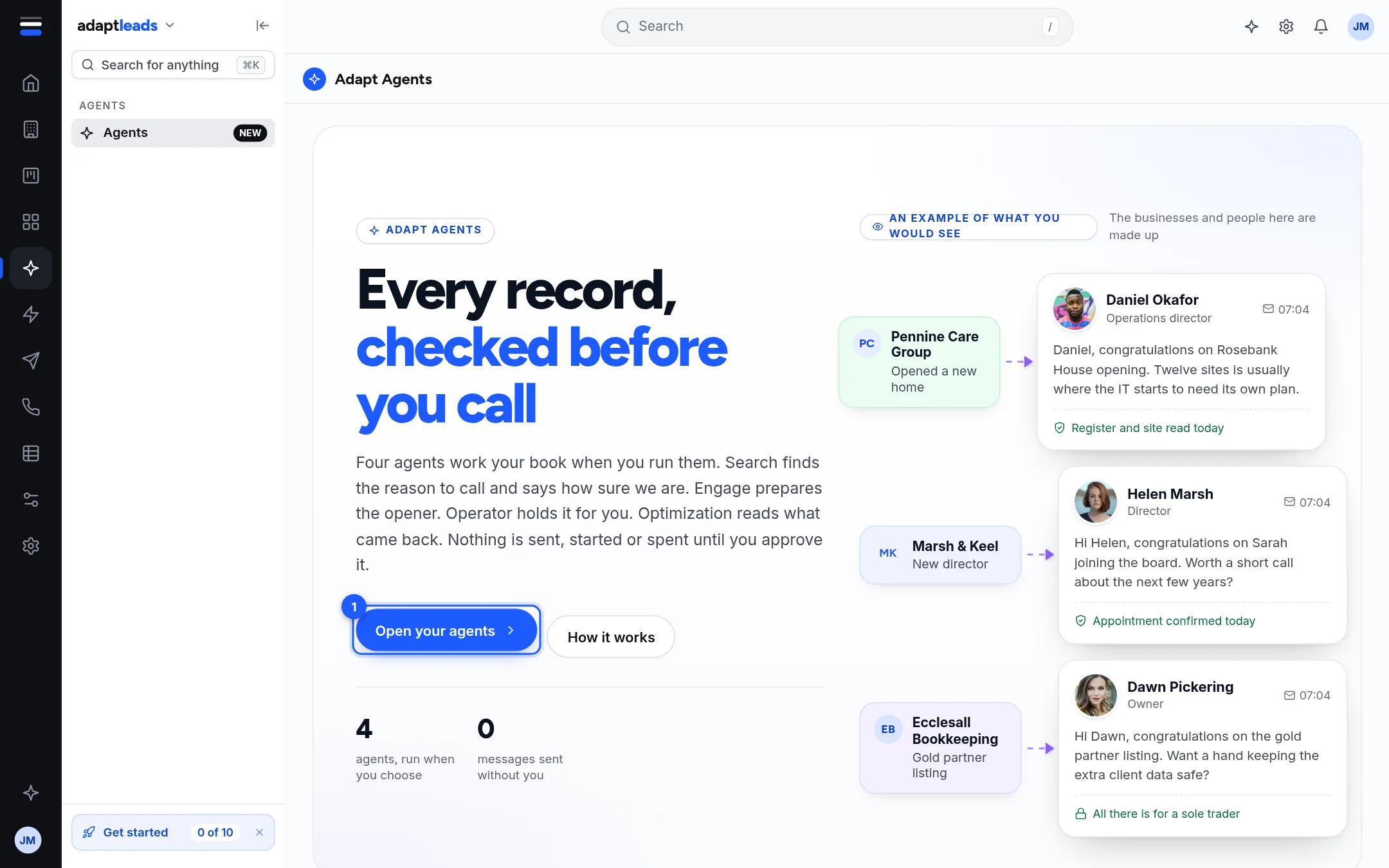
The first time, you see an introduction with an example of what agents prepare. The people and businesses in it are made up, and the page says so. Click Open your agents. Your browser remembers this, so you will not see the introduction again on this browser. It is a choice about the page, not about your account.
The page
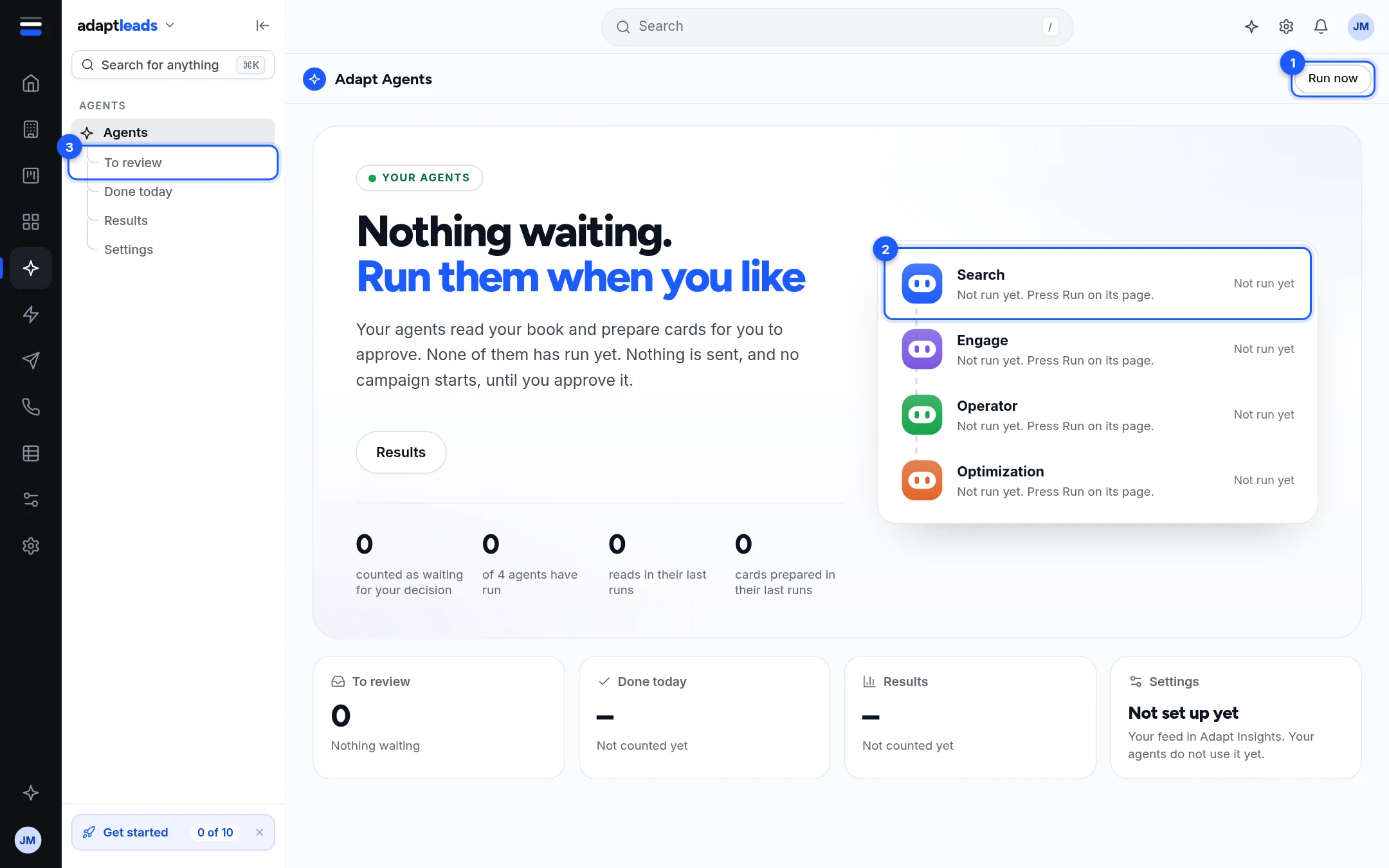
- Run now (top right) runs all four agents one after another, each with no instruction.
- The four agents, each with when it last ran and how many steps and cards it prepared. Click one to open its panel.
- The sub-pages in the left rail: To review, Done today, Results, Settings.
Under the agents are four numbers: how many cards are counted as waiting for your decision, how many of the four agents have run, how many reads and how many cards were prepared in their last runs. Below them four tiles lead to the sub-pages.
The sub-pages
| Page | What it shows |
|---|---|
| To review | How many cards are waiting, and the ones prepared in the last 30 minutes. |
| Done today | Each run since midnight. |
| Results | What Optimization has reviewed. What agents changed on your records is not counted yet. |
| Settings | Your business, who you sell to, sending, where signals go, and the agents. |
See Approve what an agent prepared, See what an agent did: runs and steps and Agents settings: what is and is not connected.
Limits
- One run of an agent at a time. A second press while one is running answers "That agent is already running. Pause it before starting another."
- The count of waiting cards is "at most": it includes cards that have expired and that nobody cancelled.