See what an agent did: runs and steps
Open an agent to see its last run step by step, earlier runs, and run a step again. Done today lists the day's runs.
You will end knowing exactly what an agent read and prepared.
One agent's last run
- Click Agents, then click the agent.
- Under Its last run, read the confidence line, then the steps (up to 12), each in plain words, for example "Read your campaigns", "Prepared emails for you to approve" or "Paused a campaign".
- Each step says what kind it was: Read only, A card is waiting for your approval, Nothing to approve, Done without asking: it only stops contact, or Did not go through.
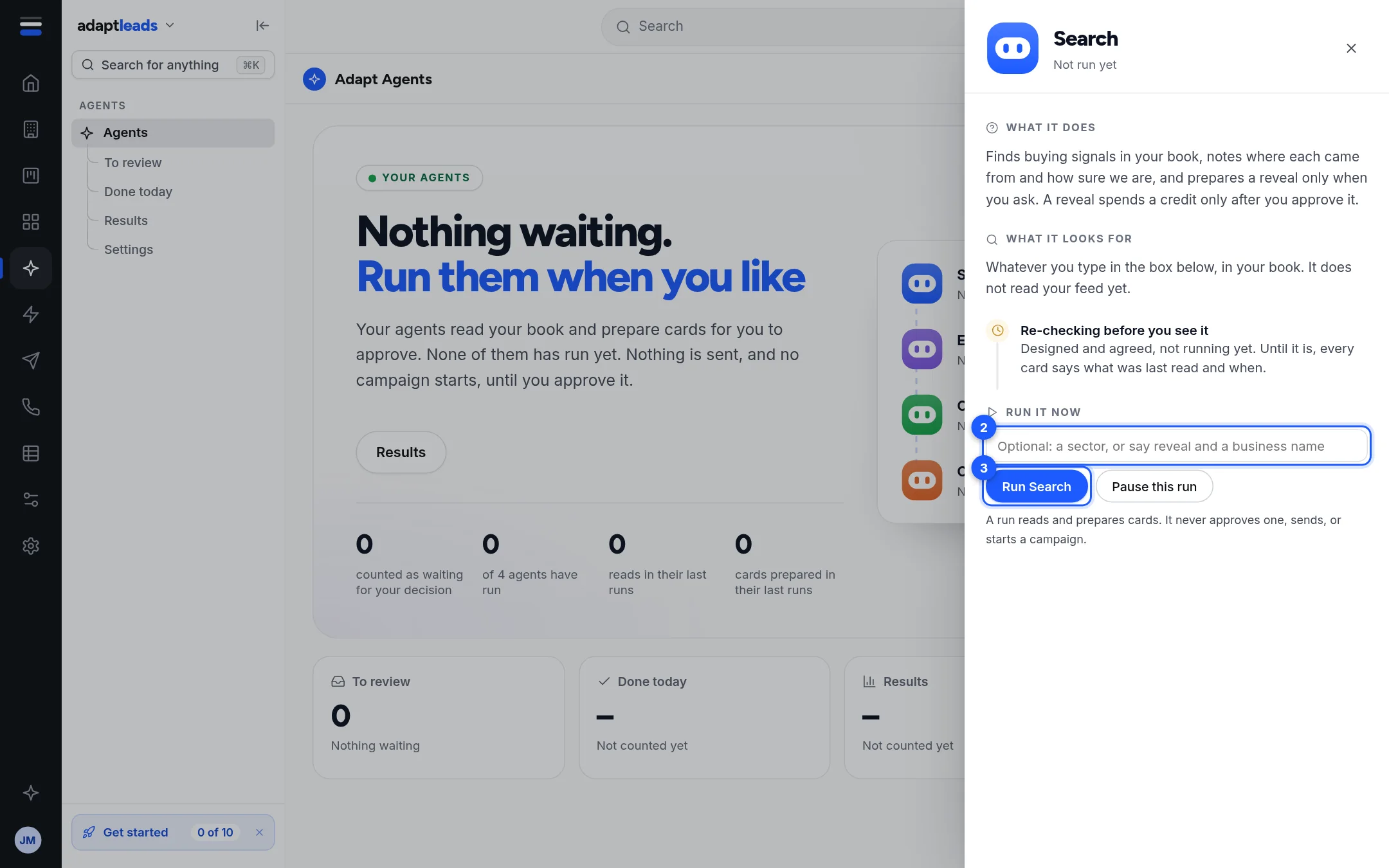
- Run this step again repeats a read or a proposal. It is not offered for a direct pause or unsubscribe, and a campaign cannot be started this way.
- Under Earlier runs are up to six older runs with date, instruction, steps and confidence.
Done today
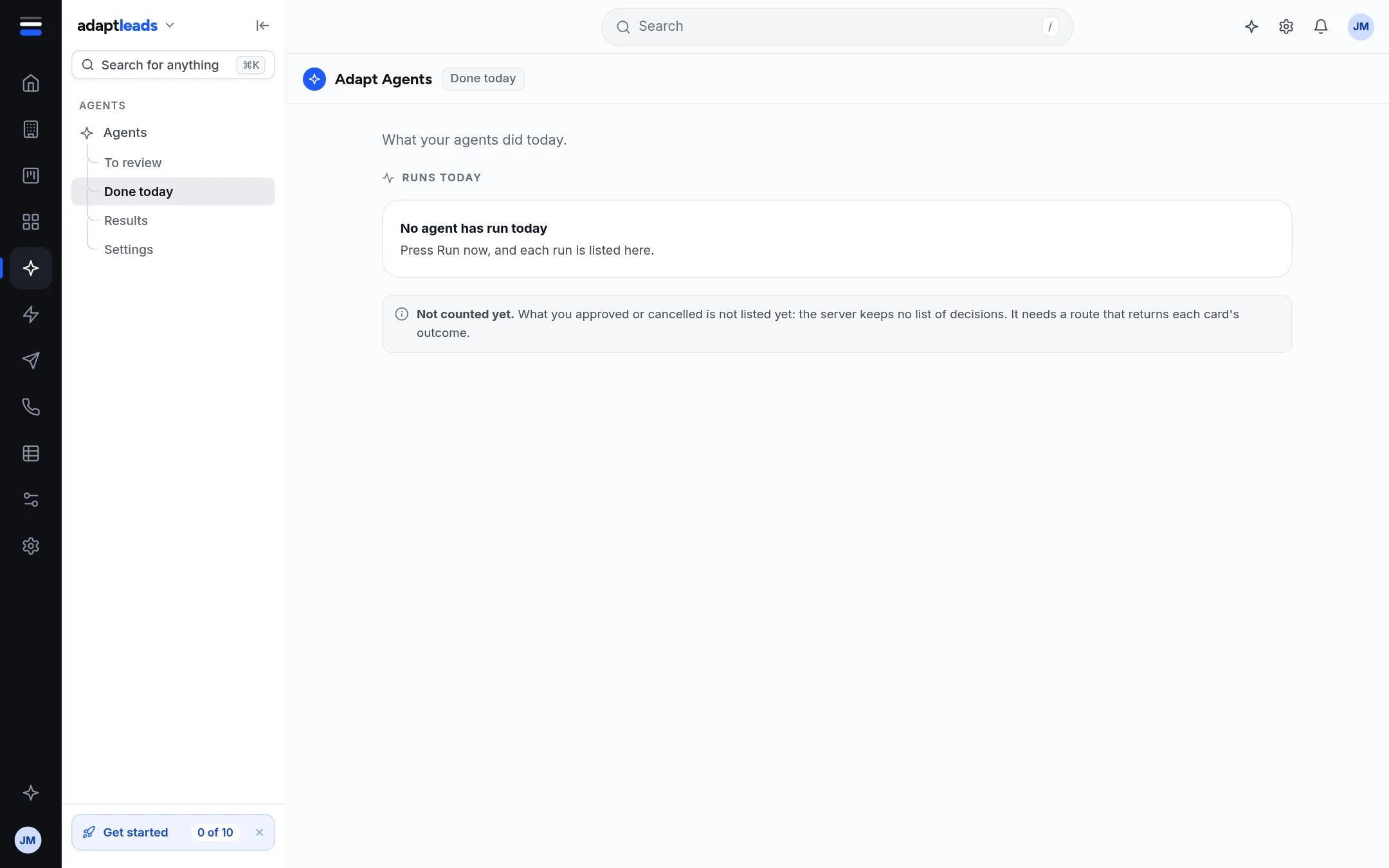
Agents then Done today lists each run since midnight, with steps, cards and anything it did directly. With none it says "No agent has run today". What you approved or cancelled is not listed yet.
Results
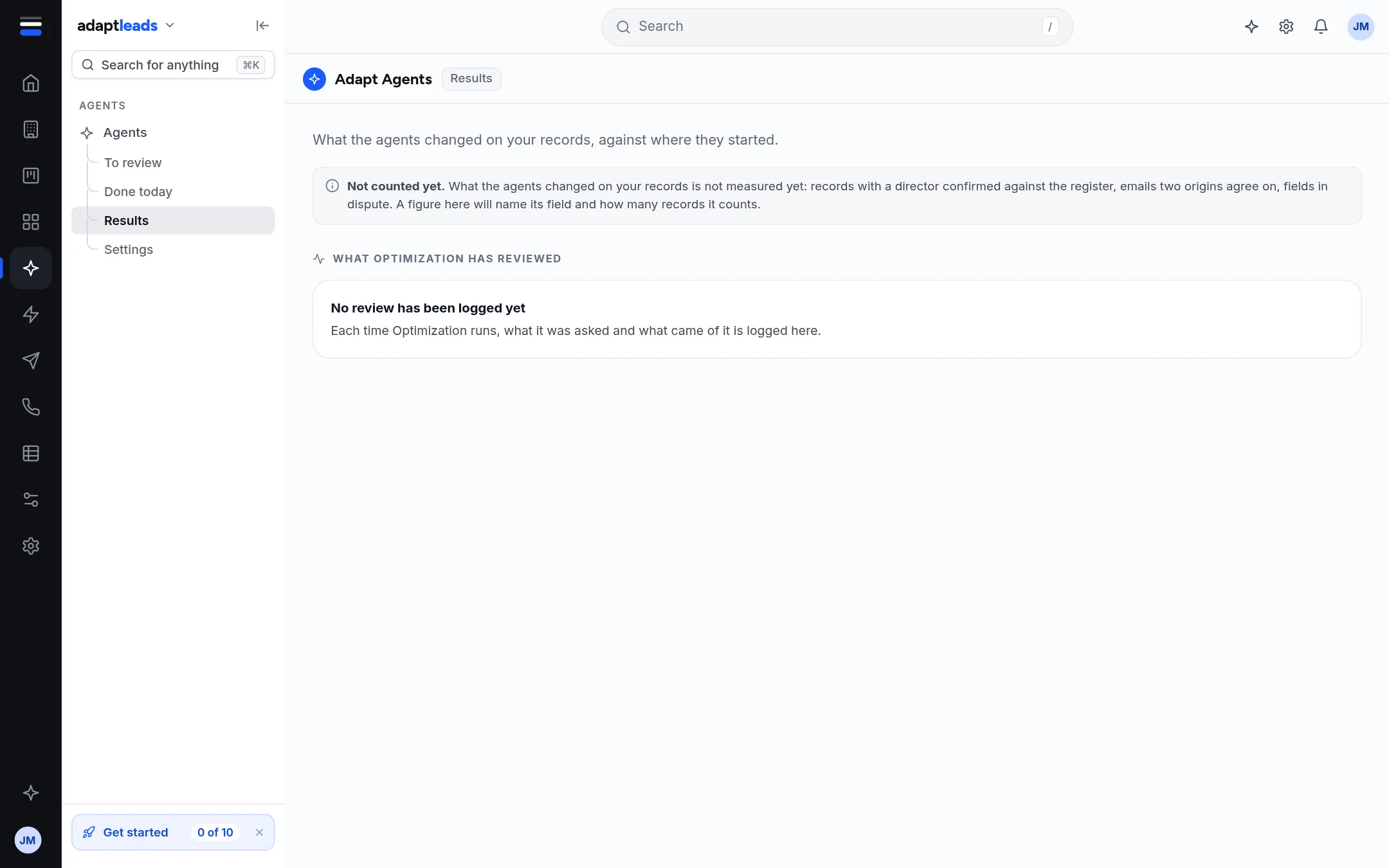
Results lists what Optimization reviewed, up to 20, with what it was asked, the result and who asked. What agents changed on your records is not counted yet.
Confidence
Each run has one confidence: high, medium or low, with a reason such as "Read from the signed-in book (12 rows)" or "The read did not come back, so this is not a score." It tells you how complete the read was. It is not a promise about the business.