Sectors: compare the sectors you sell to
A tab for each sector you sell to, with its monthly counts, where it is happening and a table comparing every sector.
Sectors shows each sector you sell to on its own, and lets you compare them.
Open Adapt Insights then Sectors. Tabs run along the top: one for each sector in your feed (up to eight), and Compare every sector. With no feed saved, the tabs are the busiest sectors for news.
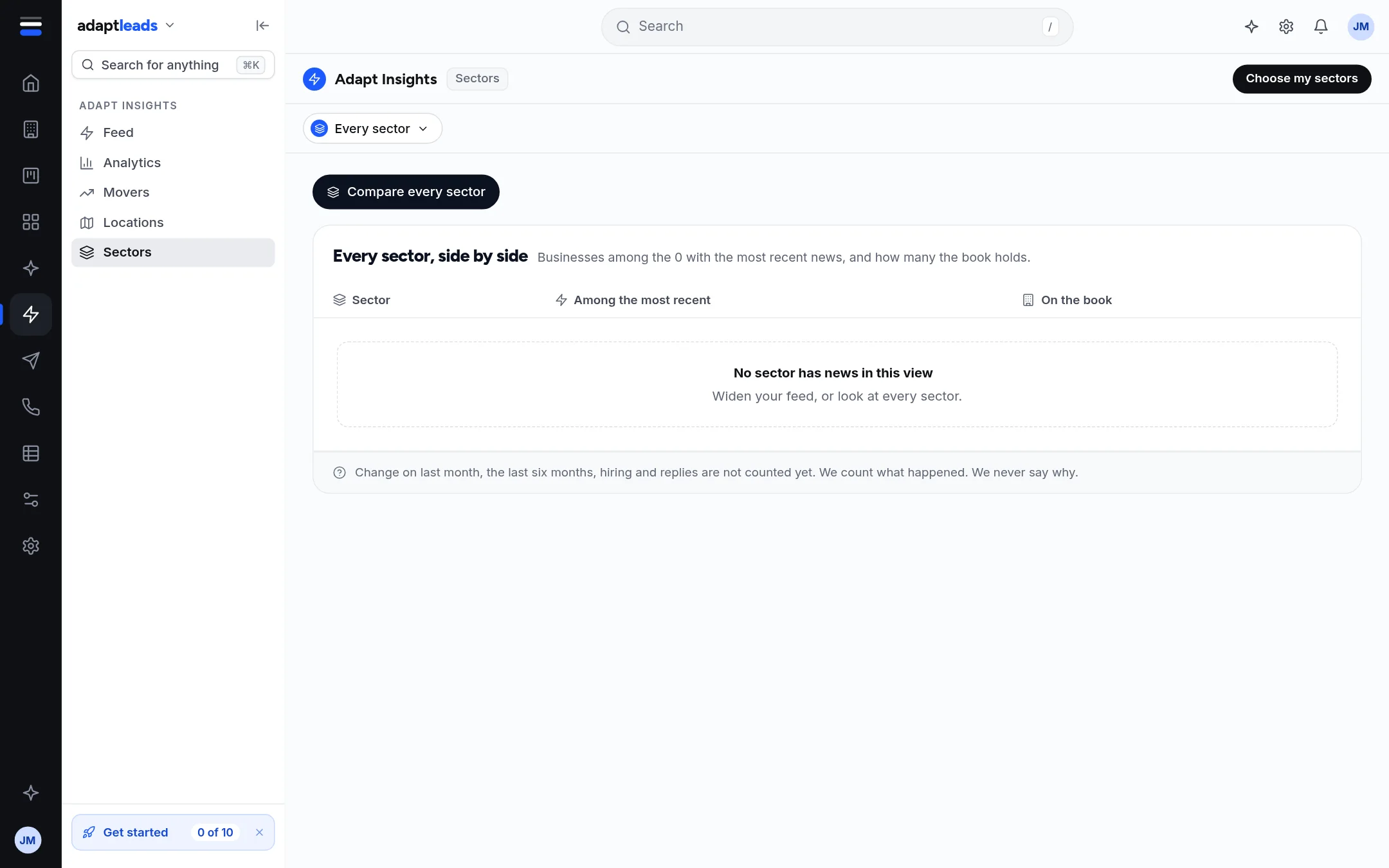
On a new account the page is mostly empty. With a feed saved it fills in.
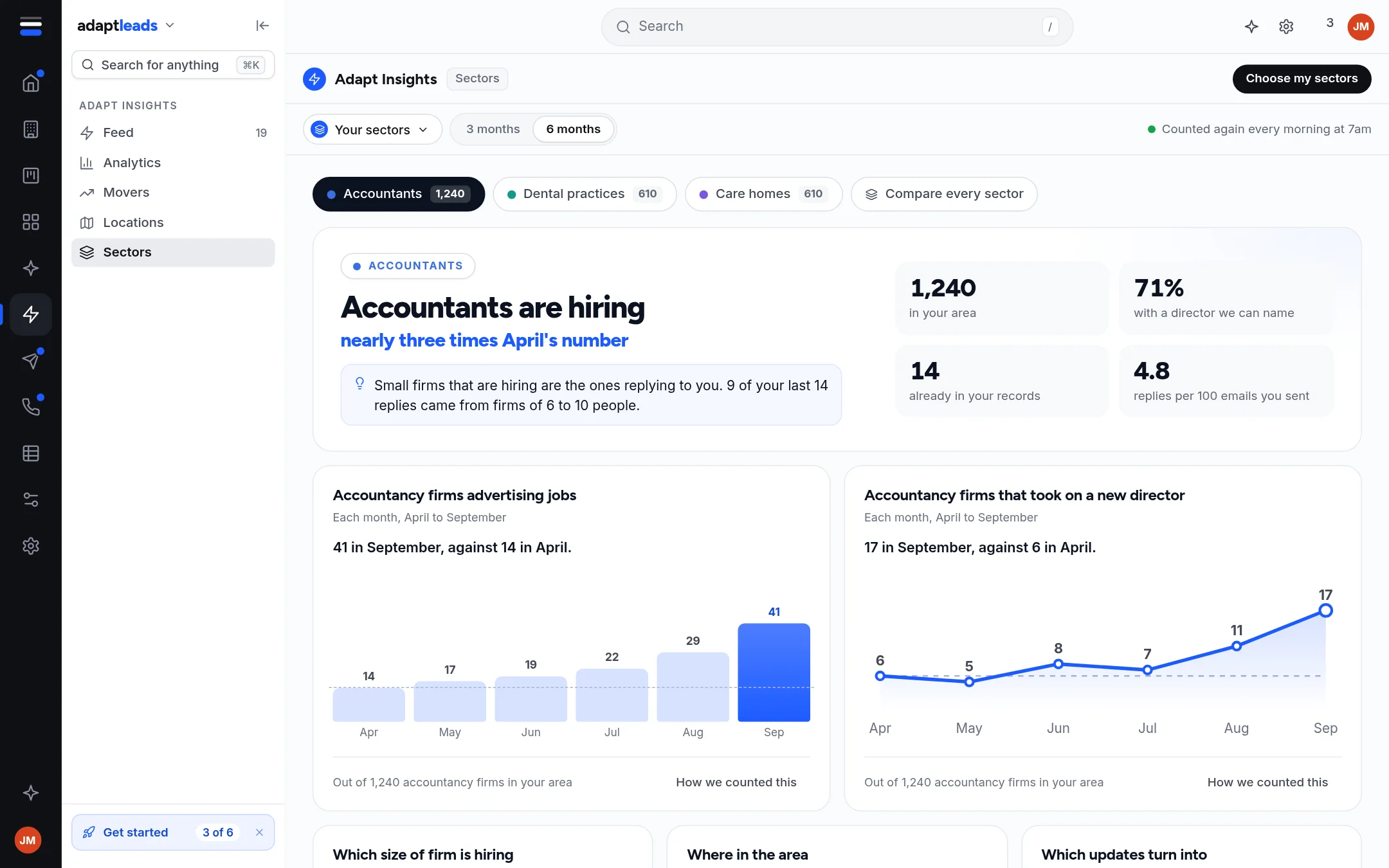
The picture is the sample world.
What a sector tab shows
- A headline with how many businesses have news in the last 120 days and how many the book holds in that sector.
- Four numbers. The replies figure says Not counted yet.
- Two monthly charts, hiring and leadership, where Adapt has enough months. Otherwise each says Not counted yet with one line on what is missing.
- What kind of news is most common, and where in the country.
- What this means for you: Show the news opens the Feed for that sector alone. The second box says advice is not counted yet. Nothing is sent from here.
- Industry news for the sector, if you switched it on in setup: stories that do not name one firm, from the last 120 days.
Compare every sector
A table of each sector, how many businesses have news, and how many the book holds. A sector you sell to has a You sell to this label. Click a row to open it.
Use Choose my sectors at the top right to change your feed. See Set up your feed: who you sell to, and where.