The Schedule page
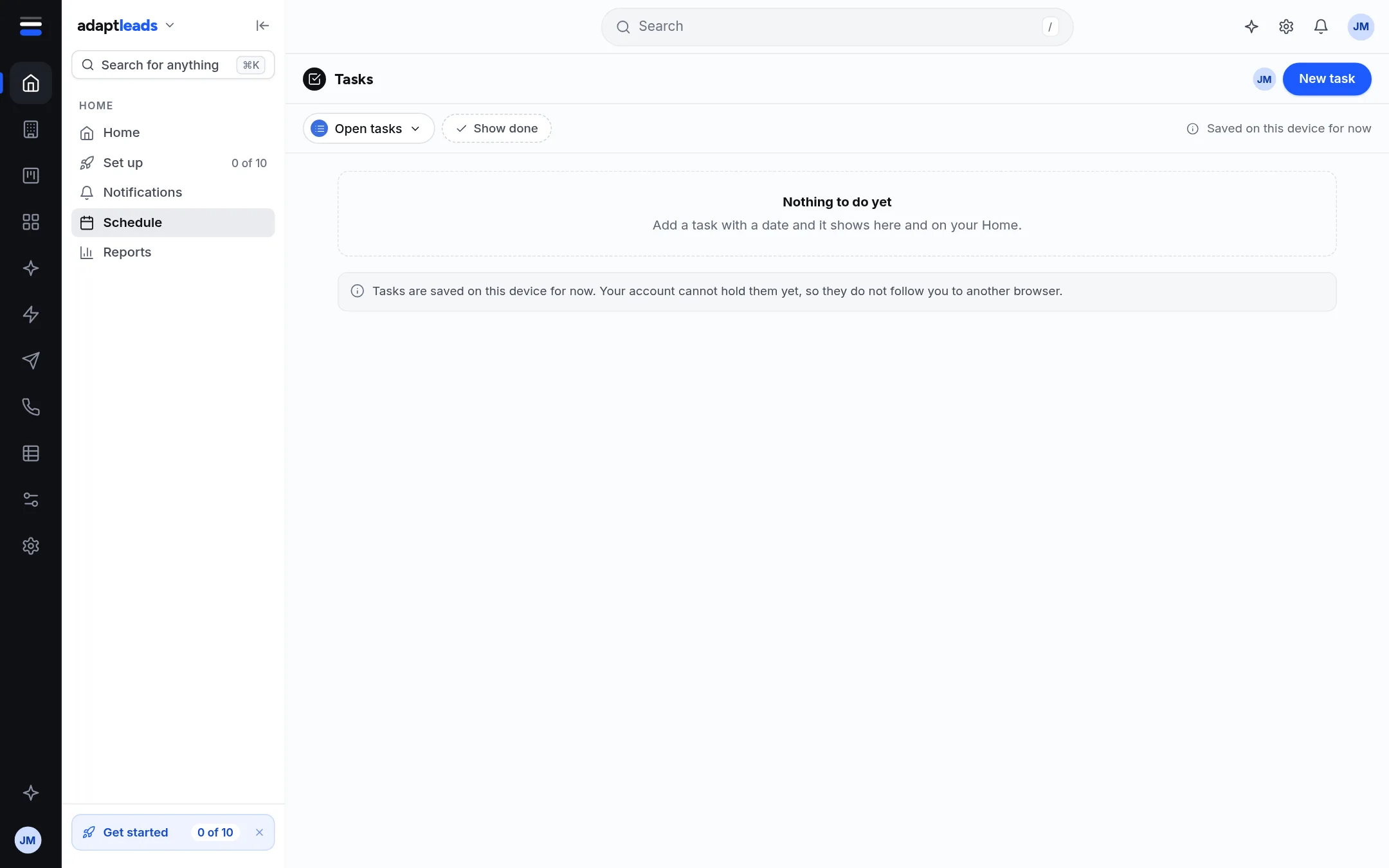
The Schedule is a calendar of your tasks and LinkedIn posts. Google events and some tasks are not shown yet.
Schedule (side menu, Home area, Schedule) is a calendar with hours down the side and days across. It draws only what Adapt really holds.
What it shows
- CRM tasks, yours or the whole team's, when your CRM is open.
- Tasks kept on this device, including reminders Ask Adapt adds.
- Your LinkedIn posts with a time.
A task has a date but no time, so it sits under Any time. A post or a device task with a time sits at its hour.
What you can do
Tick a task to complete it (a CRM task is marked done on the CRM; a device task is marked done here). Add a task, move one, and click a card for the full story in a side panel. A task kept only on this device can be deleted. A CRM task is done, not deleted.
What it does not show
Device tasks
Tasks with no CRM record are saved on this device only. They do not follow you to another browser.
See The Today strip on Home for the same data on Home.