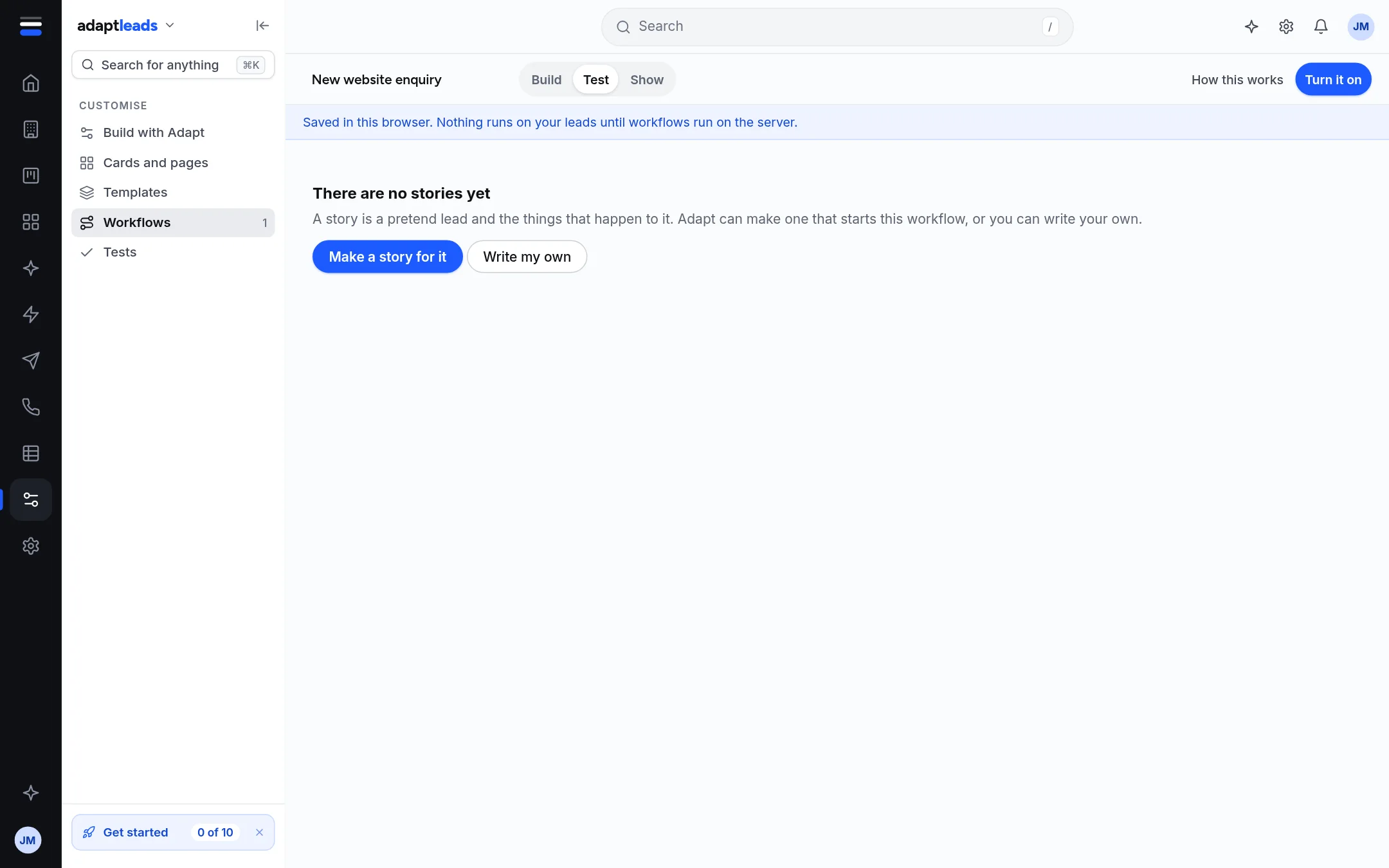
Test a workflow on a pretend lead
A story is a pretend lead and what happens to it. Play it through your workflow and see each step, with nothing sent.
You will have seen your workflow play through a pretend lead, with a line for every step and a check that says what must be true at the end.
A test never touches your real records. It works in the builder, in your browser, so it works even though workflows do not run on the server yet.
Test one workflow
- Open a workflow and press Test.
- If there are no stories, press Make a story for it. Adapt makes one that starts this workflow, with one check: that it starts. Or press Write my own.
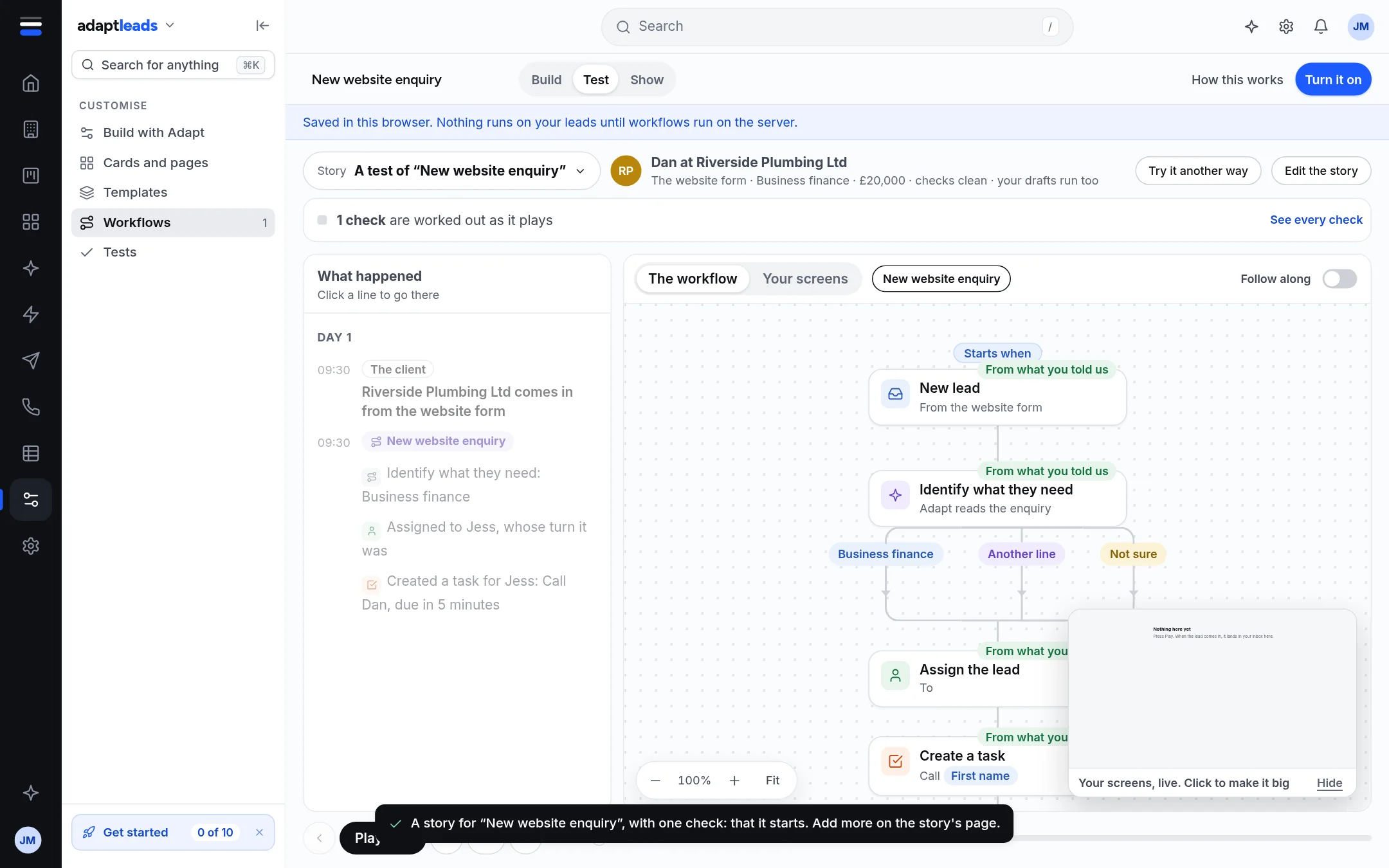
- The page shows the pretend lead at the top (a name, how it came in, and whether the checks are clean) and What happened on the left, a line for each step with the time.
- Press Play at the foot to step through it. Follow along moves the picture with it, and Your screens shows what a person would see.
- Try it another way offers another way the story could go. Edit the story opens it. See every check lists the checks.
The Tests page
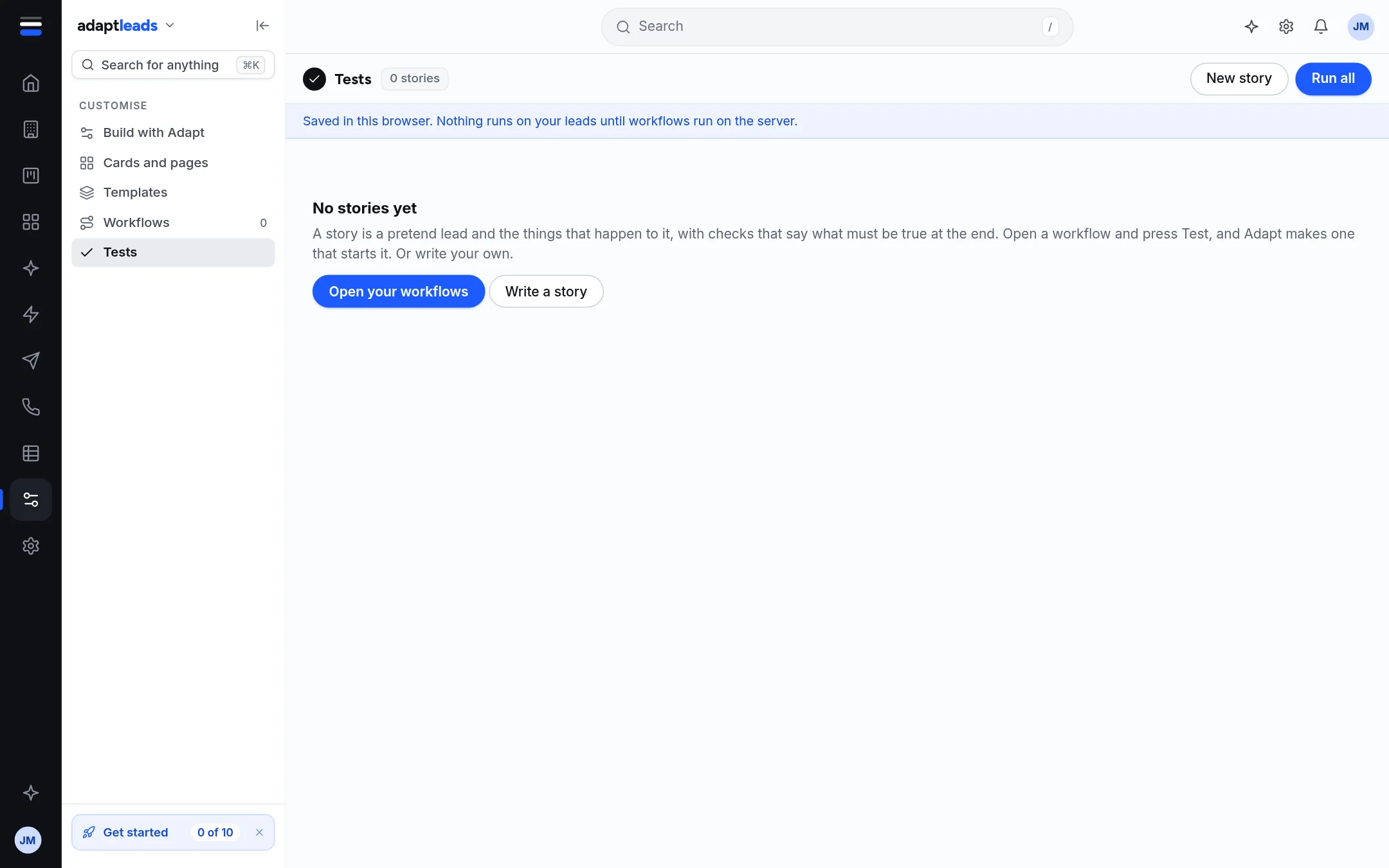
Tests in the Customise menu lists every story you have, with Run all and New story. A story is a pretend lead and the things that happen to it, with checks that say what must be true at the end, such as "it never reaches a stage".
What a test does not do
- It does not send an email, text or LinkedIn message, create a task or change a record.
- It does not show a run count, because nothing has run on the server.
- It does not prove the workflow will run on your leads: that part is not connected yet.
Show
The Show tab uses the same stories to walk your team through a workflow. Send it to the team is not connected: the link opens the walkthrough in this browser only and nothing is sent.